How to Add a Stage for a Virtual Event in Zuddl
Last updated: August 1, 2025
To set up your stage:
- Go to Venue Setup > Stage.
Click the + Add stage button.
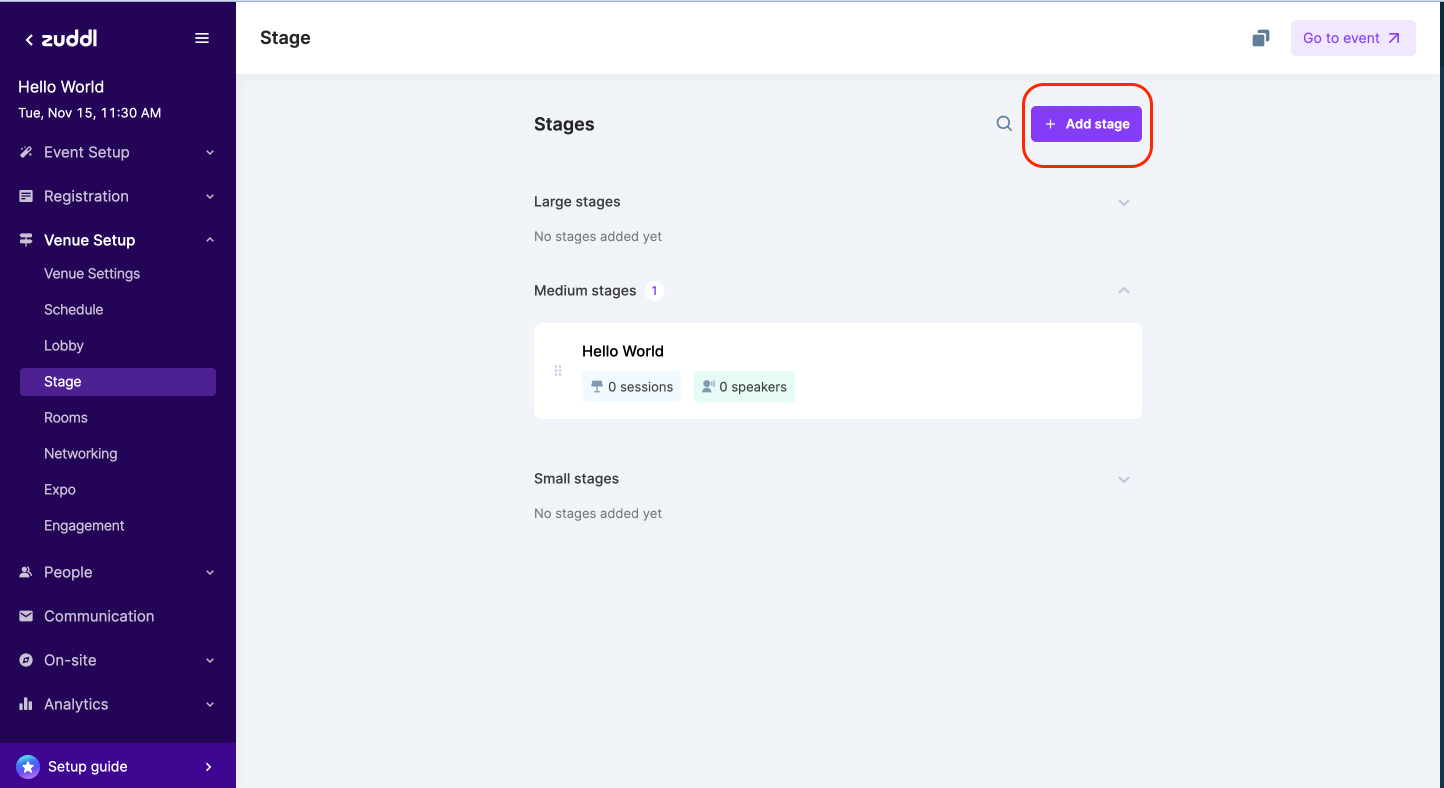
Add stage button - On the right pane, enter the basic stage details:
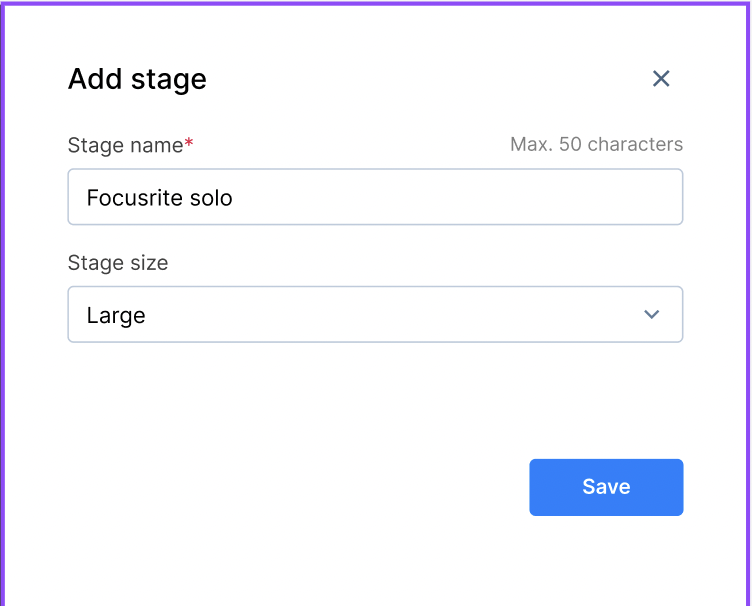
- Enter a Stage Name of up to 50 characters.
Select a Stage size (Large, Medium, or Small) from the dropdown and then click Save.
All the previously created stages appear on a list based on the stage size: Large, Medium, and Small. You can also search, edit, and delete a stage, view the number of segments and speakers for a particular stage, and reorder the list.
Your attendees will see the list in the same order as you set it on this page.