Send Event Activities from Zuddl to Marketo
Last updated: August 19, 2026
Activities - Webinar/Events
The registrant activities the integration captures are shown below:
Activity name | Events | Webinar | Sync time |
New user registration | ✔ | ✔ | Immediate |
Attended | ✔ | ✔ | 5 minutes (after attending) |
Event Polls answered | ✔ | ✔ | 5 minutes |
Event Questions Asked | ✔ | ✔ | 5 minutes |
Event Questions Upvoted | ✔ | ✔ | 5 minutes |
Event CTAs clicked | ✔ | ✔ | 5 minutes |
VOD Views | ✔ | ✔ | Every day at 12:10 AM and 12:10 PM (UTC) |
Event Survey Answered | ✔ | 5 minutes | |
Attended Session Live | ✔ | ✔ | 5 minutes |
Attended Discussion Room | ✔ | ❌ | 5 minutes |
Attended Booth | ✔ | ❌ | 5 minutes |
Event Engagement Time | ✔ | ✔ | 1 hour (after event ends) |
Event Discussion Room Engagement Time | ✔ | ❌ | 1 hour (after event ends) |
Event Session Engagement Time | ✔ | ✔ | 1 hour (after event ends) |
Event Booth Engagement Time | ✔ | ❌ | 1 hour (after event ends) |
Entered | ✔ | ✔ | Immediate |
No Show | ✔ | ✔ | 1 hour (after event ends) |
Select activities to pass to Marketo
Toggle on the custom activities you want the integration to capture and send to your Marketo account. The custom activities vary for virtual events and webinars. You can view the available custom activities for virtual events and webinars.
Events | Webinars |
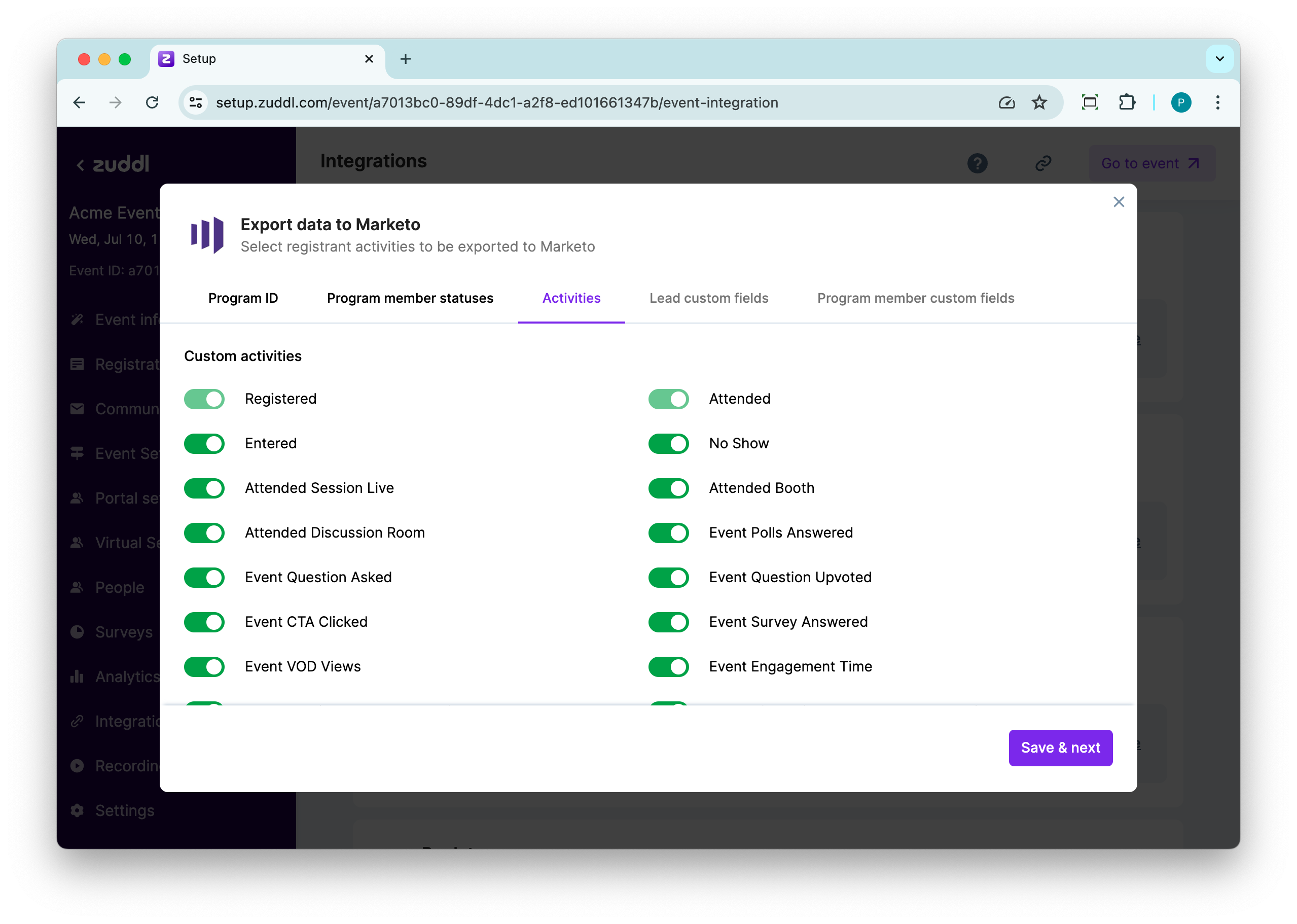 | 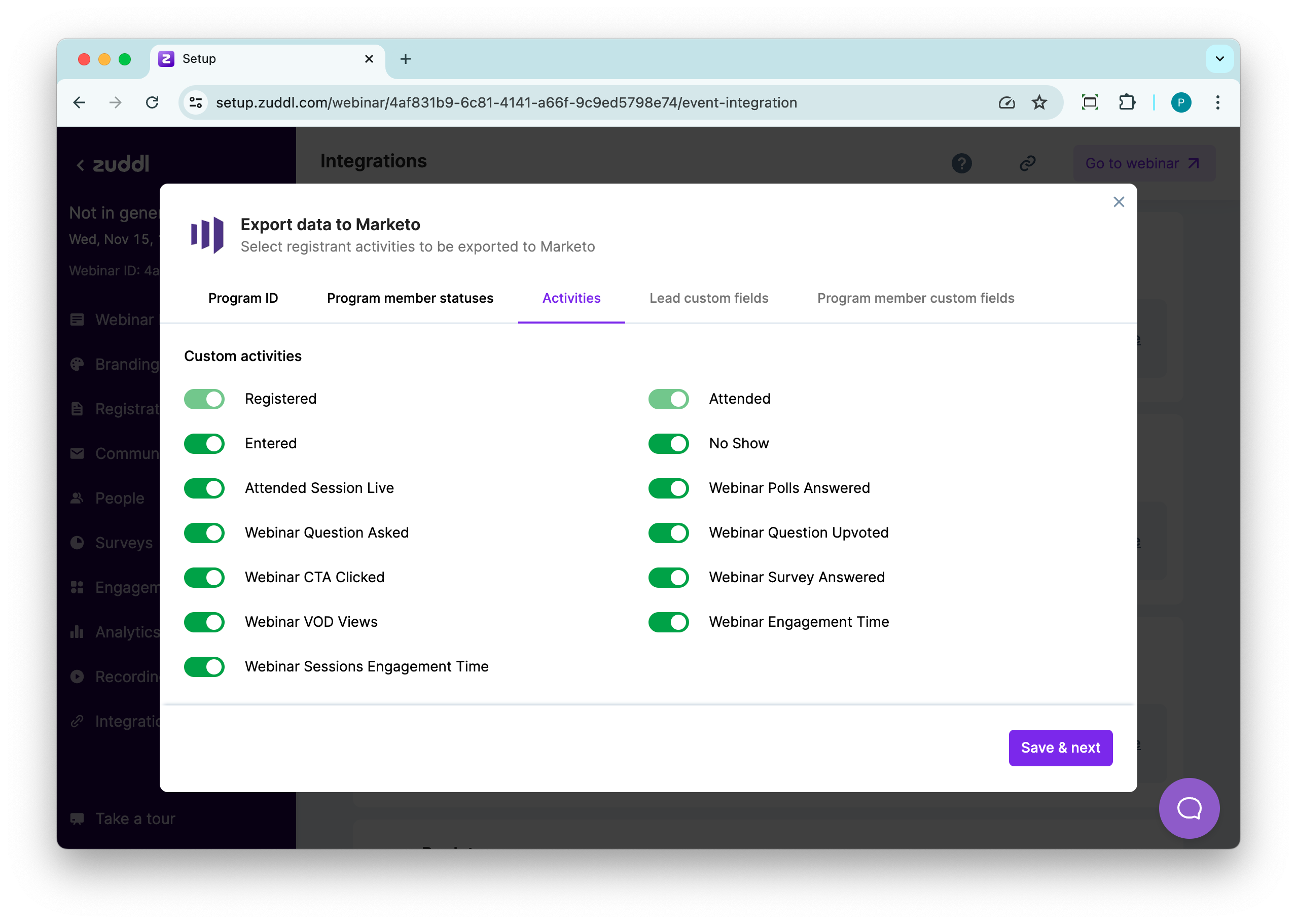 |
If you've created registration flows for your event, the Registered activity response will also show the registration flow name. Learn how to create registration flows.
Attended session live
For the 'Attended session live' activity, Zuddl sends session metadata (session description, start & end time, session type (in-person or virtual)) and session attendance type as ‘Virtual’, In-person, or ‘Hybrid’.
- Virtual: when attendees check in to sessions from the event page.
- In-person: when attendees physically check in to sessions through the check-in app.
- Hybrid: When an attendee first joins as a virtual attendee then joins as an in-person attendee or vice-versa.
Session time
We only track the session time for virtual sessions and not for in-person sessions.