Troubleshooting Studio on two tabs
Last updated: August 1, 2025
When Zuddl Studio is open on more than one tab, an error message shows users that Zuddl Studio is already open.
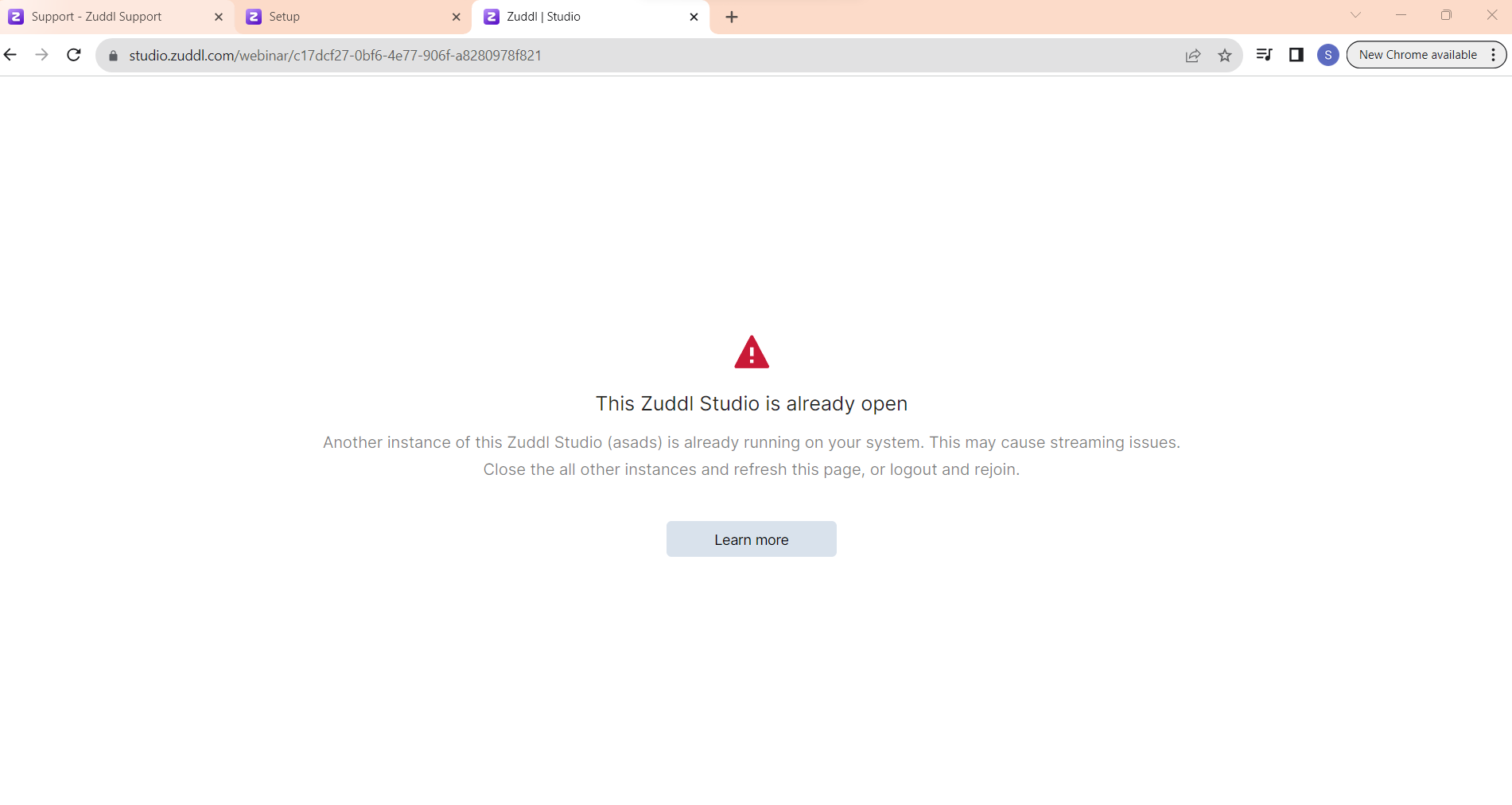
To fix these errors, try these troubleshooting steps:
Check the web address for typos
Make sure your internet connection is working normally
Check device settings
The error message is not shown in some edge cases:
Some users join on two tabs and still are not shown the warning message either because tabs have been idle for a long time or because certain ad blockers interrupt the connection
In some firewall conditions, multi-tabs aren’t detected, and thus, the error message is not shown
Based on the user’s device settings, if a studio was previously opened on one device and later was closed, and the same studio was opened on a different device the message may not be shown.