How to Choose Invite List for a Field Event
Last updated: September 4, 2025
To select an invite list:
The invite list restriction option is only available for events with Flex registration style.
Go to Registration > Advanced settings.
Under the Invite list setting, select a one or more invite list.
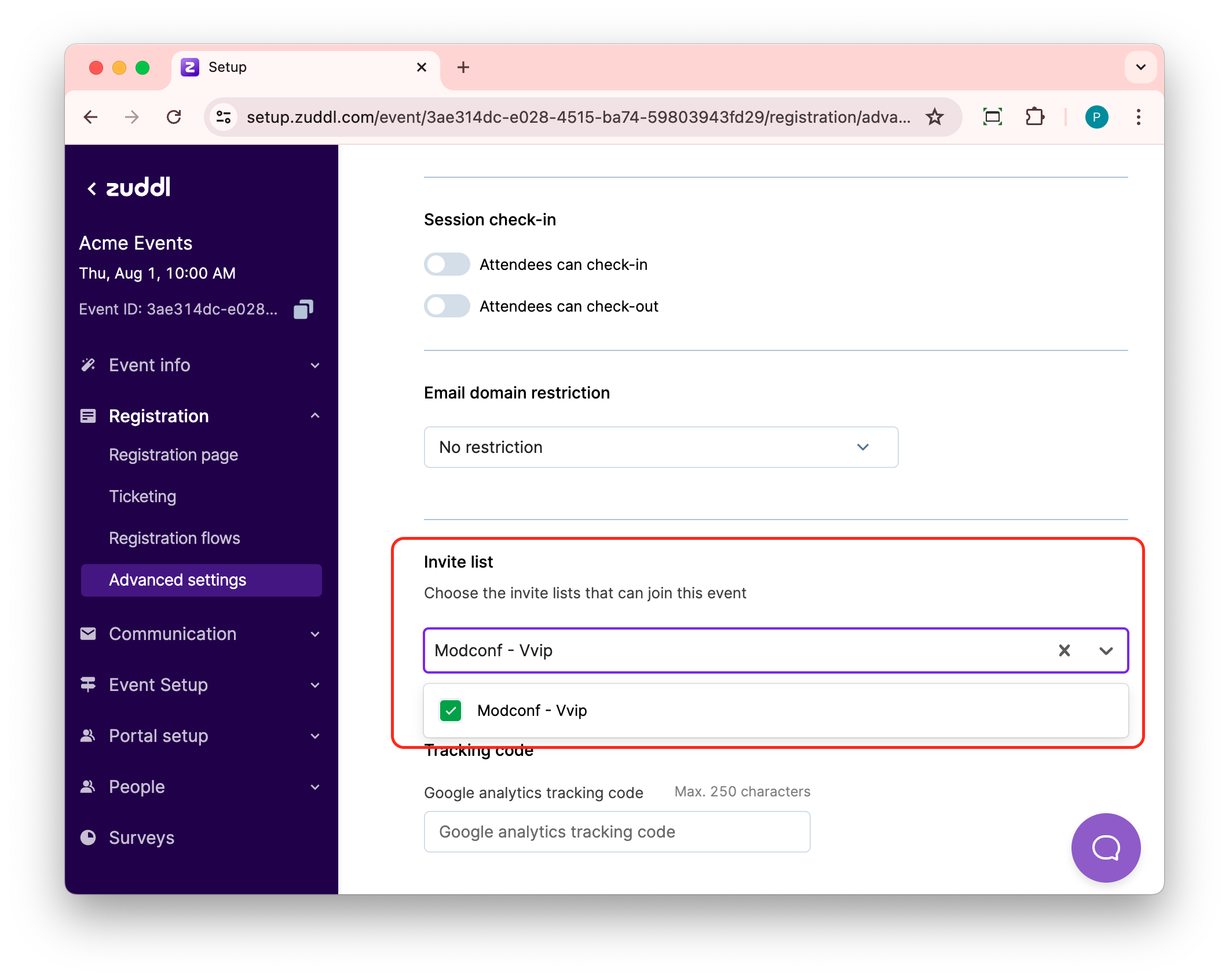
Only the members of the selected invite list can register for the event.
For a ticketed-event, you can restrict at the ticket-level for a particular invite list.