How to Cancel a Third-party Event on Zuddl
Last updated: September 4, 2025
Canceling an event only means canceling the event created in Zuddl for being able to capture leads via lead capture app. This action does affect the actual event in any way.
To cancel an event:
Go to the common dashboard.
Click the more options button on the event/webinar you want to cancel and click Cancel.
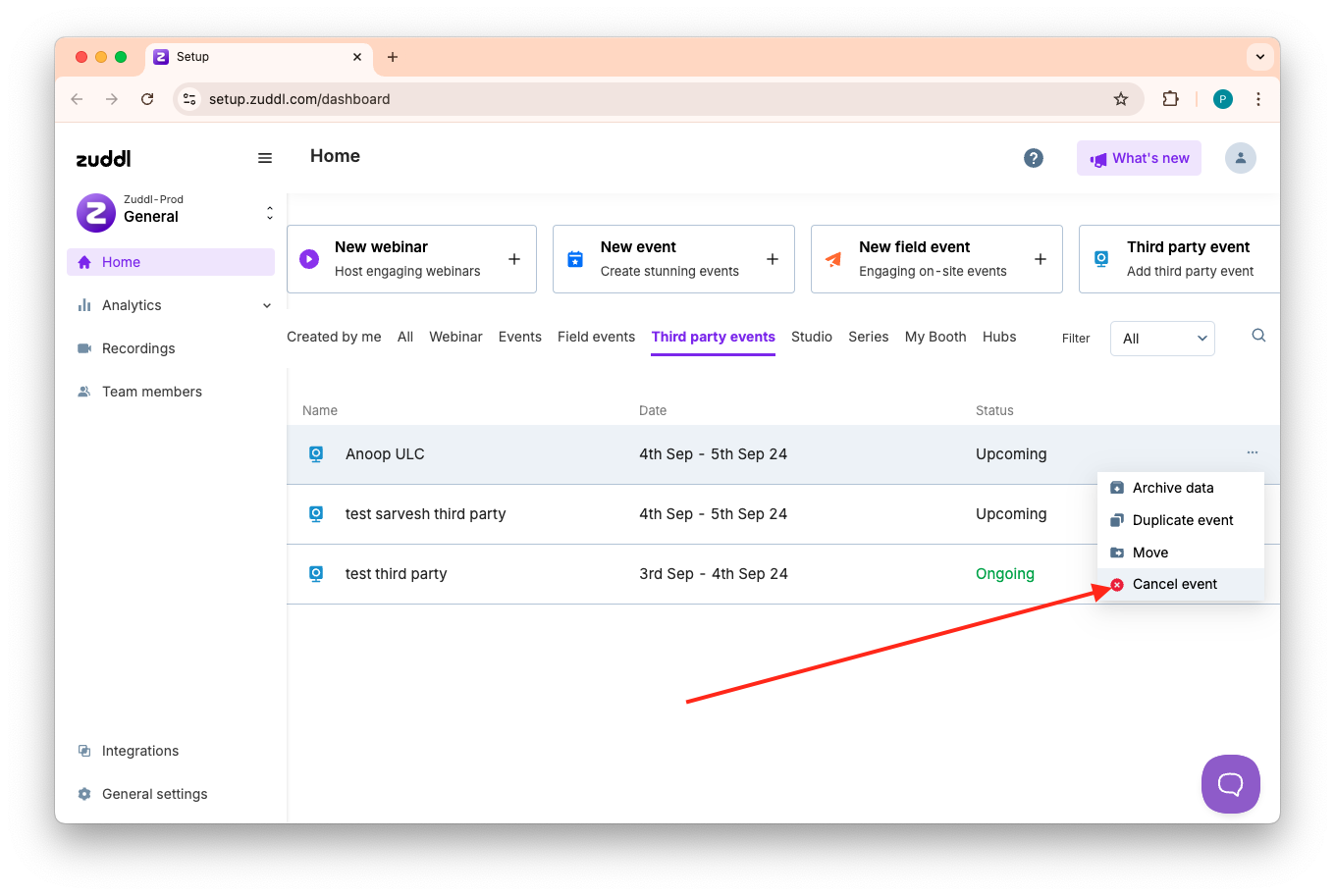
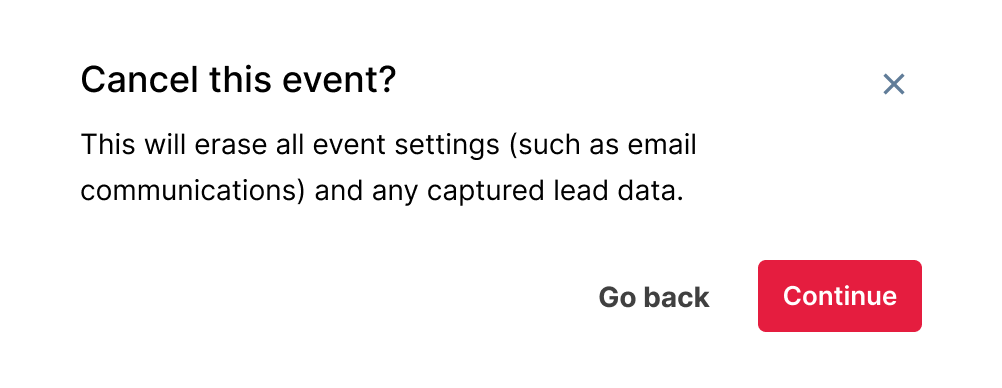
In the popup, you can view the effects of cancelation along with the current settings for cancelation emails. To continue with the cancelation, click Cancel event.
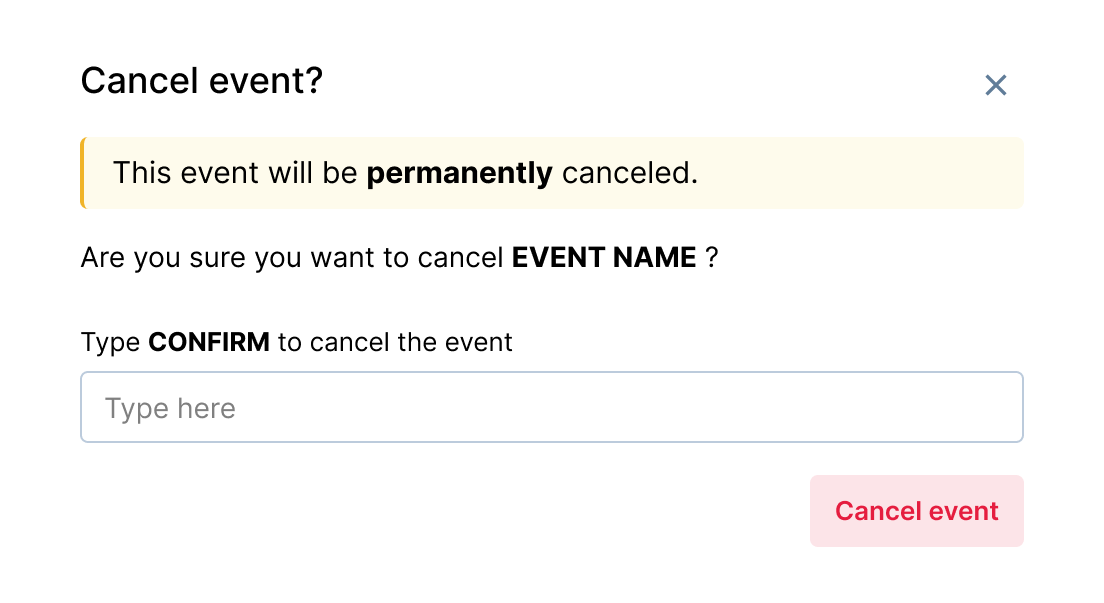
Confirm your choice by typing CONFIRM in the text box, then click Cancel event.
This successfully cancels the event. The event is shown on the organizer dashboard with the Canceled status.