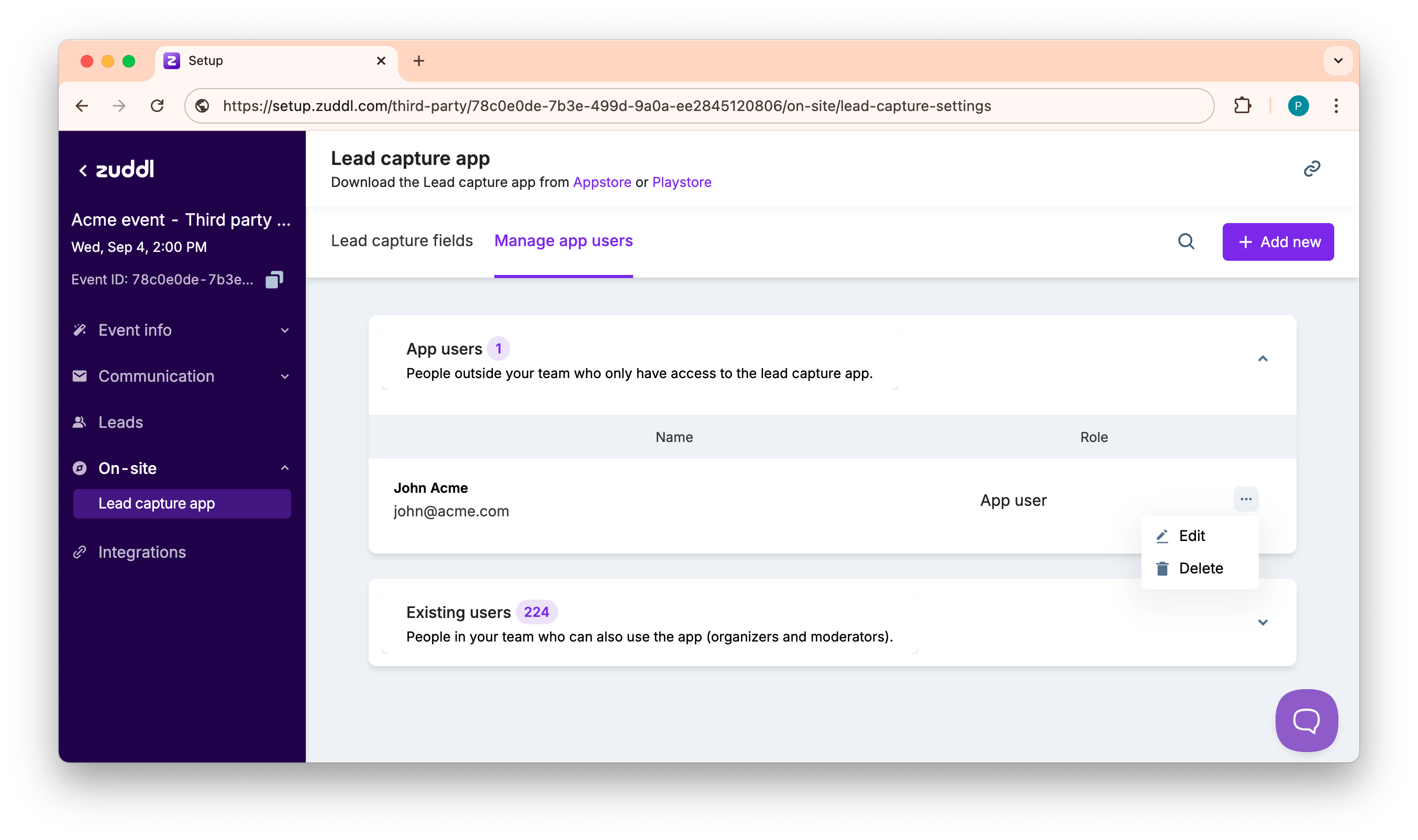
How to Manage App Users for a Third-party Events
Last updated: August 1, 2025
You can add external users as app users for the lead capture app so that they can capture leads through the app. App users cannot access the attendee list; they can only see the lead they've captured.
You can create app users from your event dashboard. To create
- Go to your Zuddl dashboard.
- Navigate to Onsite > Lead capture app and select the Manage app users tab.
- Click +Add new to add a new app user.
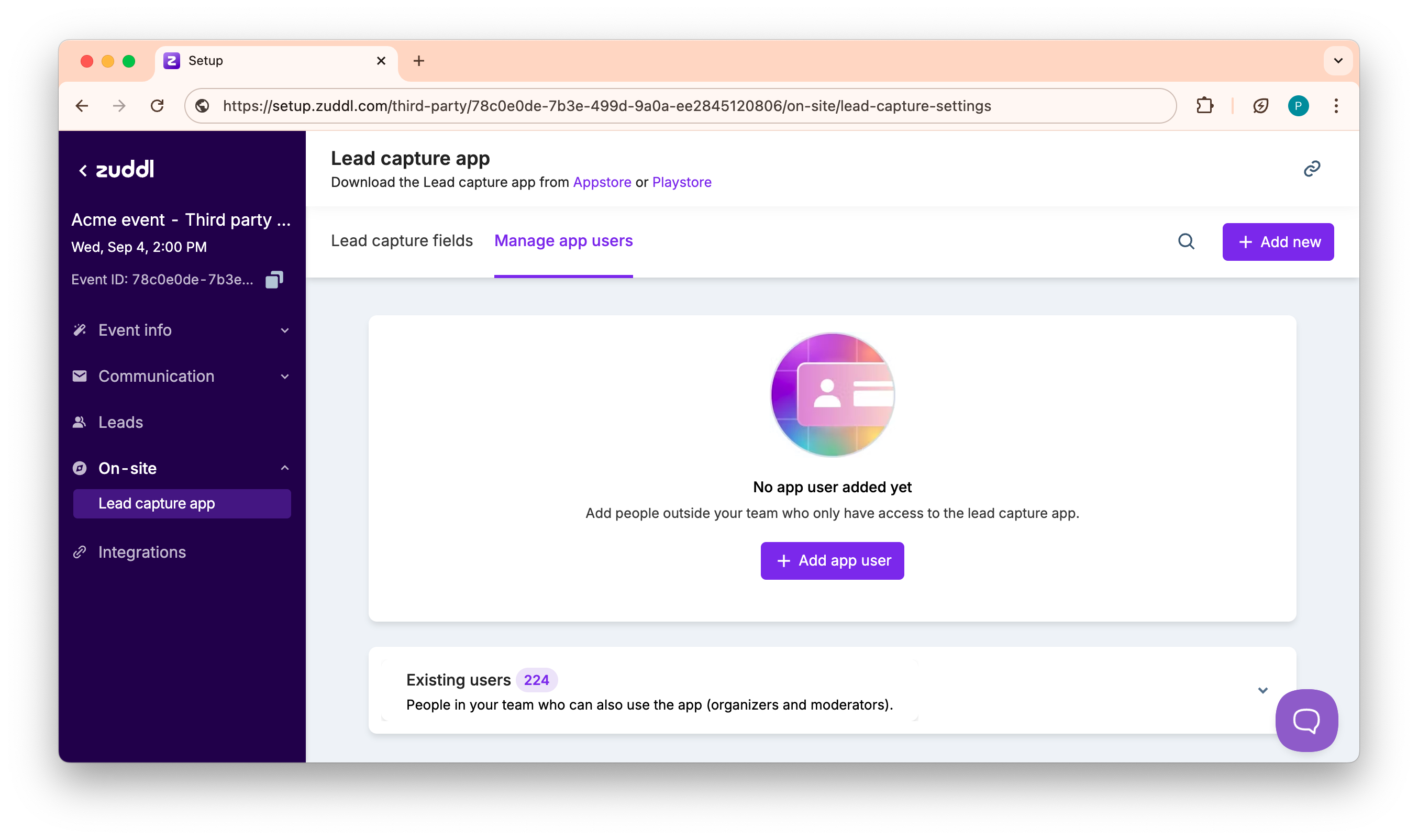
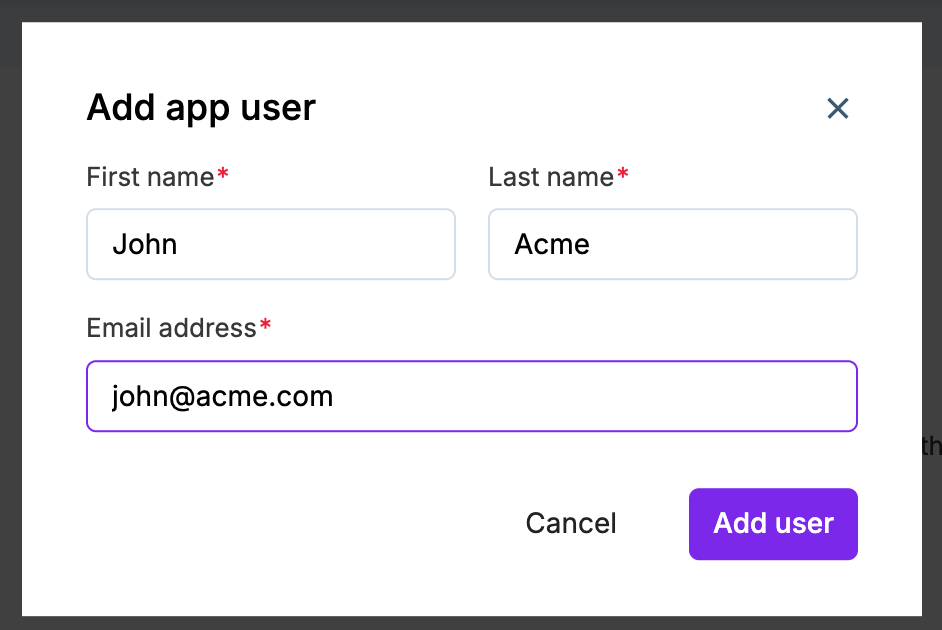
- On the add new app user form, enter the following:
- First name: The first name of the user
- Last name: The last name of the user
- Email address: The user's email address by which the user can log in to the lead capture app.
- You can also edit or delete app users.