How to Use Backstage Chat in Zuddl Studio
Last updated: August 1, 2025
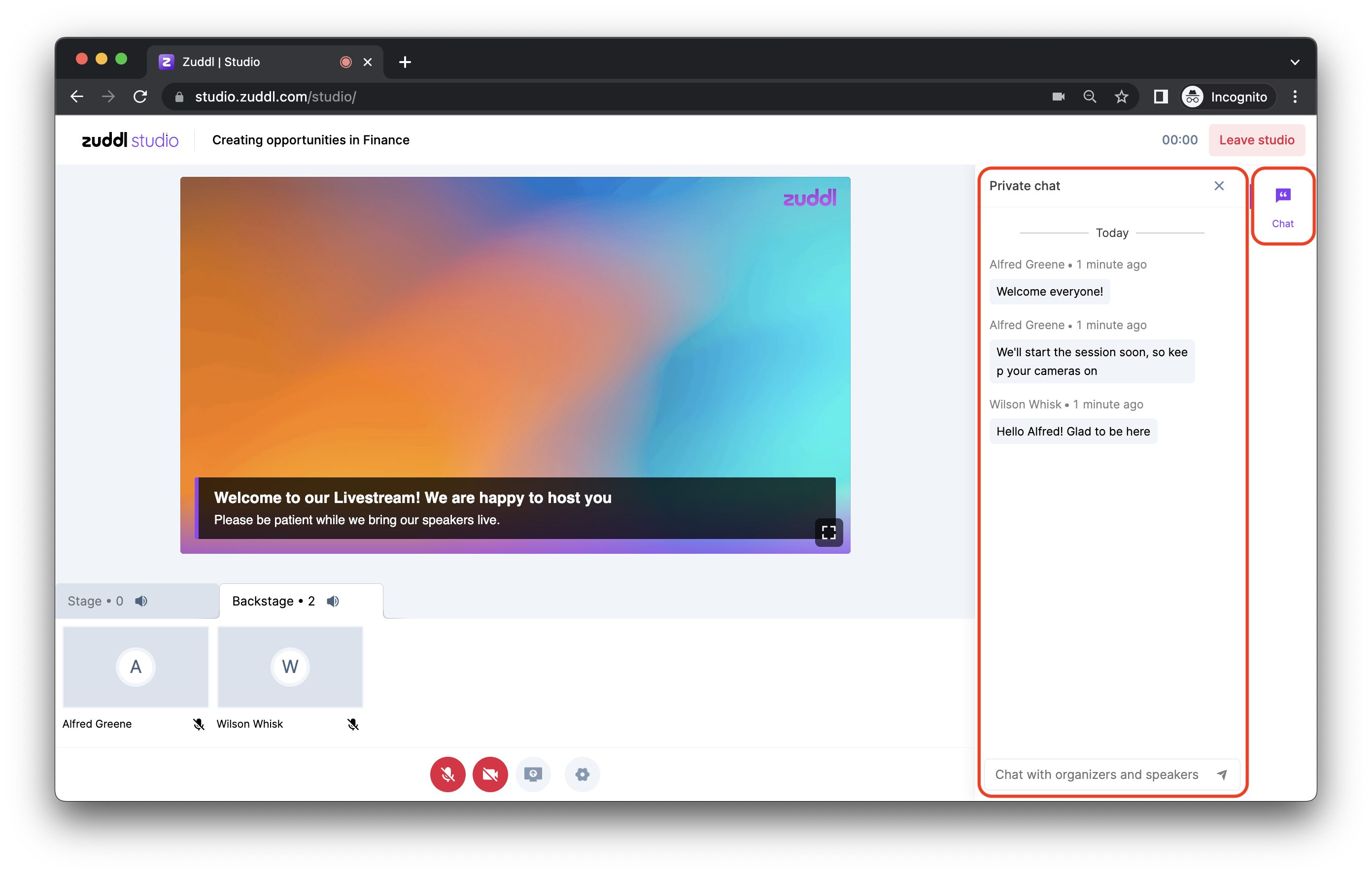
You can chat with co-organizers, speakers, and guest speakers using the Chat widget.
To initiate a chat, click on the Chat widget on the navigation bar. The chat messages are visible to everyone on the backstage and appear with a timestamp.
Speakers with guest access can only view the Chat widget in the right navigation bar.
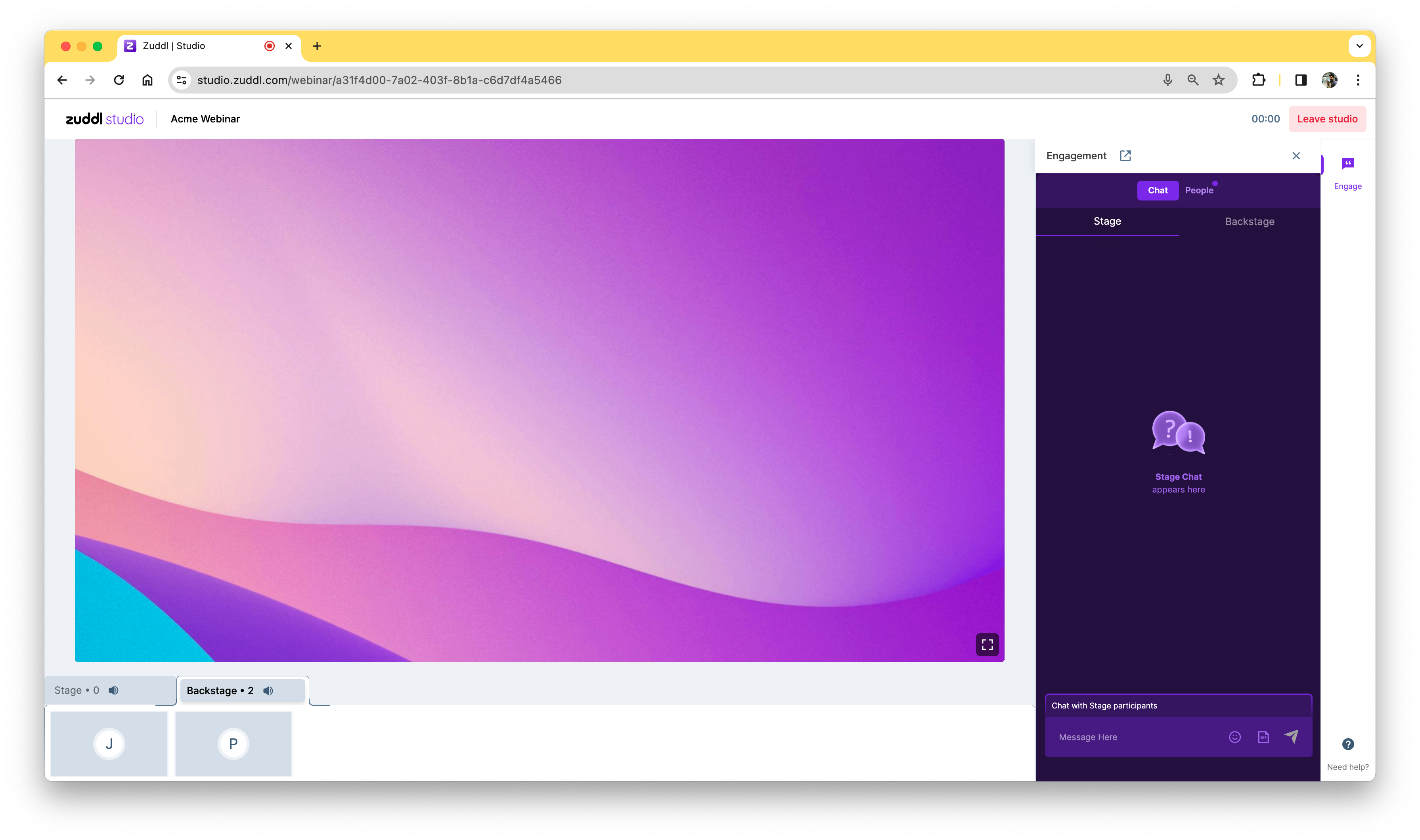
For events and webinars with Studio as backstage, speaker/organizers can switch between Stage and Backstage tab to chat with other participants in the stage or backstage respectively.