How to Enable Emojis for a Hybrid Event in Zuddl
Last updated: August 1, 2025
To enable emojis in your event:
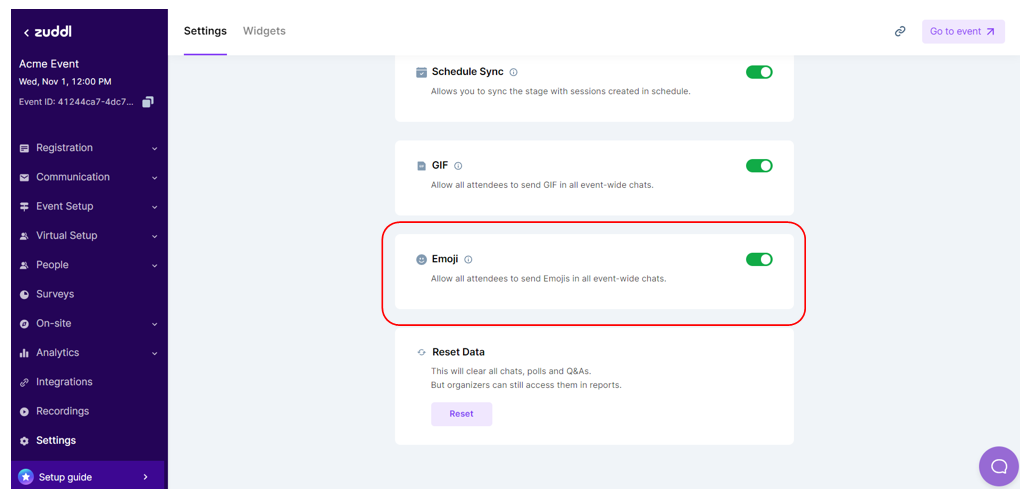
- On the Zuddl dashboard, select your event from the event listing page.
- On the event setup page, go to Settings.
- Toggle on Emoji.
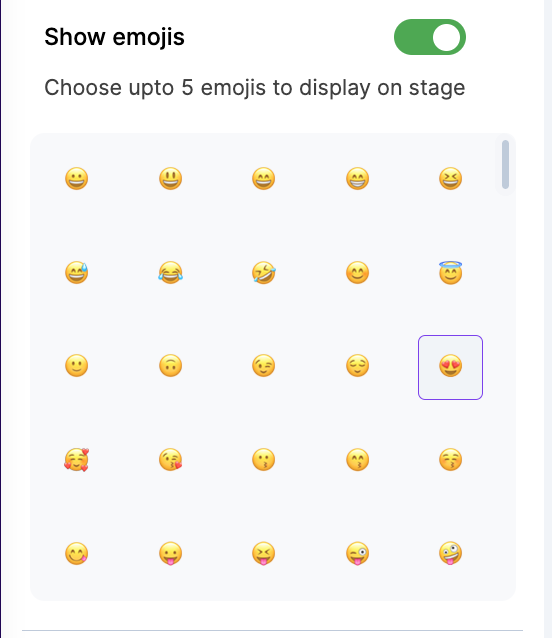
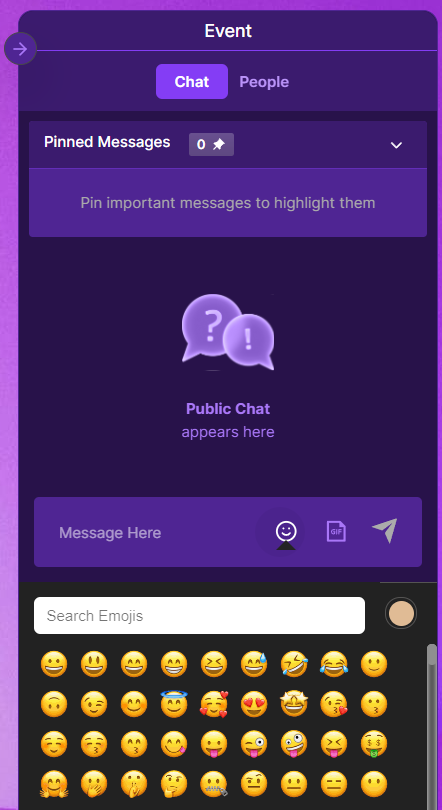
Allow attendees to express themselves with emojis on stage. A maximum of 5 emojis can be made available for the attendees.