How to Create an Event Hub
Last updated: August 1, 2025
An Event Hub is a centralized space for event organizers, providing an elegant showcase for a curated collection of events and webinars. This can be seamlessly integrated into their website, or a hub site can be created using the Zuddl Landing Page Builder. Upon landing on the hub, attendees can effortlessly explore, register for upcoming live events or webinars, and access on-demand videos of past webinars if the organizer chooses to publish recordings.
Login to your Zuddl dashboard and click on the New hub button.
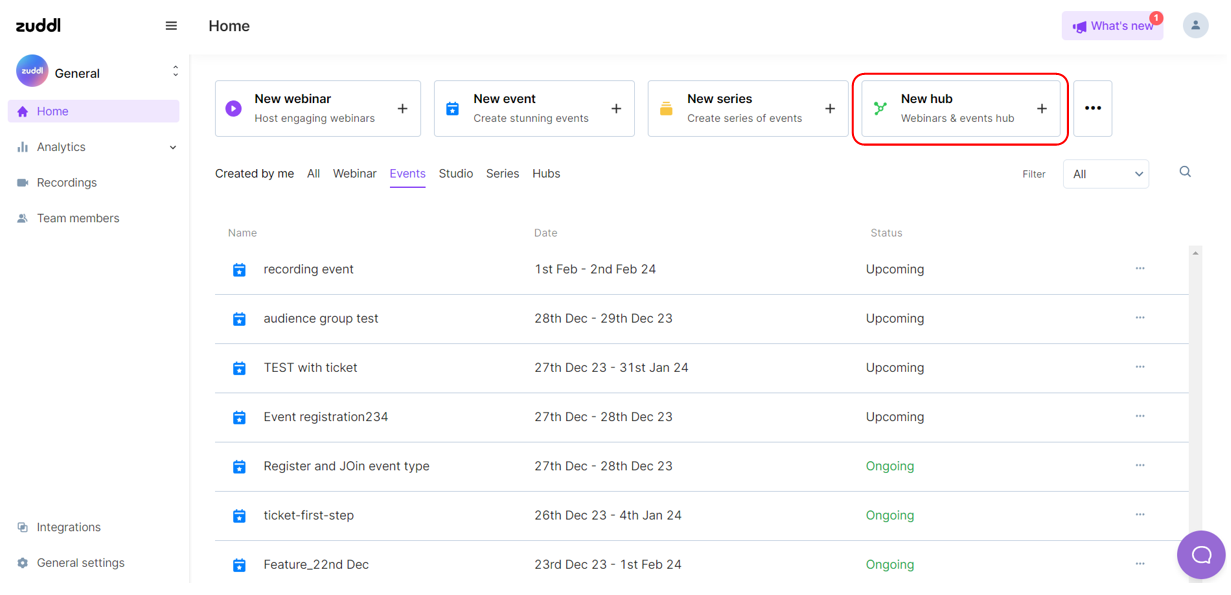
- On the New hub form, fill in the details
- Hub name - Enter a name( up to 50 characters)
Add thumbnail - The recommended format is 1920 x 1080 pixels, PNG file, up to 1 MB.
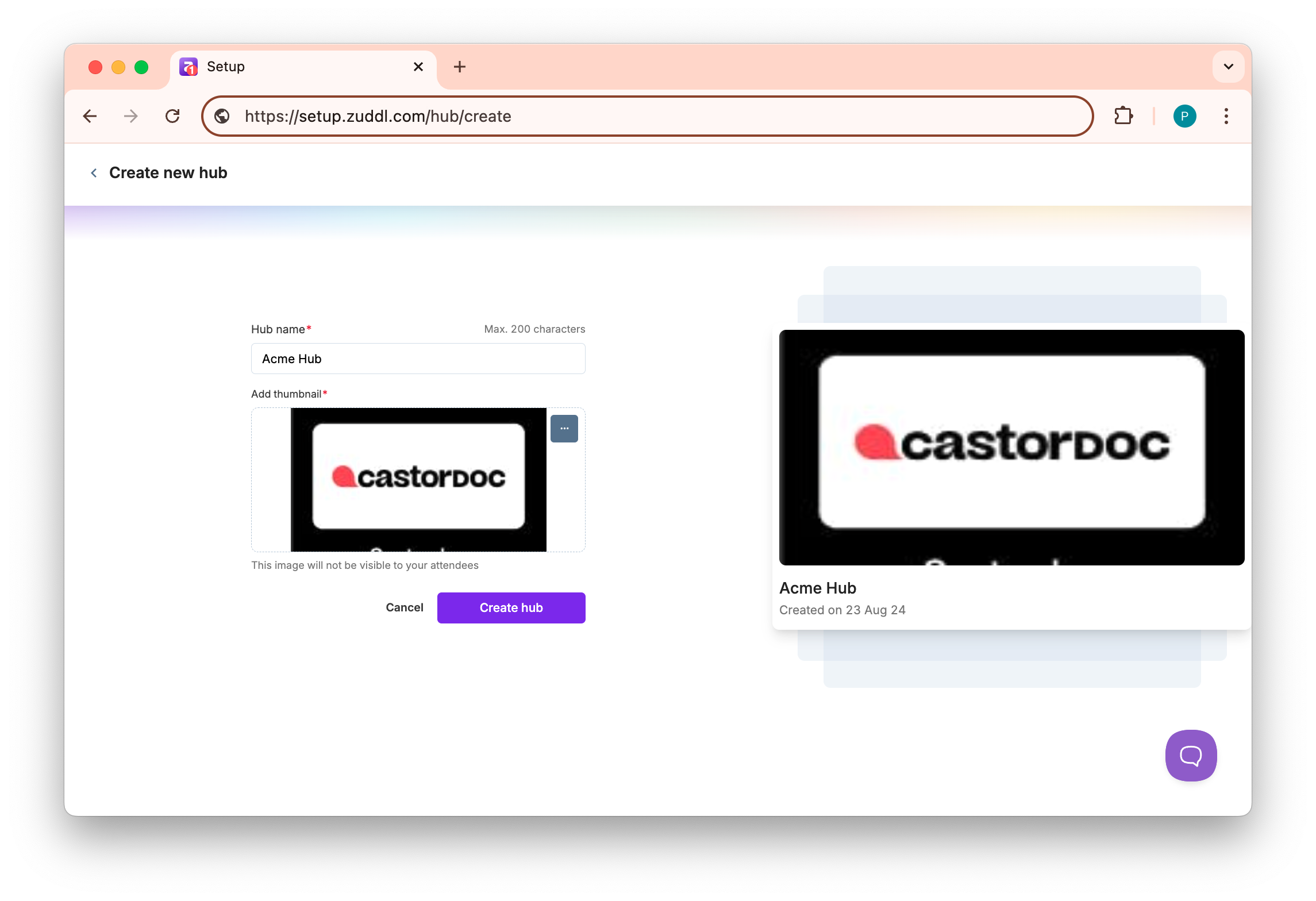
- Click on the Create hub button to create a new hub.
- This redirects you to the new hub page with three features on the left side nav - Hub info, Landing Page, and Events/Webinars.
- Click on the Landing Page feature on the side nav to create a landing page for your Hub. You can use Zuddl's templates or create your landing page and add the Hub widget.
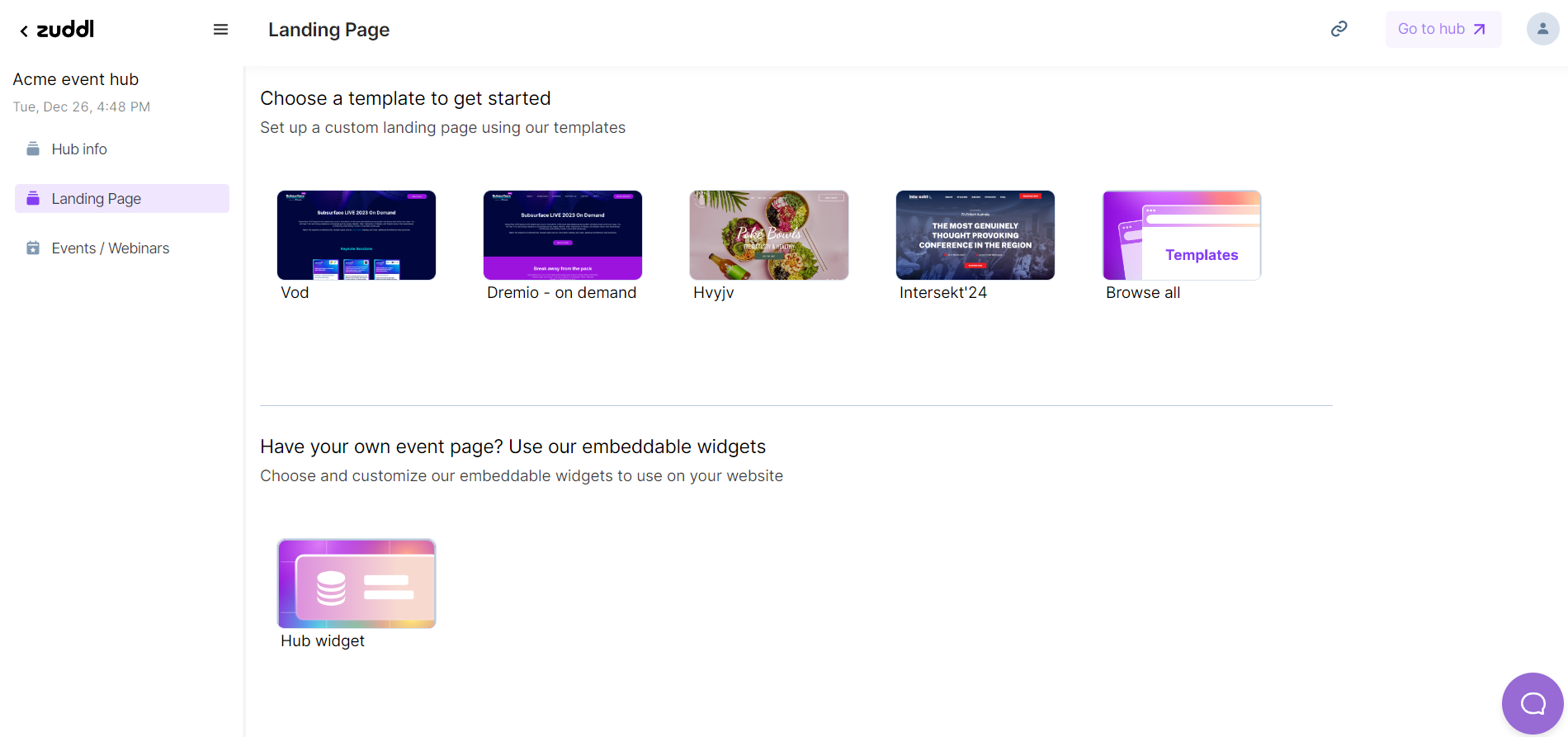
- If you already have a website, you can use the embeddable hub widget to embed the event/webinar details on your website. Learn how to embed and customize the hub widget.
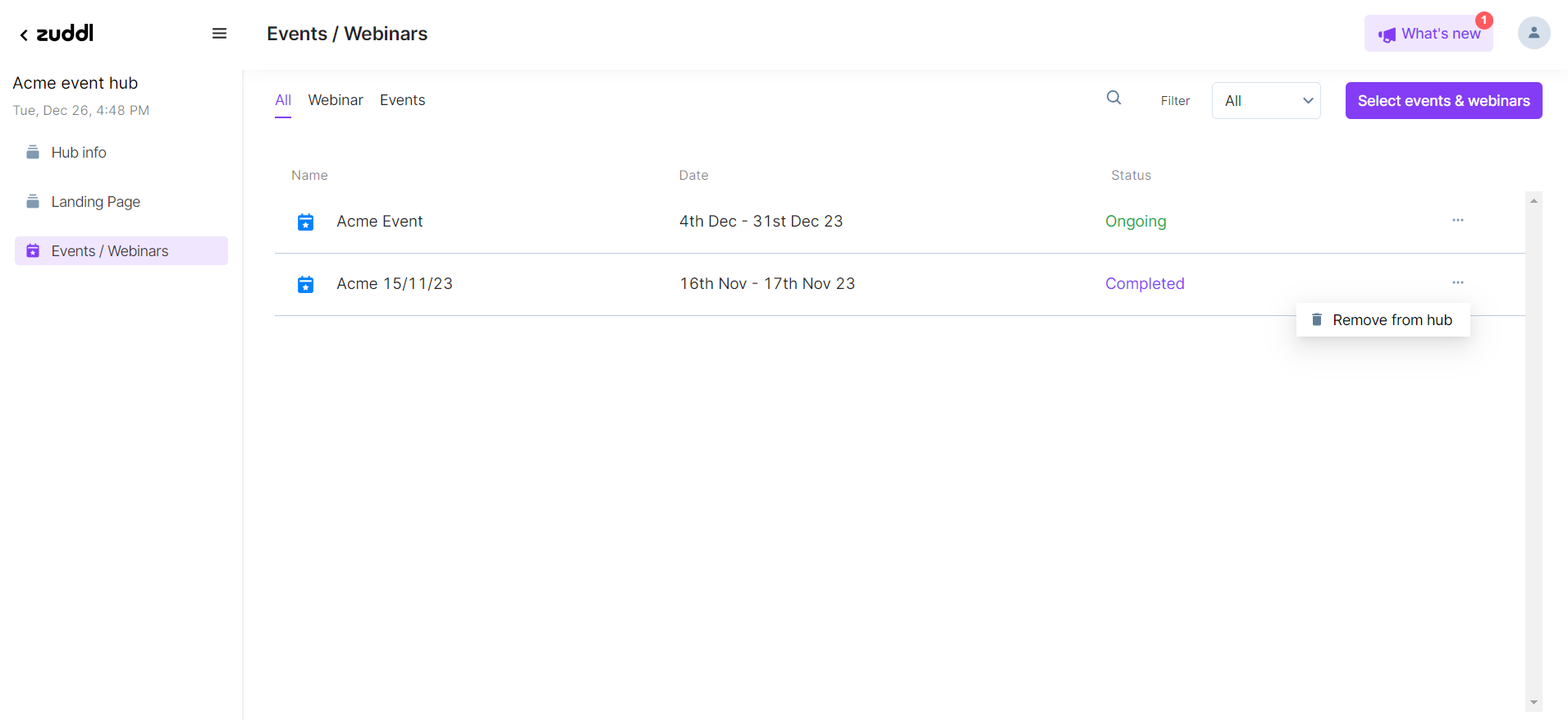
Click on the Events / Webinars feature on the side nav to add the events or webinars to the event hub.
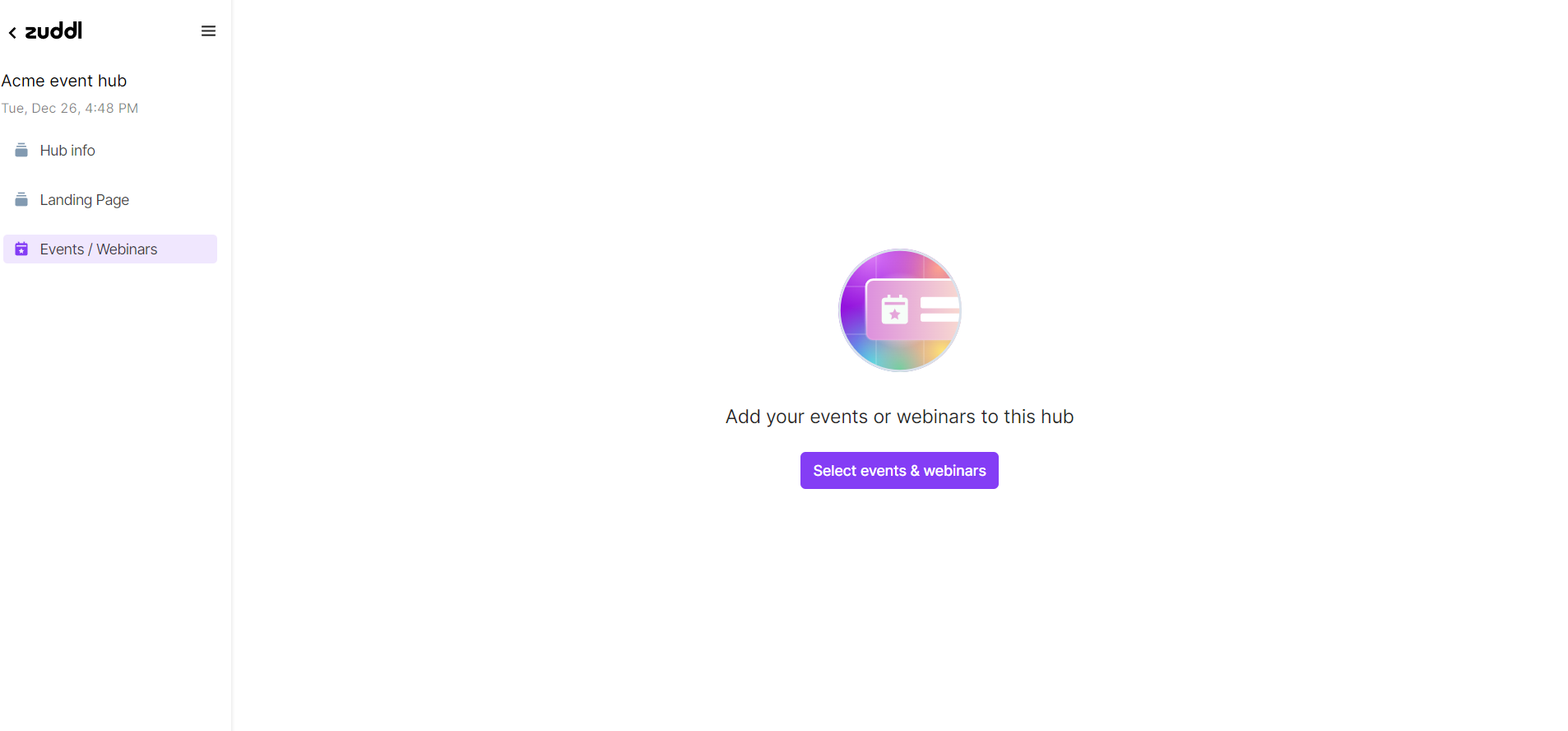
Click the Select events & webinars button to add events or webinars to the hub. Select any specific event/webinar and click the Save Changes button to add them to your hub.
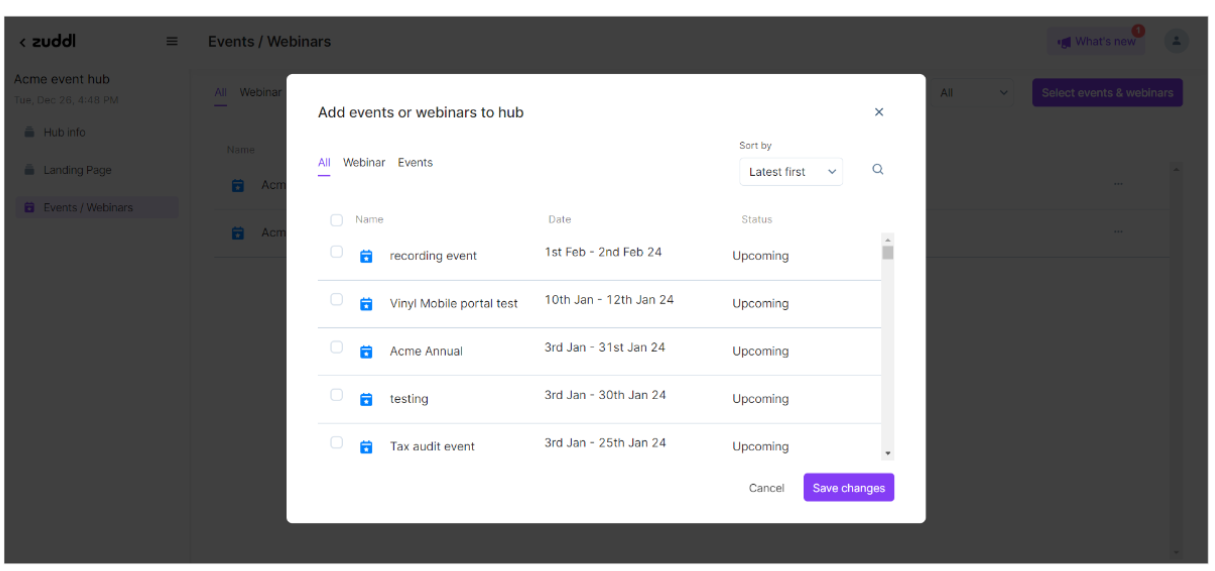
Note: All the settings related to events/webinars, like Registrations, Communications, Integrations, etc., must be configured at the event/webinar level.
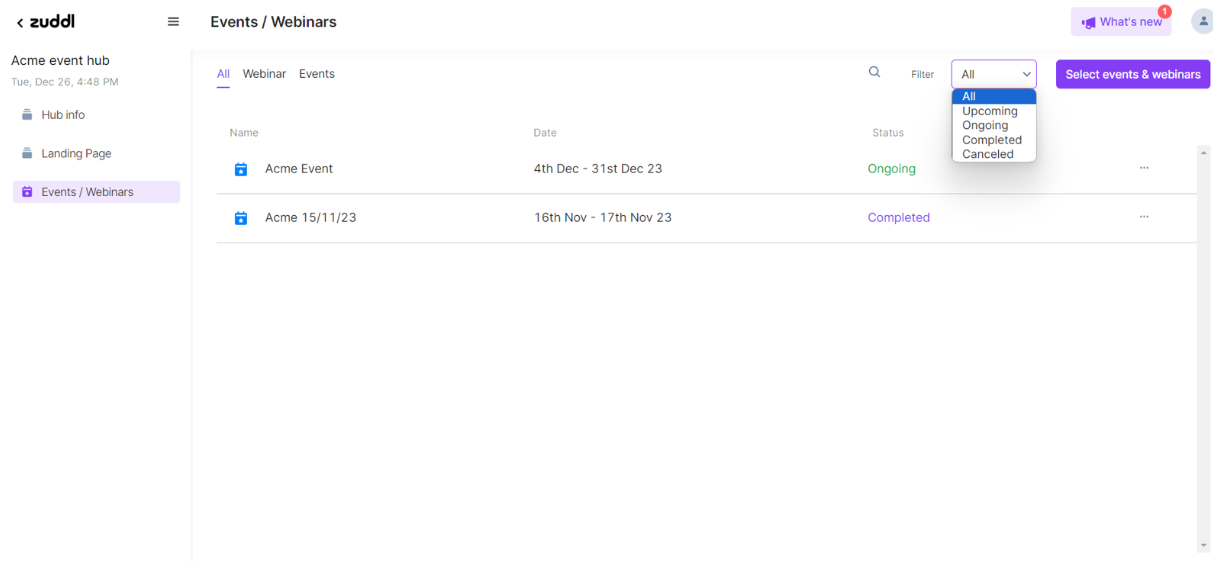
The selected events or webinars are displayed below. You can also filter the events or webinars using the Filter drop-down menu.
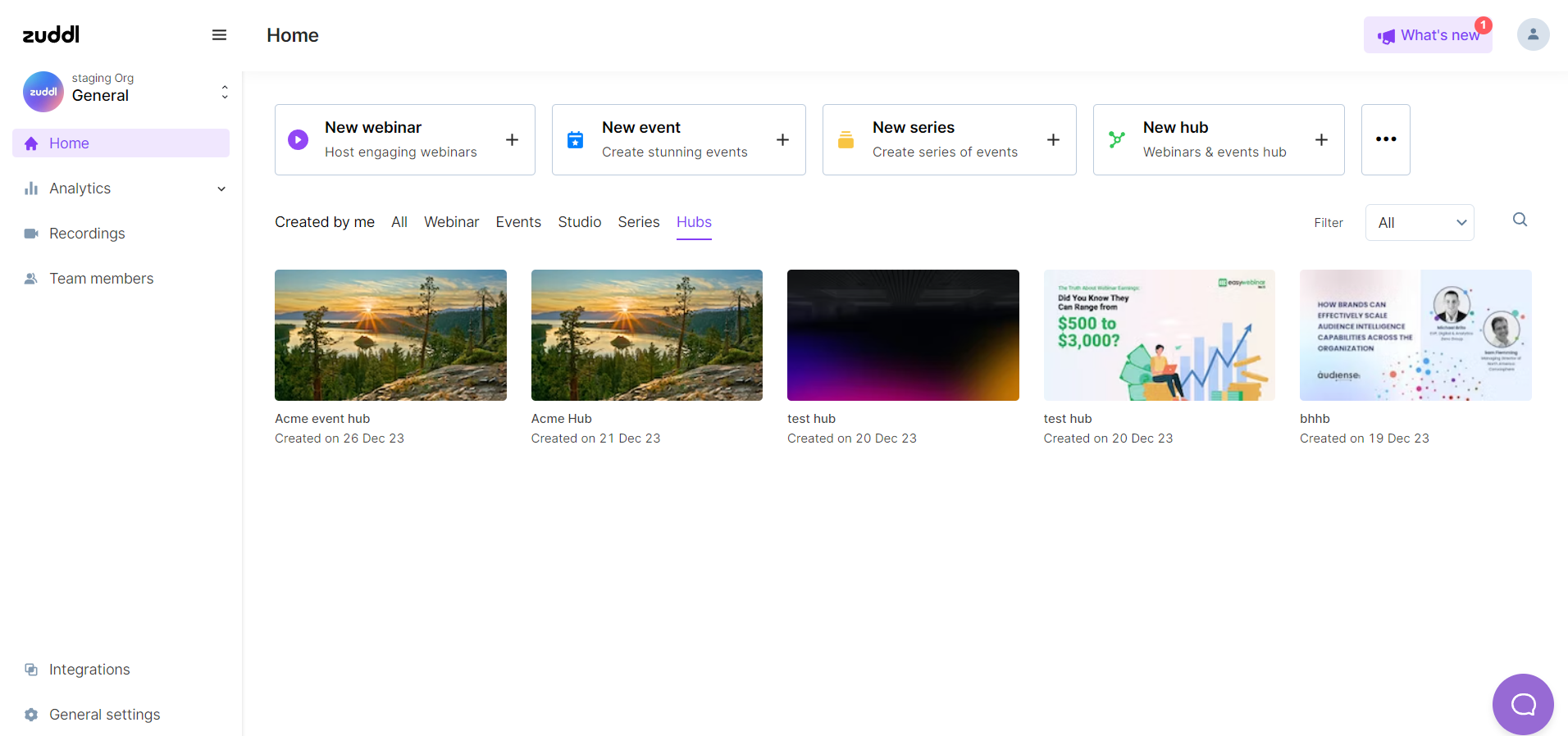
Now, you can see the Hub created under the Hubs category.
Manage Events/Webinars in a Hub