How to Enable Chat for a Stage
Last updated: August 1, 2025
On a stage, Chat allows attendees to communicate with each other and also with the speakers and organizers. To enable chat:
To add a chat option,
- Go to Venue setup > Stage > Advanced.
Under Attendee engagement, click Choose and add features. This shows all the interactivity options that you can configure.
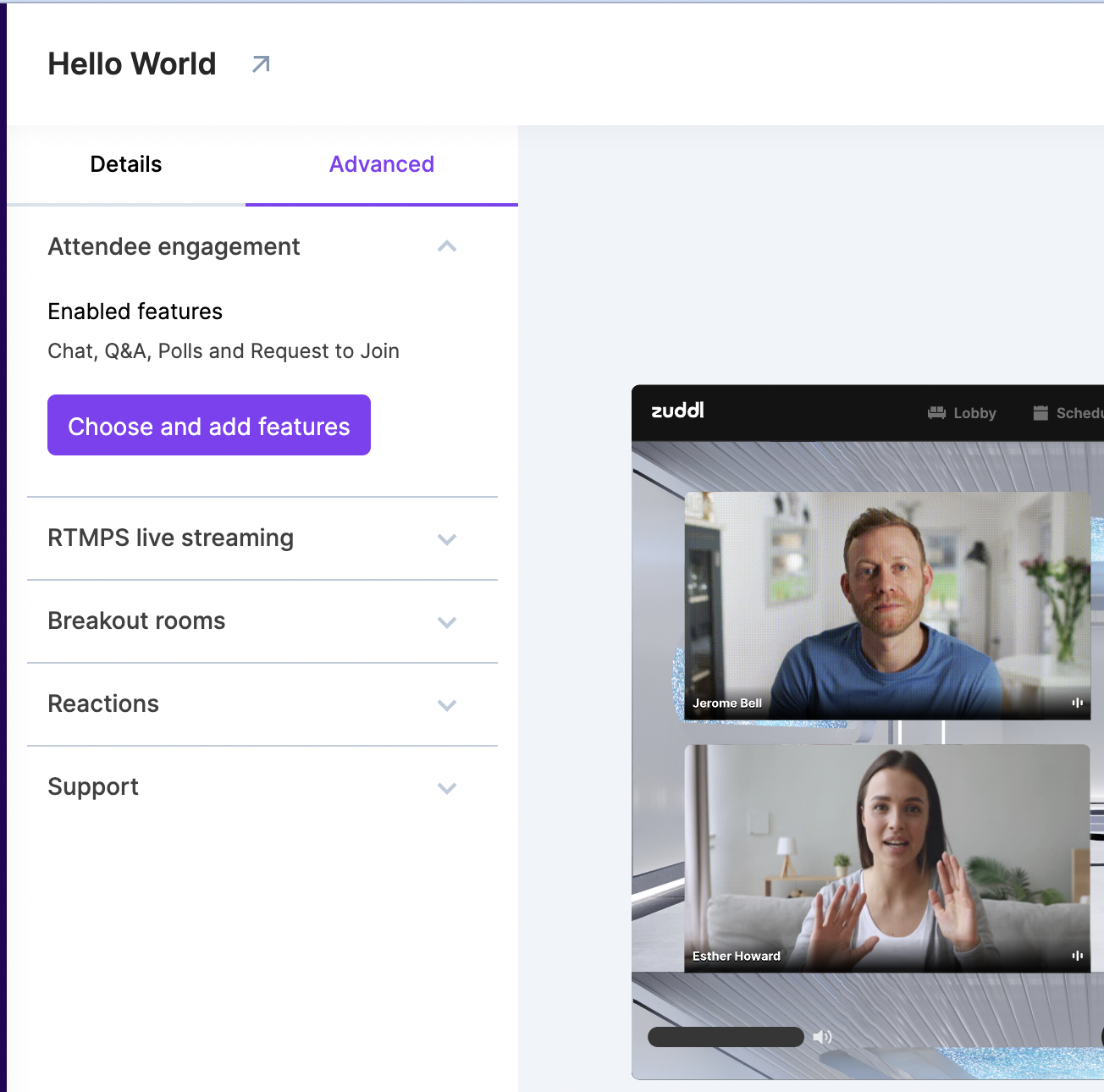
A separate section called “Enabled features” lists the features enabled for the event.
- Toggle on Chat from inside the card. Defaults to on.
Select the Moderate Chat checkbox to allow chat messages to go through a moderator. The chat messages are sent only after moderator’s approval.

- Click Save.