How to Enable Q&A for a Stage for a Hybrid Event in Zuddl
Last updated: August 1, 2025
Q&A option allows attendees to submit and upvote questions posted in a live event. Similar to the moderate chats option, the Moderate Q&A option gives you the control to published questions only after approval.
To enable Q&A:
- Go to Venue setup > Stage > Advanced.
Under Attendee engagement, click Choose and add features. This shows all the interactivity options that you can configure.
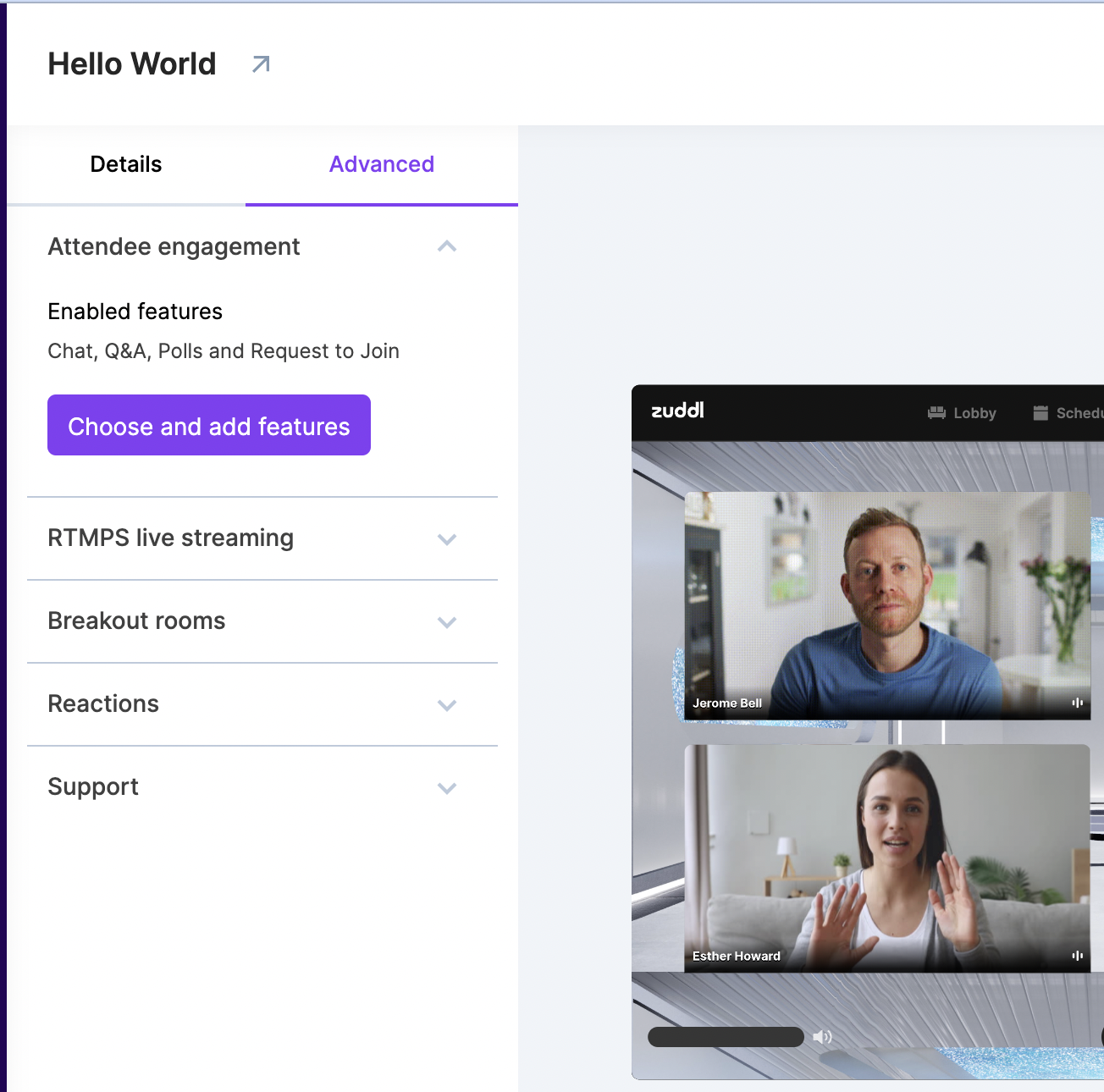
Under “Enabled features” you can view the list of features enabled for the event.
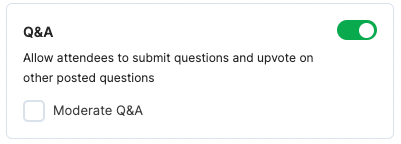
- Toggle on Q&A from inside the card. Defaults to on.
Optional. Select the Moderate Q&A checkbox to allow chat messages to go through a moderator. The chat messages are sent only after the moderator’s approval.
- Click Save.