How to Give Sponsor Portal Access to Sponsors
Last updated: August 1, 2025
Follow these steps to give sponsor portal access to your sponsors:
- Go to Communication > Standard > Sponsors.
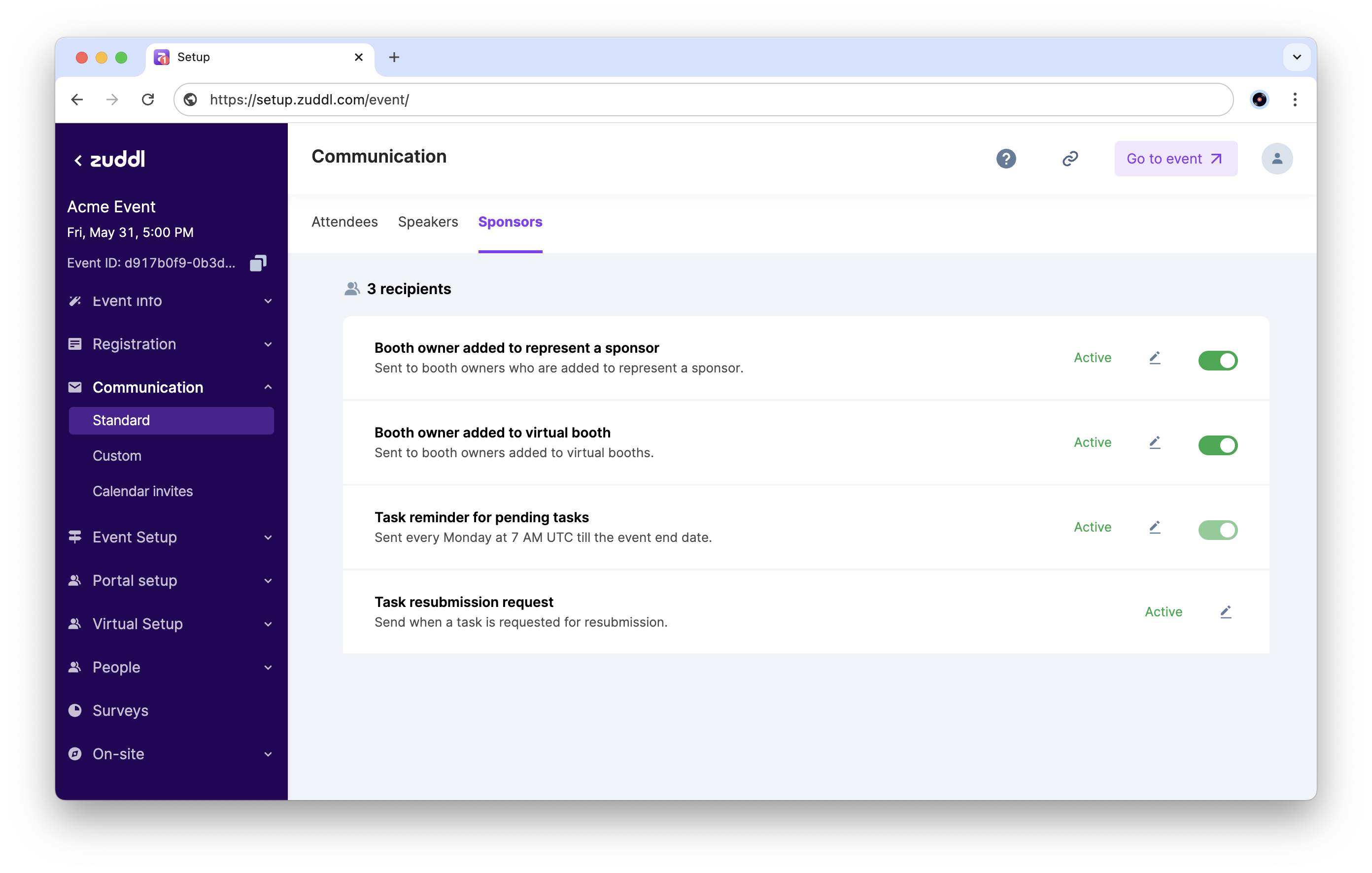
- Here you can manage the invite emails sent to sponsors. Turn on the emails as required:
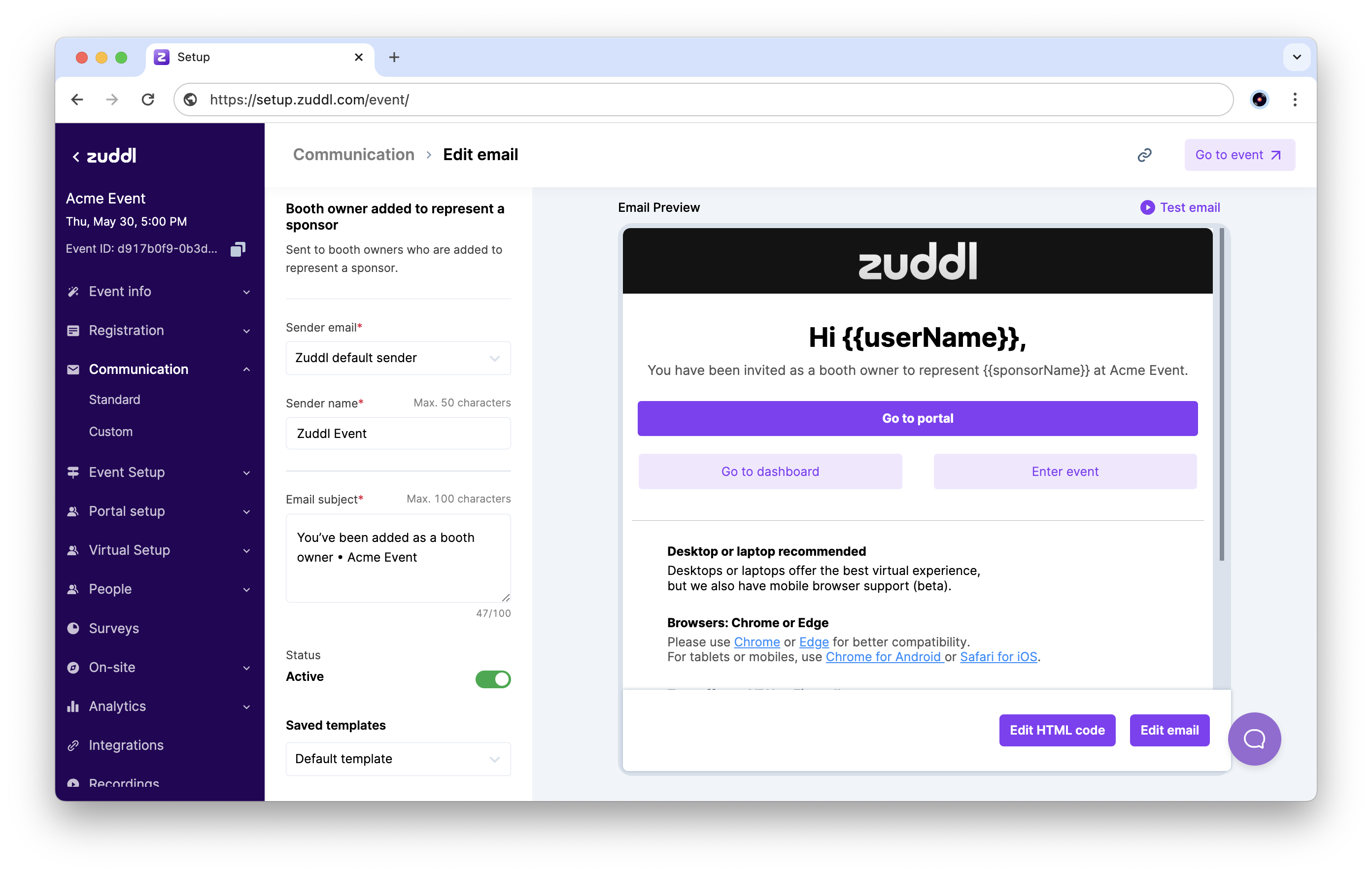
Booth owner added to represent a sponsor: this email is sent to booth owners who are added to represent a sponsor. They can use the Go to portal button to access the sponsor portal.