How to Setup Speaker Emails for a Zuddl Webinar
Last updated: August 1, 2025
The email templates available for speakers have fewer options than for attendees, since speakers don't need to register for the webinar.
You can find the speaker email templates on the Communication page > Speaker emails tab.
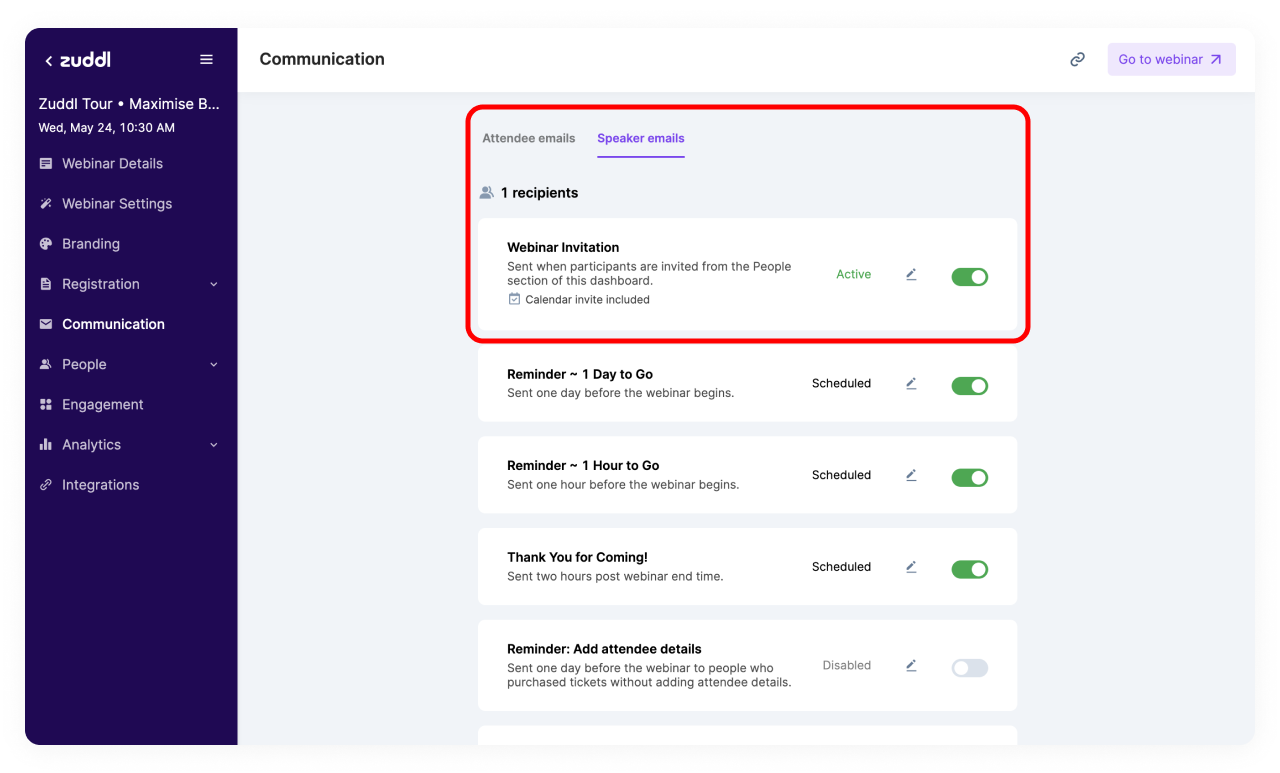
Speaker email templates
Here are the different email templates available for speakers:
Template name | Description | Default State |
Webinar Invitation | Sent to attendees when you add them from the organizer dashboard. | Off |
Reminder ~ 1 Day to Go | Sent one day before the webinar. Time-based trigger. Based on webinar date & time. | Off |
Reminder ~ 1 Hour to Go | Sent one hour before the webinar. Based on webinar date & time. | Off |
Thank You for Coming! | Sent 2 hours after the webinar has ended. Based on webinar date & time. | Off |
Webinar canceled | Sent if and when the webinar is canceled. | On |