How to Login to a Virtual Event on Zuddl
Last updated: August 1, 2025
Once your registration is confirmed, you will receive a registration confirmation email.
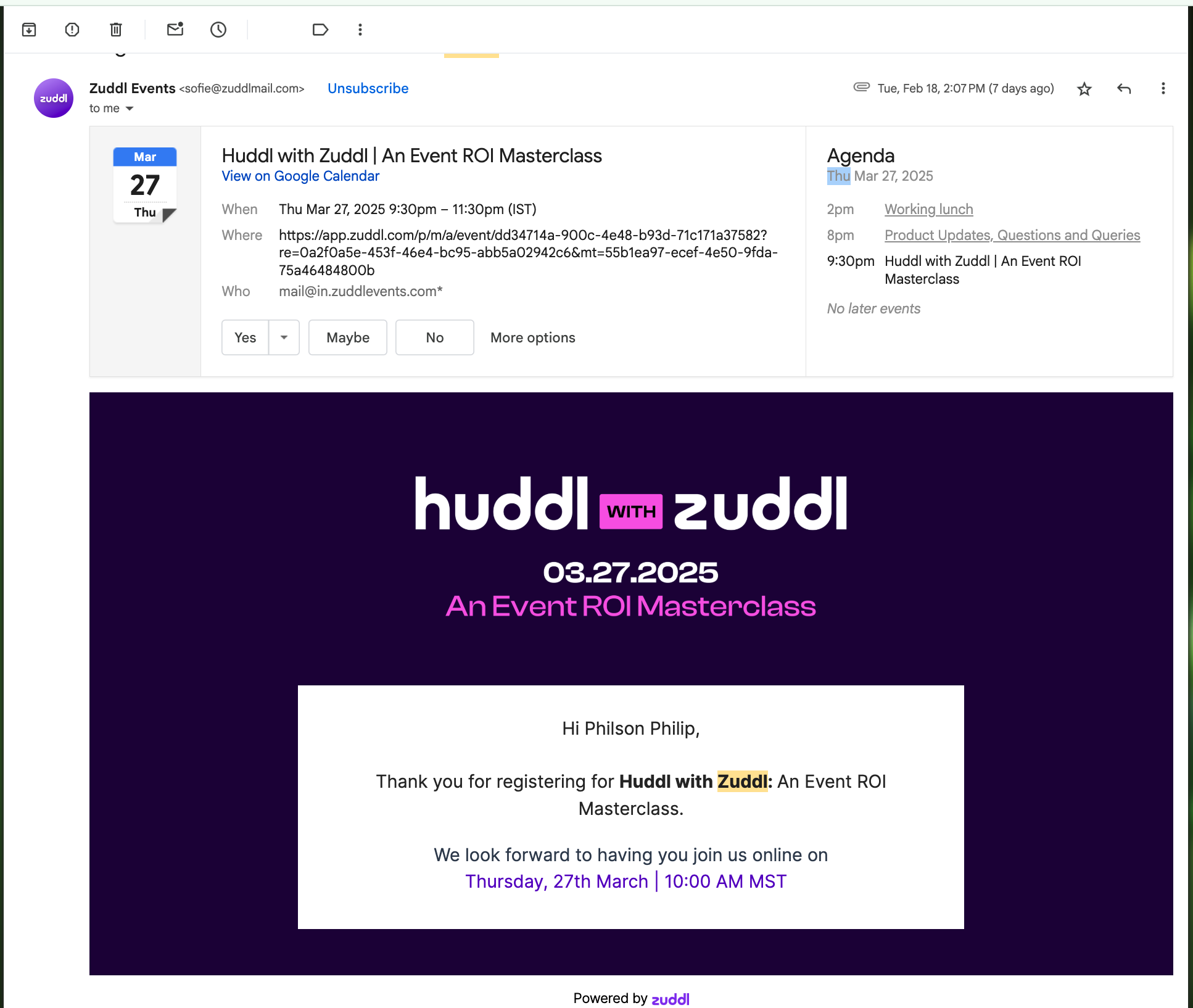
The email would contain the Go to event button which would take you to the event page.
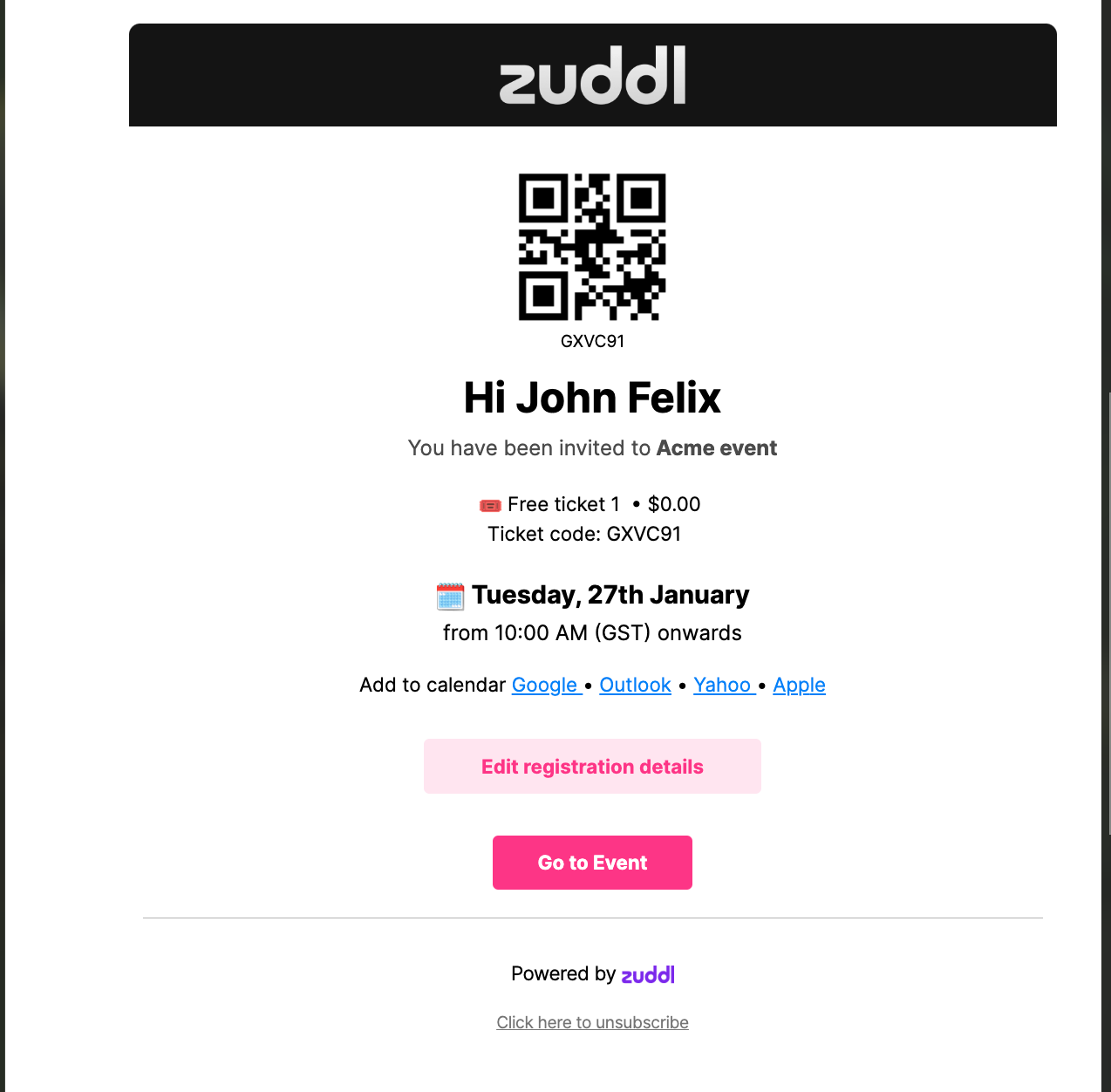
If the event has started or if early check-in is allowed, you can log in to your event.
Logging-in
When you click the Go to event button, you'd either enter directly into the event, or arrive at the log-in screen
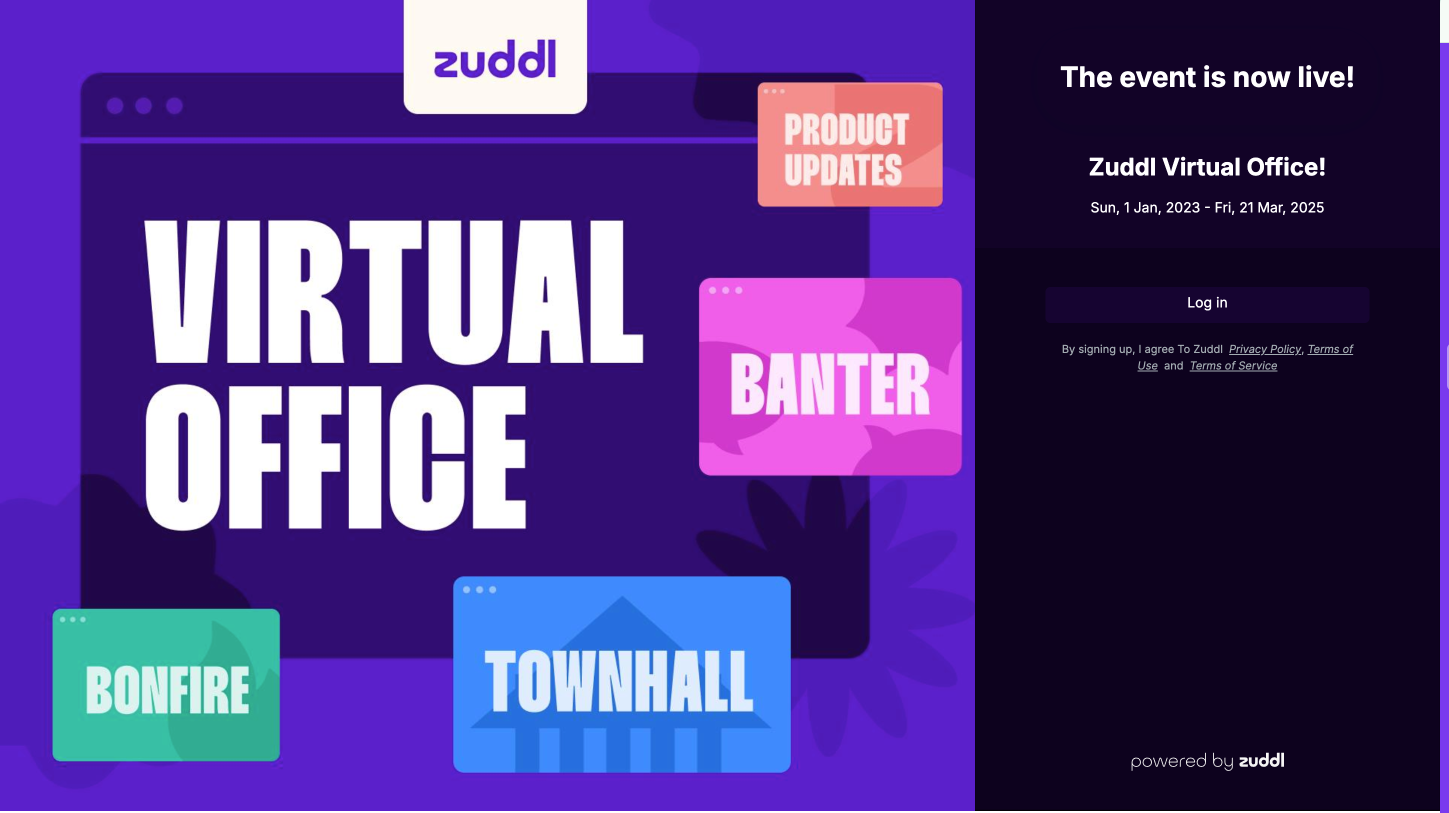
- Login either by manually entering your email address (to which you'd received the event invite) or via social logins.
- Click the Enter now button to enter the event. This takes you directly to the lobby area of the virtual event.
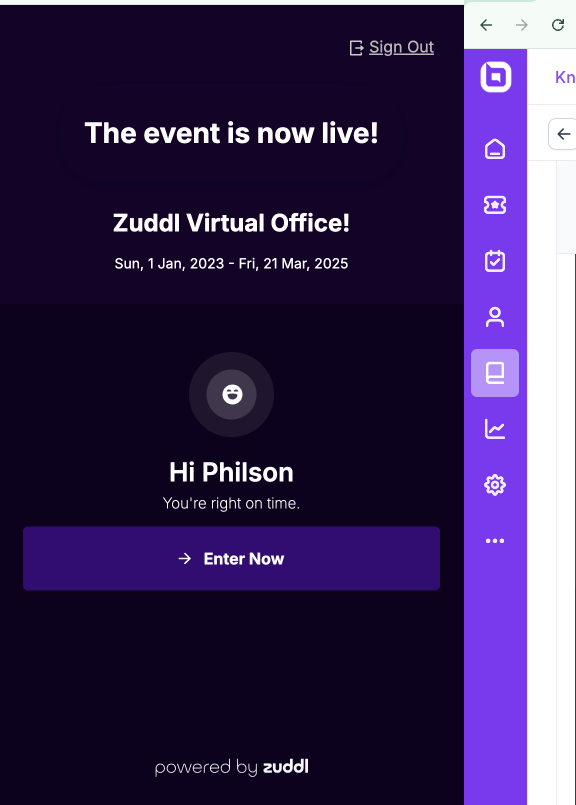
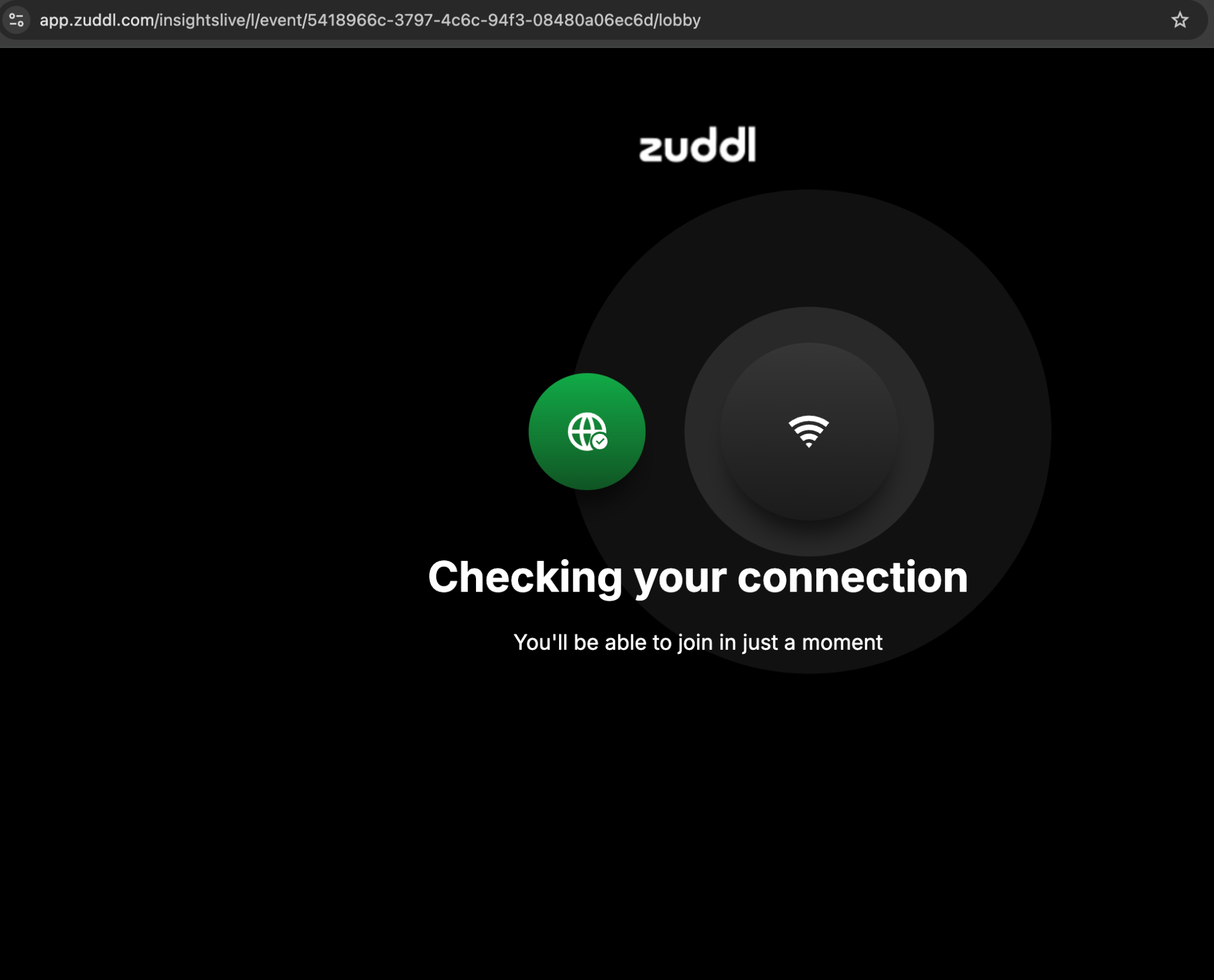
- When you enter the event, the system checks your internet connectivity and speed and notifies you if it's less than required. However, you can still join the event.
- Next, check your audio and video settings. You can also click on Test to check your selected speakers. You can also add any virtual background for your video.
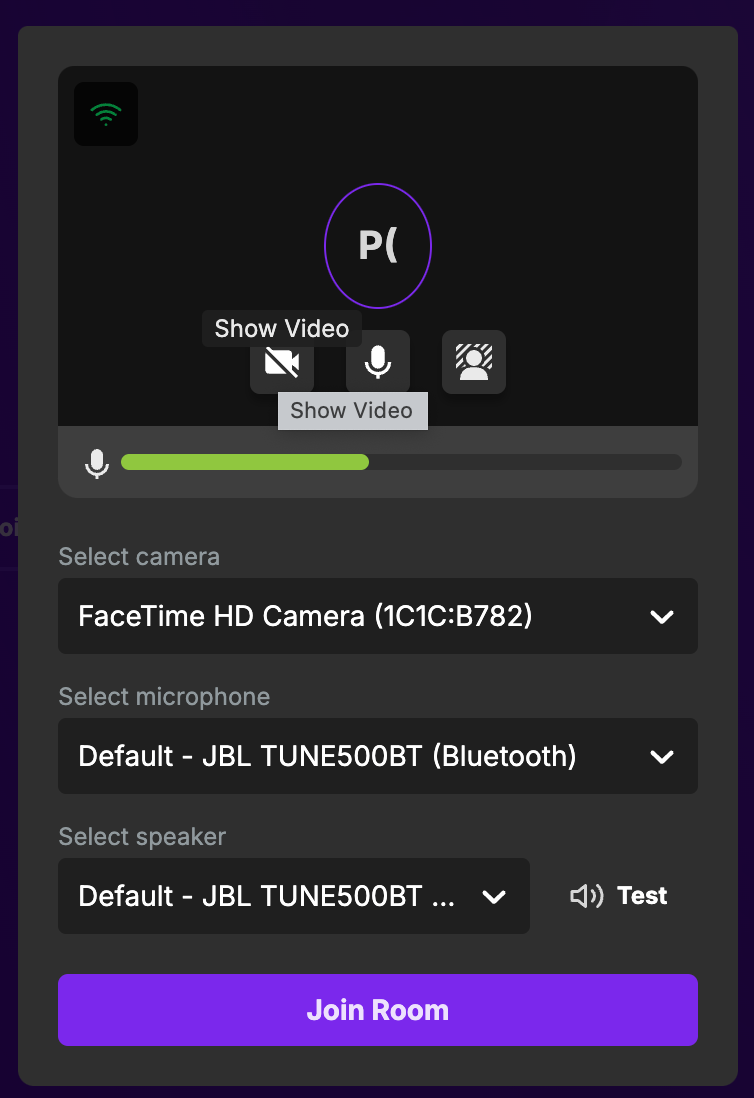
- Finally, click Join room to enter the event.