How to Show Captions
Last updated: August 1, 2025
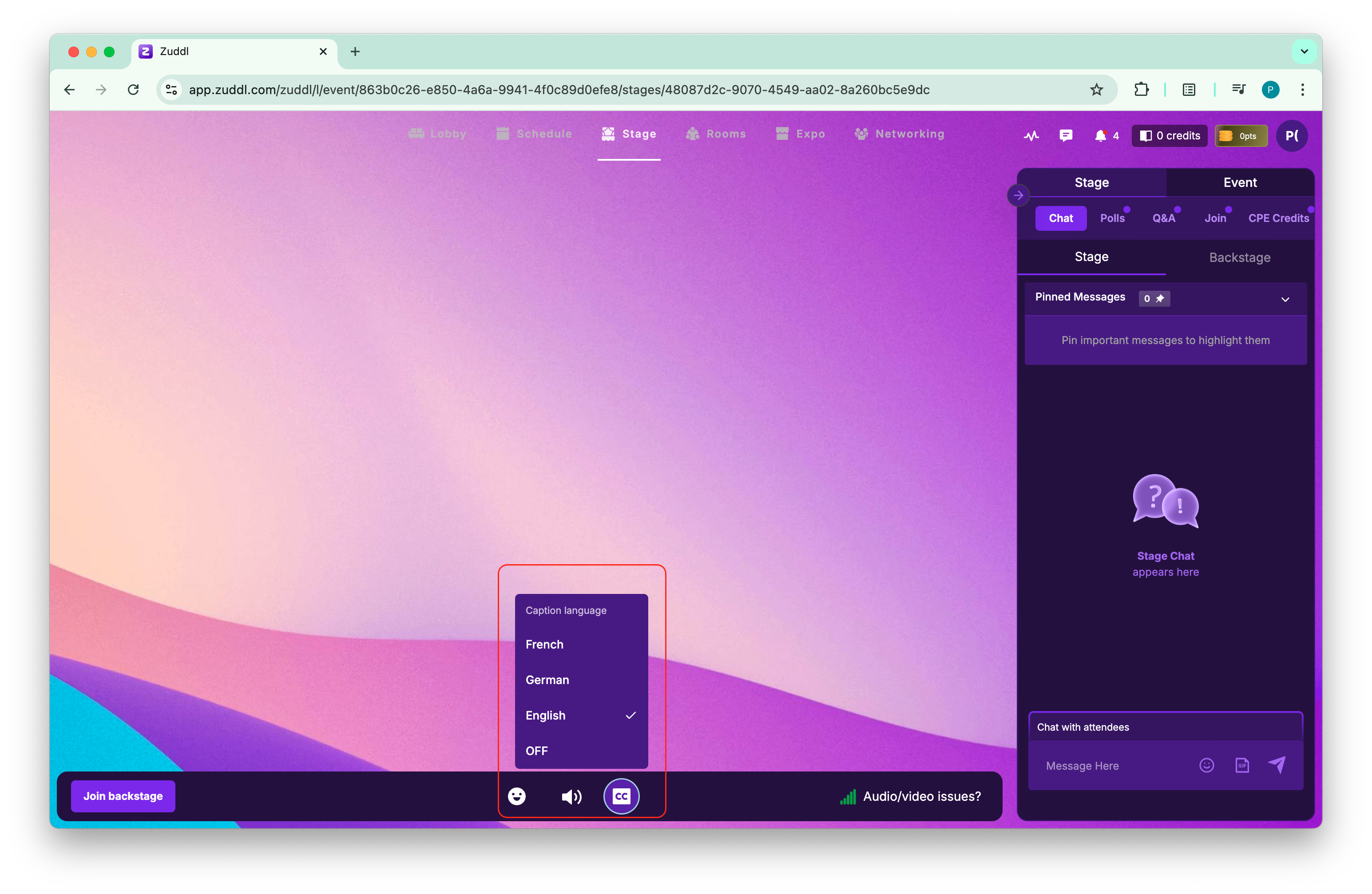
Follow the steps explained in this article to show captions for your stage audio:
On the stage, all the allowed languages are shown on the stage for attendees to select.
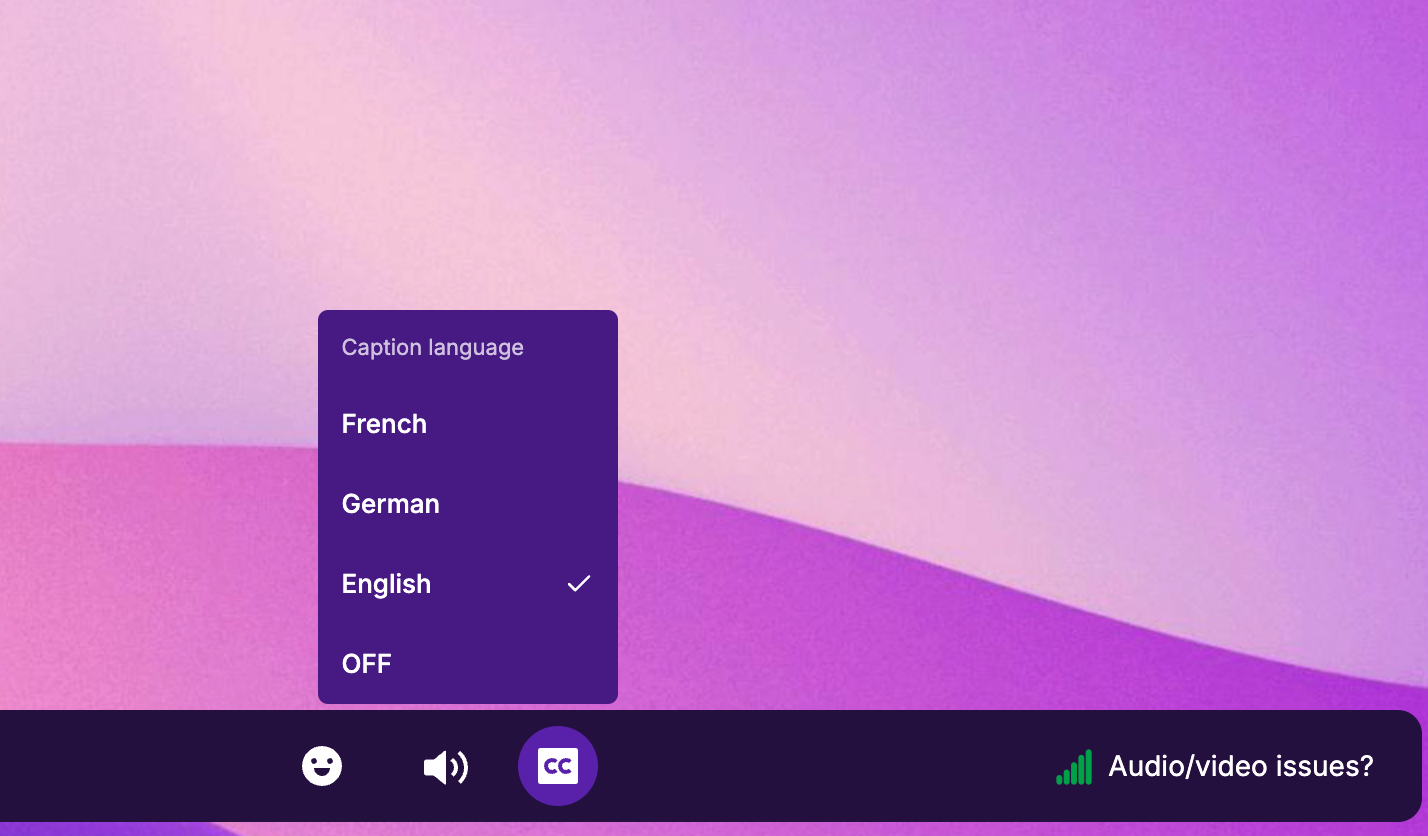
An ‘Off’ option will also be shown in the captions settings on the attendee side.
The captions on the stage appear below the stage preview: