How to Use Virtual Backgrounds in Zuddl Studio
Last updated: August 1, 2025
You can now use virtual backgrounds when streaming from Studio.
Both organizers and speakers can apply virtual backgrounds before joining the Studio, with multiple image options available.
Applying a virtual background
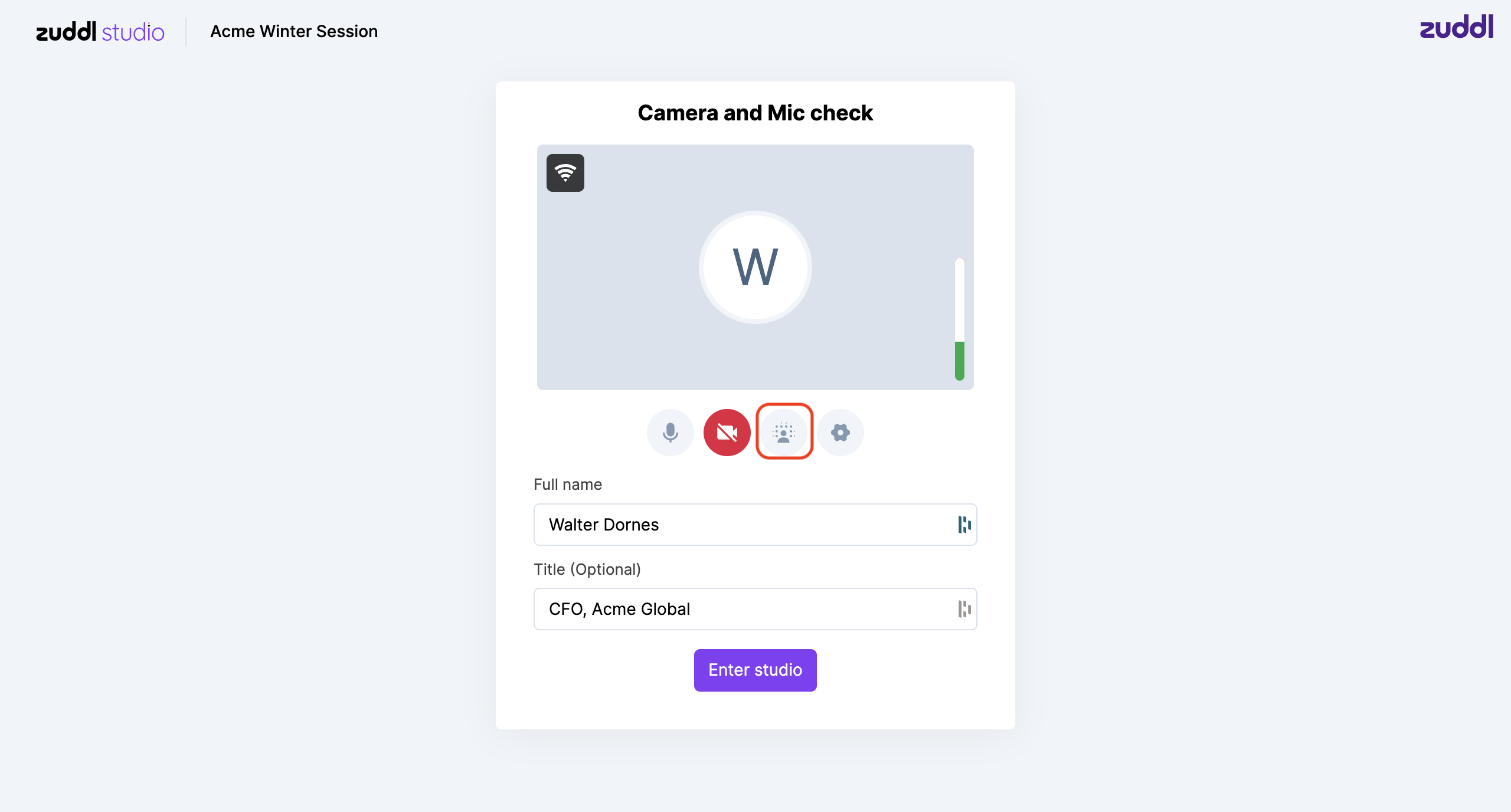
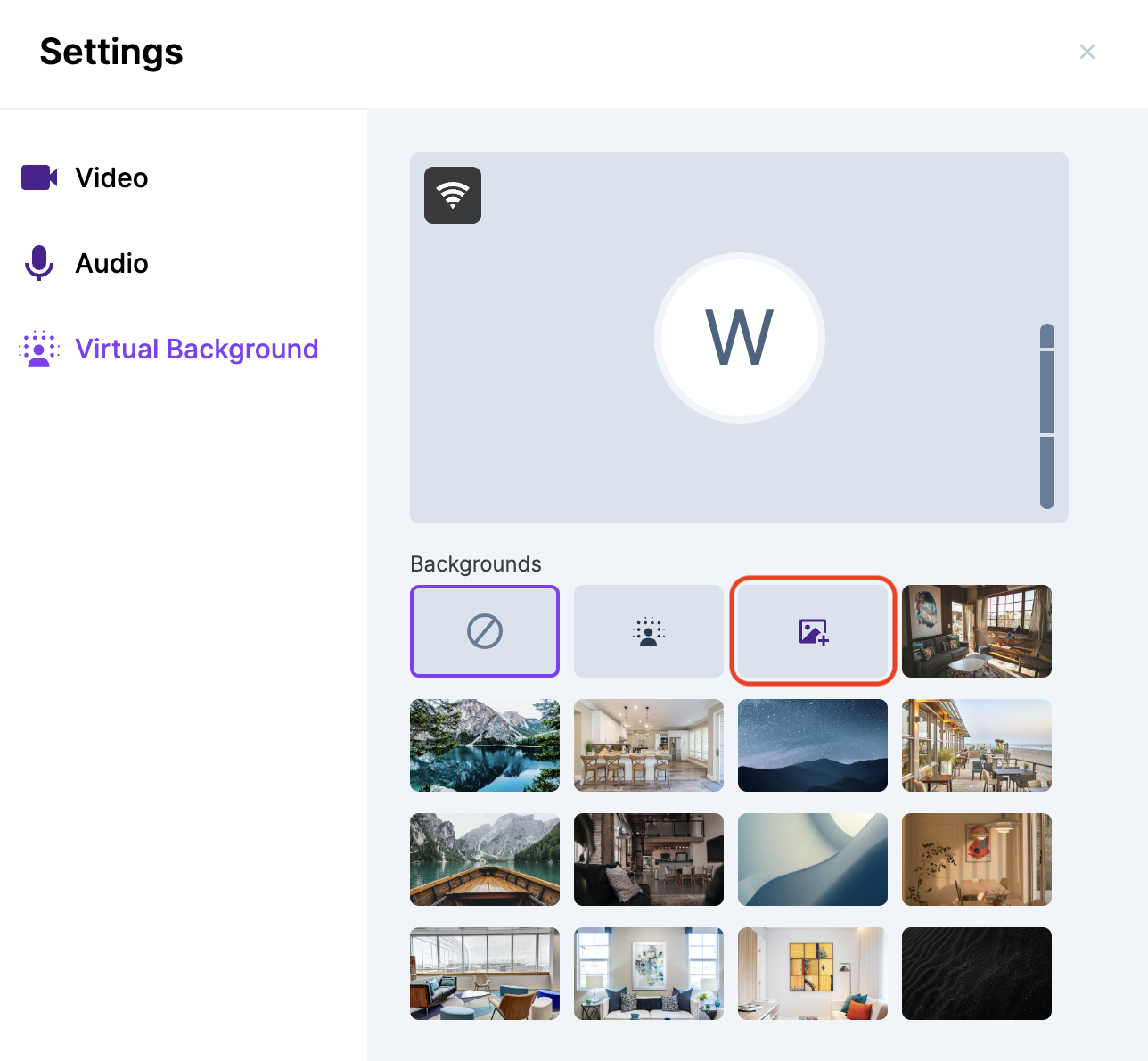
The Camera and mic check screen is shown before you join Studio. Here, click the icon for virtual backgrounds to open the settings popup.
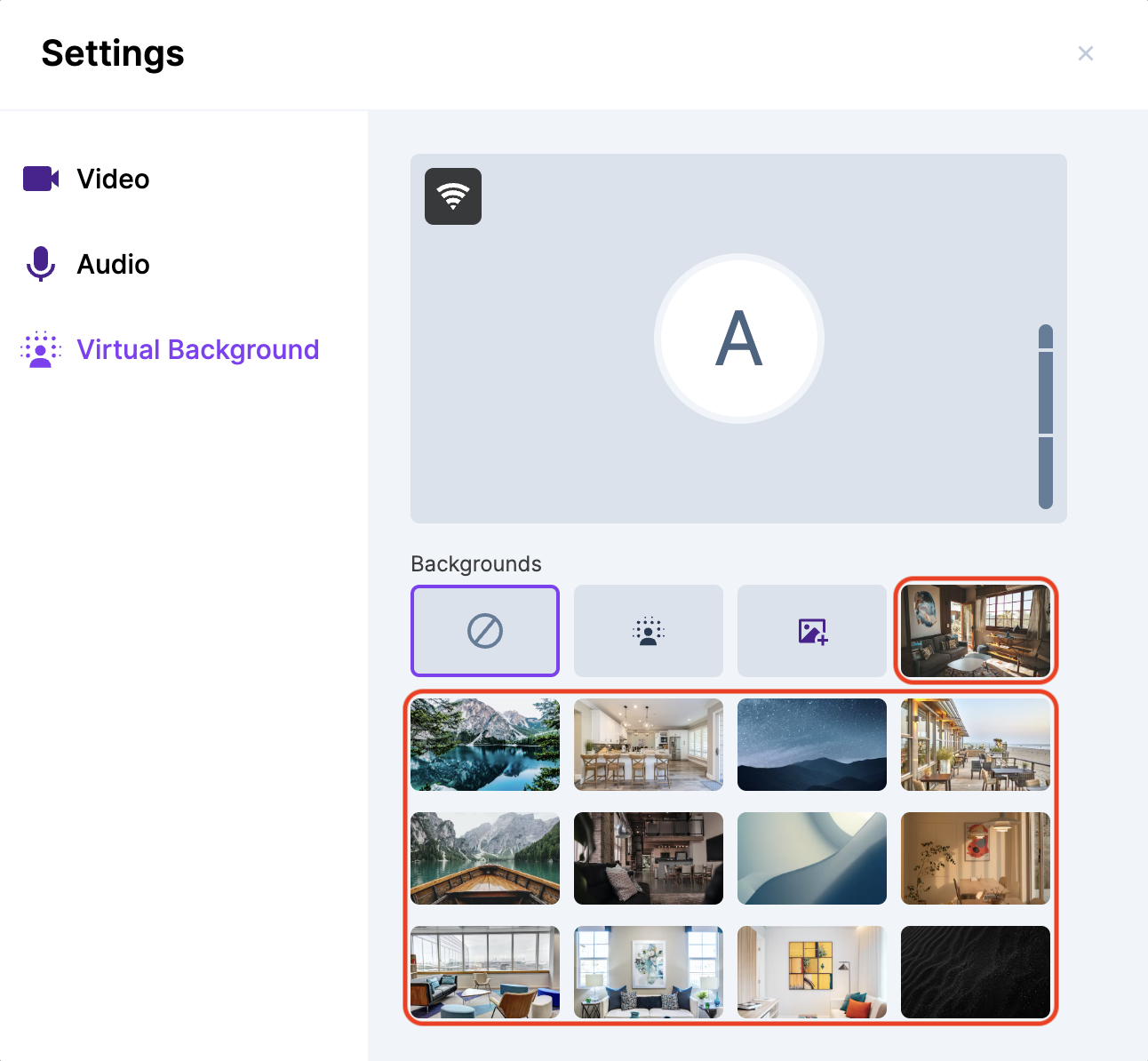
Choose an image for your virtual background from the popup:
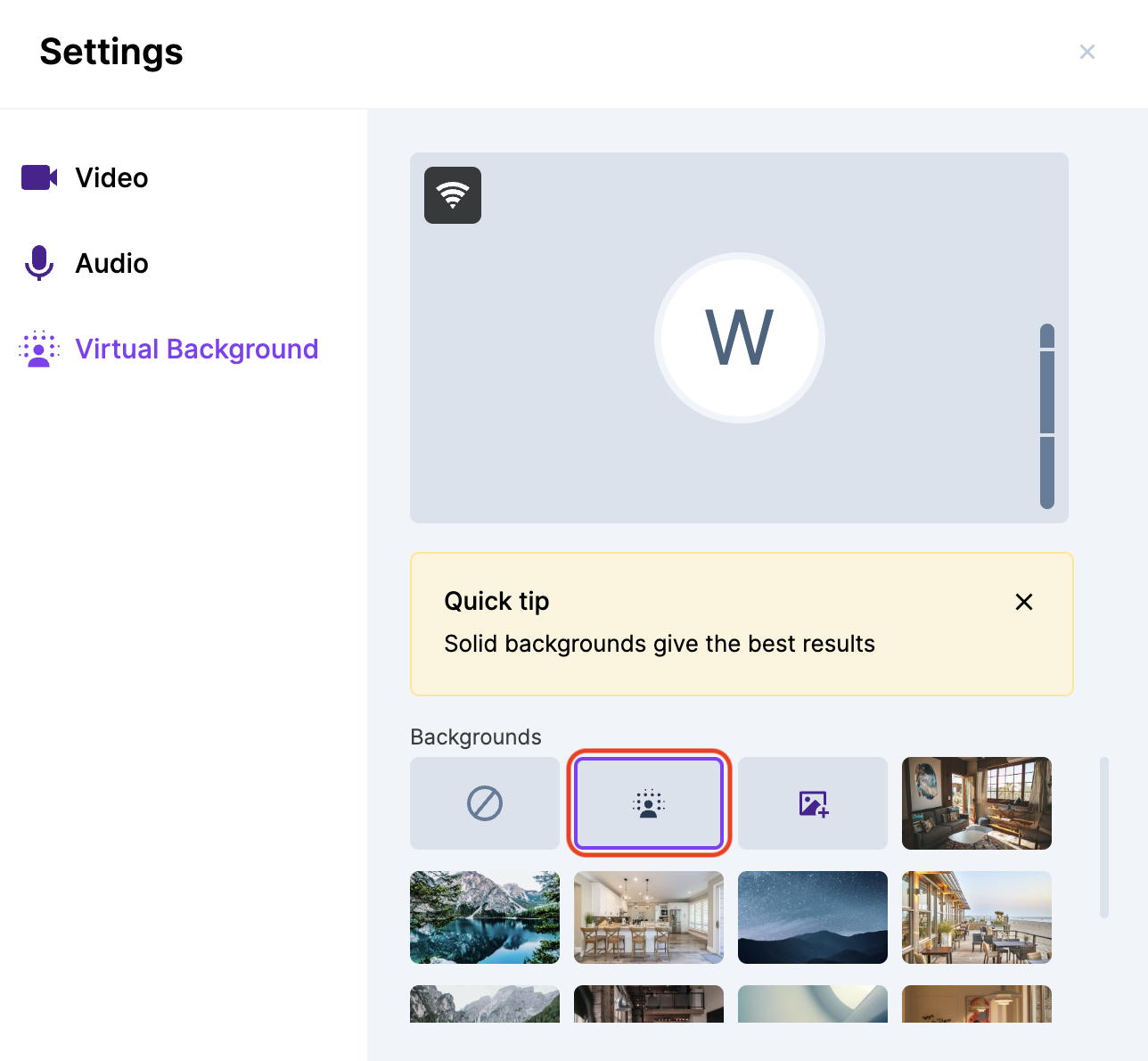
Background blur
Choose this option to blur your actual background while keeping your profile clear.
Applying a custom background
Apart from the backgrounds available in Studio, you can also upload a custom virtual background.
The recommended image size for virtual backgrounds is 1920x1080 pixels, upto 1 MB.
Turning off virtual backgrounds
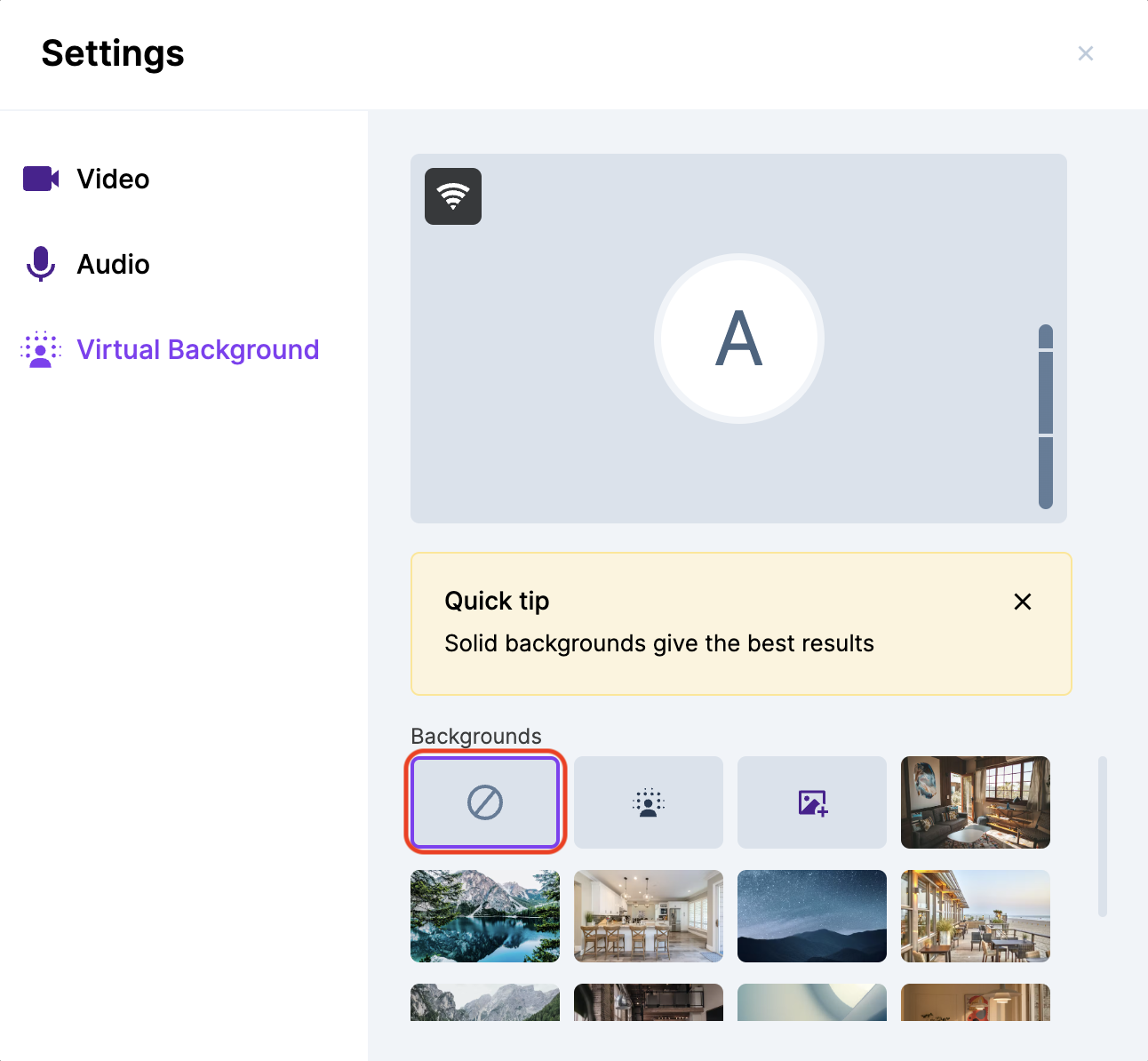
To turn off virtual backgrounds, choose the first option in the popup (no background).