How to Set Up Streaming on Youtube from Zuddl Studio
Last updated: August 1, 2025
You can directly connect your YouTube channel with Zuddl to stream out to your channel without having to authenticate using RTMP keys. Like a plug-and-play option, you can simply add your YouTube channel as a destination and stream out.
Prerequisite:
Before you get started, ensure that your YouTube channel is verified and meets all live-streaming requirements. If you’ve never streamed before, you can request streaming access, which takes 24 hours to get approved. Learn how to enable live streaming for your channel.
Once your request has been approved, you can go live through Zuddl.
Steps
Prerequisites
- Log in to your YouTube account.
- Enable live streaming on your YouTube Channel from your YouTube dashboard.
- Log into your Zuddl Studio.
Click the + icon to add a streaming destination.
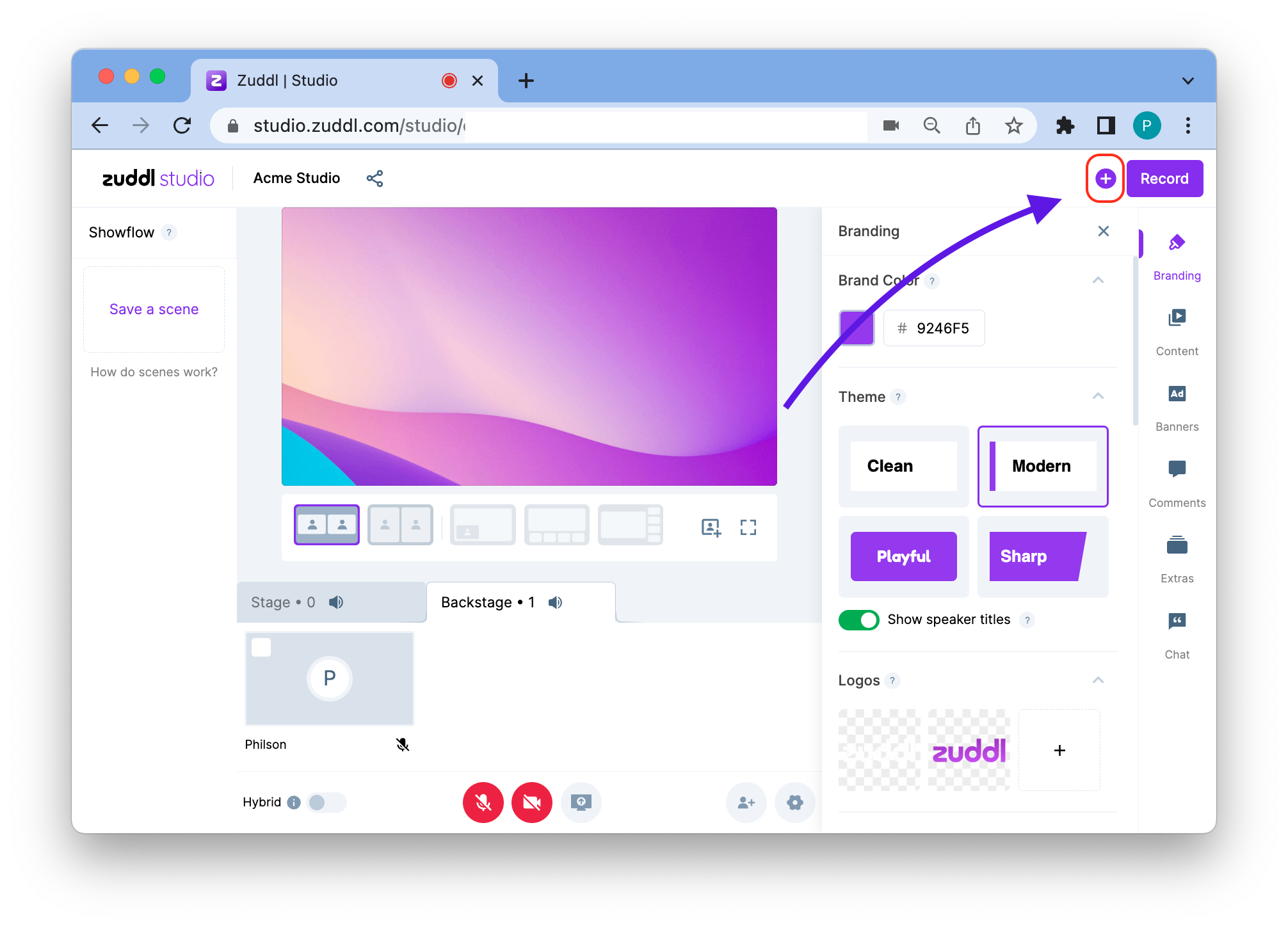
Add a Destination - Click the +Add Destination button.
Under Streaming Platforms, select Youtube.
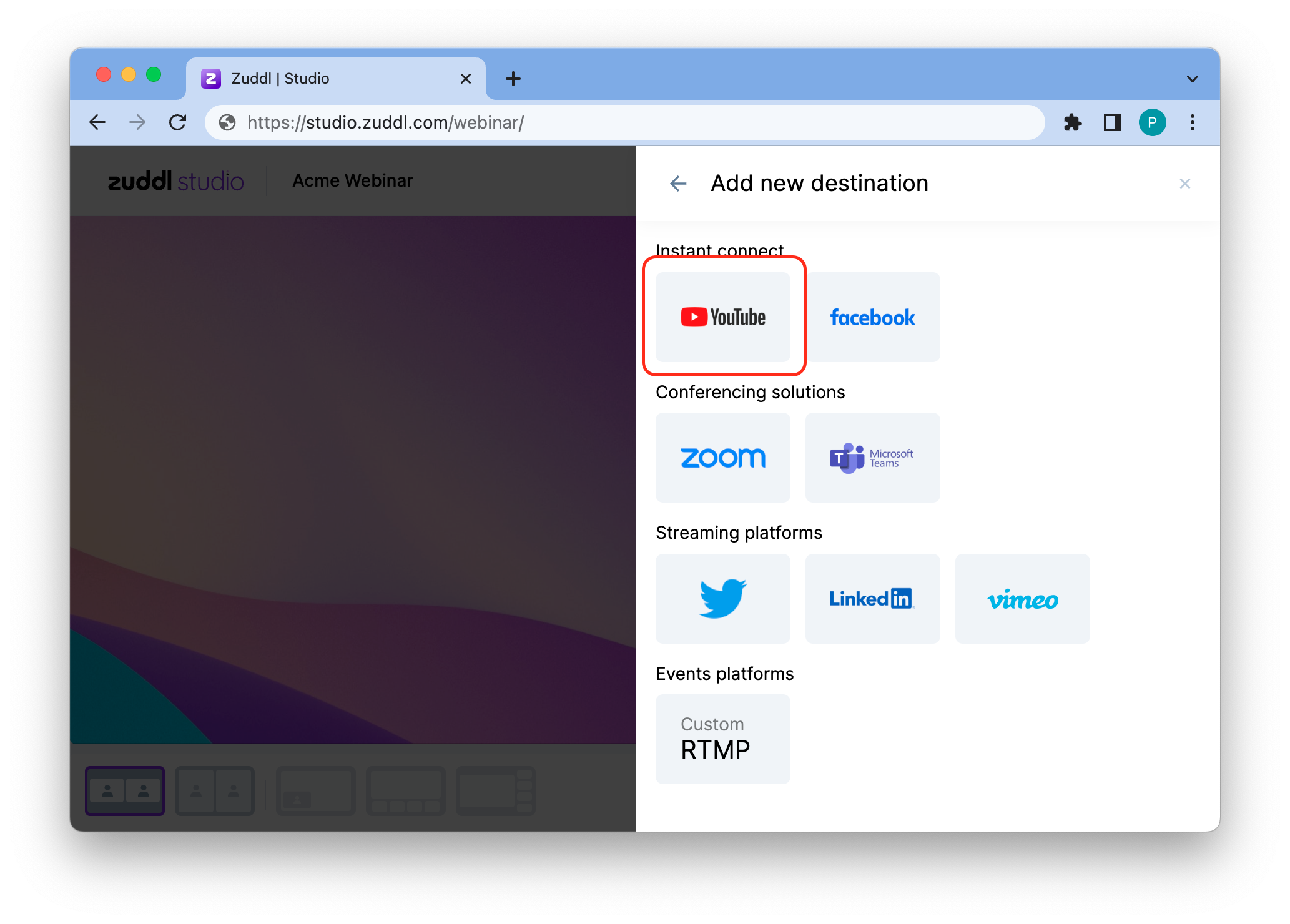
Select YouTube
Grant Permissions
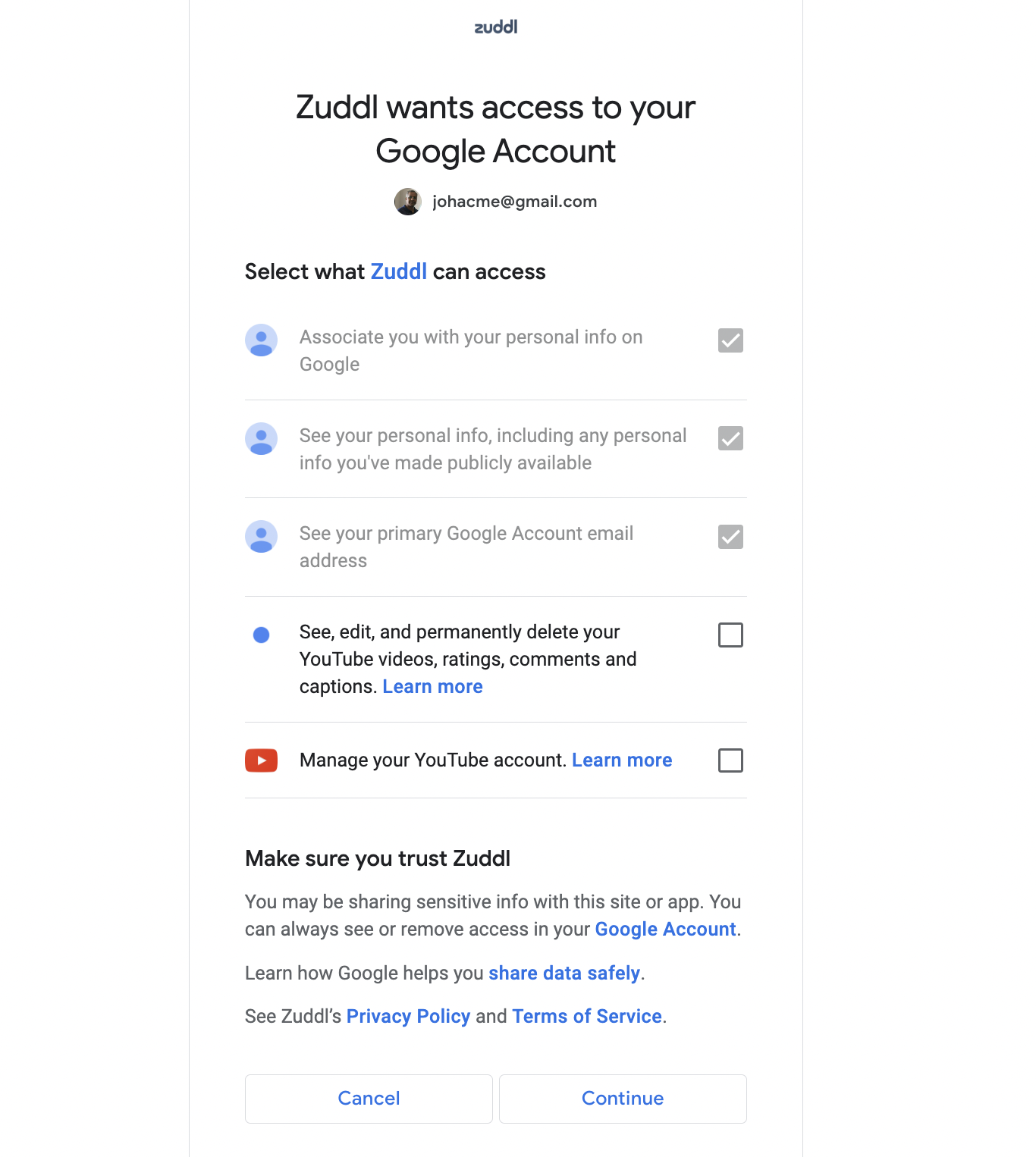
On the content summary page you can allow Zuddl to take specific actions on your behalf. Certain access permissions have been granted by default.
- On the consent summary, grant the following permissions to Zuddl:
- See, edit, and permanently delete your YouTube videos, ratings, comments, and captions.
Manage your YouTube account.
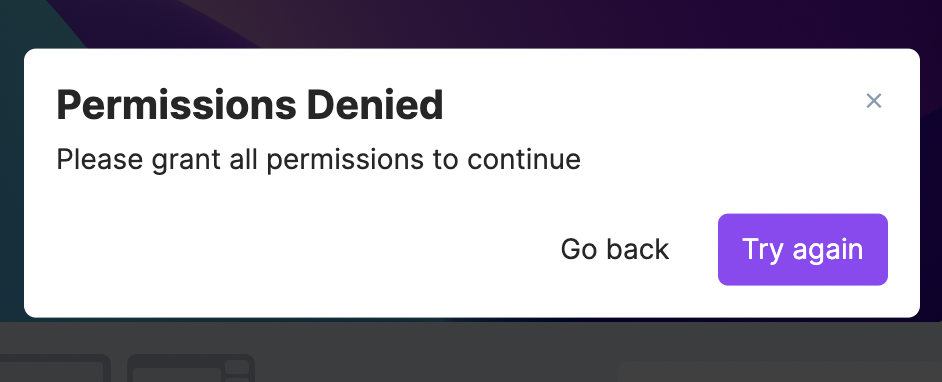
This is a crucial step for this integration. You are shown the following prompt at entry if permissions have not been granted. You can click Try again to re-initiate the connect flow or Go back to return to the destinations page.
- Click Continue. This adds your YouTube channel as a destination on Zuddl Studio.
- On the Enable live streaming prompt message, click Already done if you’ve already enabled live streaming on your YouTube channel. If you haven’t yet enabled live streaming, click Open YouTube Dashboard.
Customize your Stream
You can also edit your stream details.
Click on Customize stream.
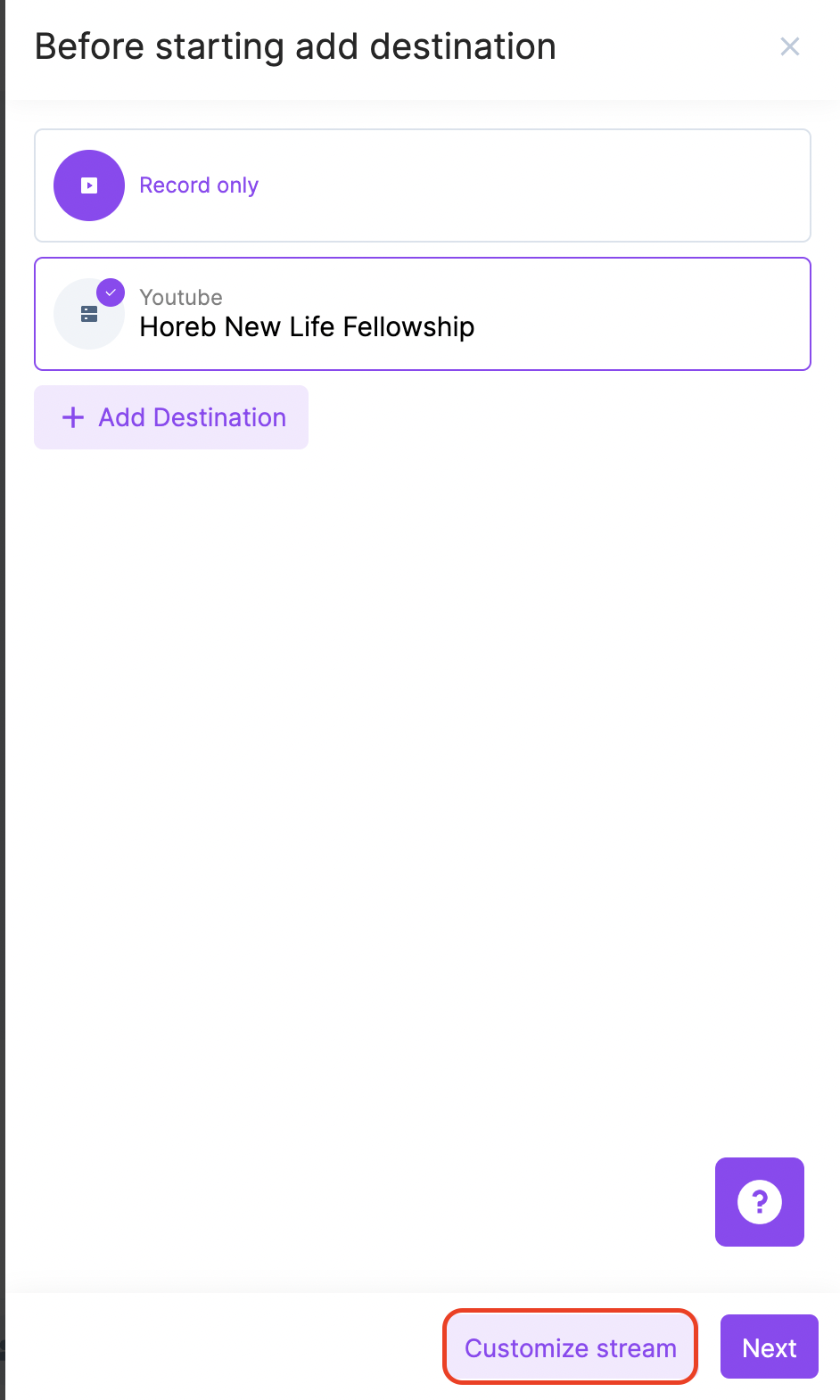
- Enter the following details
- Stream Title
- Stream Description (Optional)
Upload an image for the stream thumbnail. Select a PNG file up to 1 MB in size of dimensions 1920 x 1090 pixels.
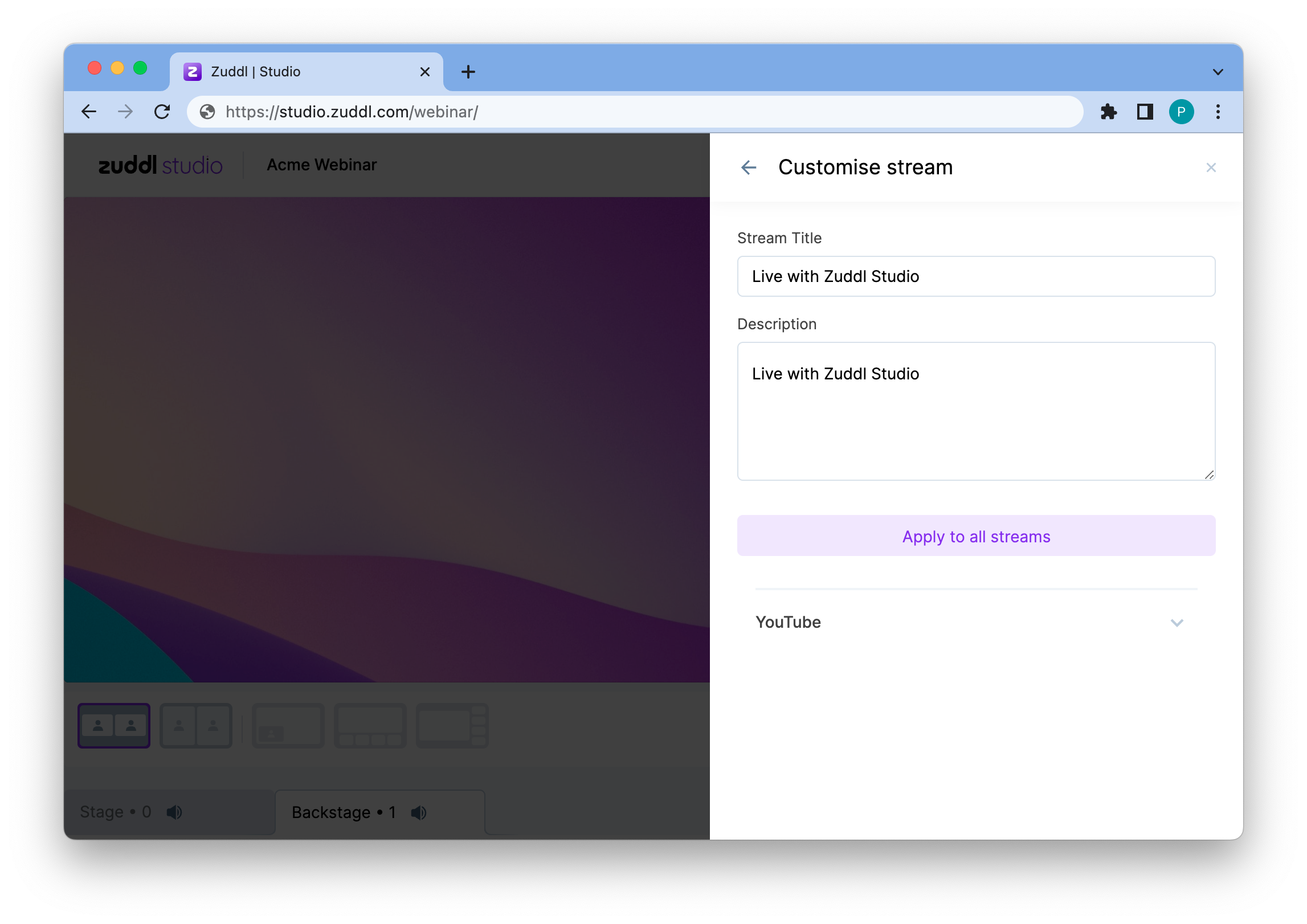
Customization Options - Click Apply to all.