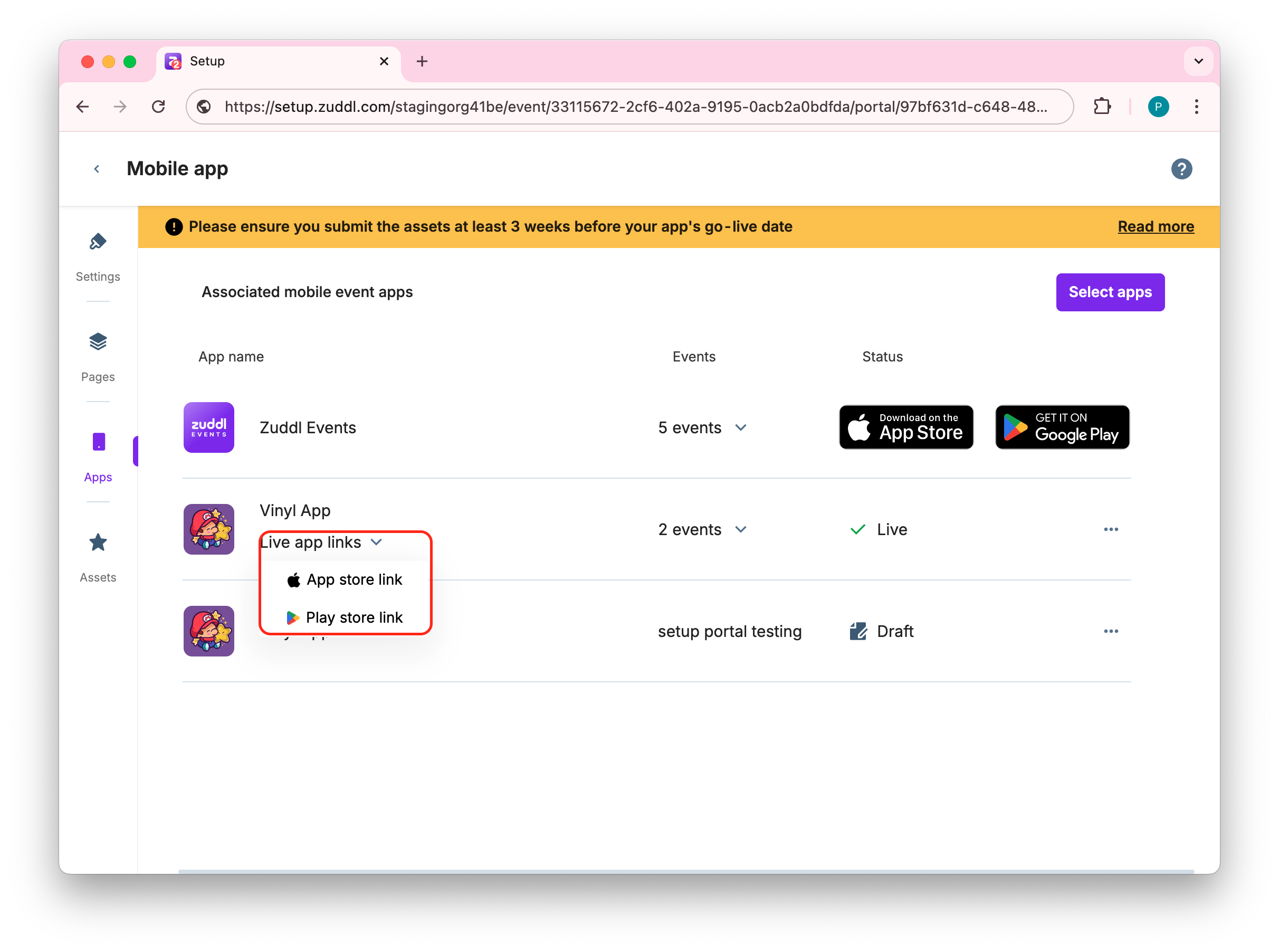
How to Associate an Event with a Mobile App
Last updated: September 3, 2025
You can choose from the list of created apps where you wish to show the particular event to the attendees.
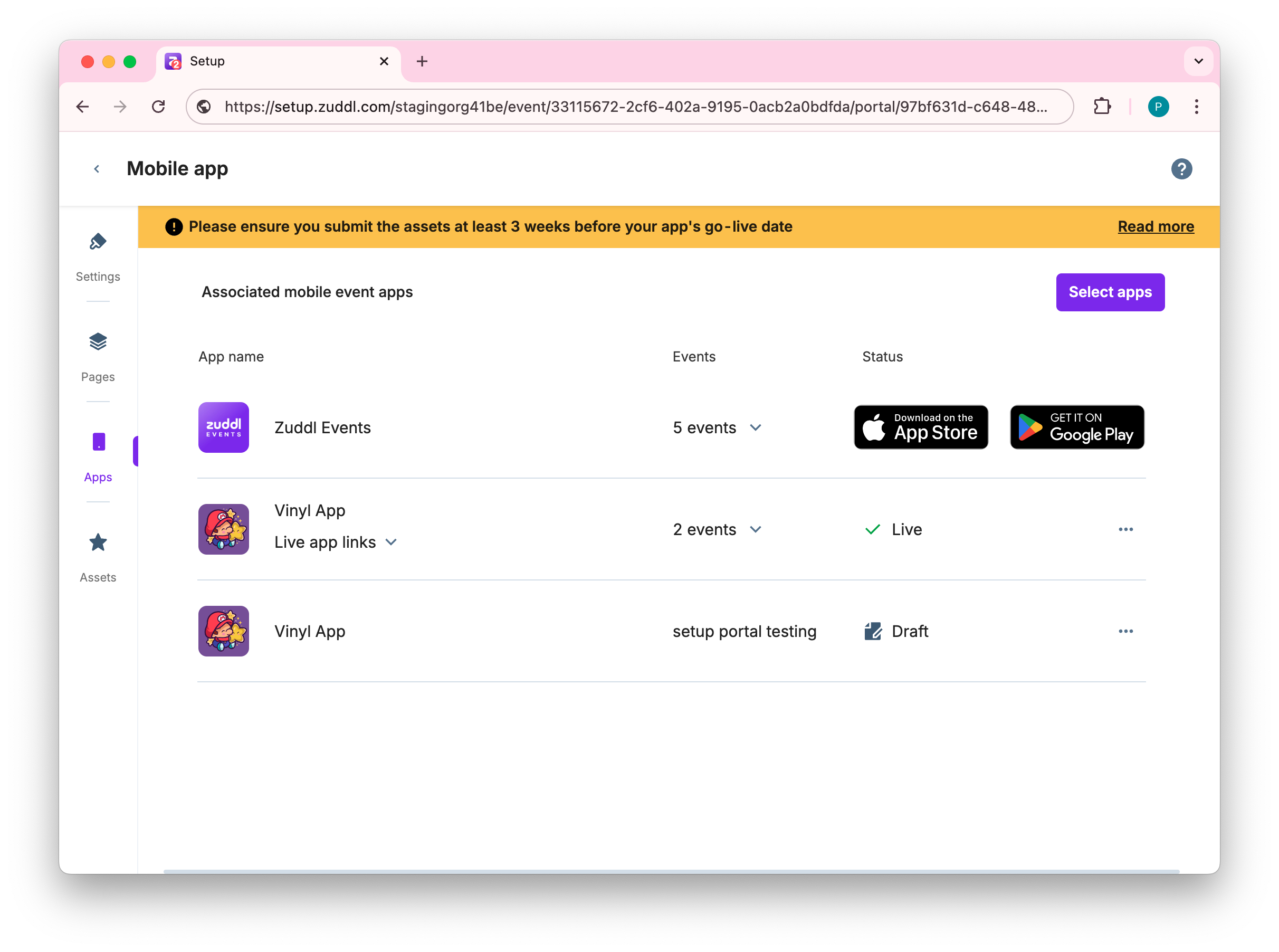
Go to the Apps menu of the Mobile app builder. This shows the list of apps associated with this event.
Click on the Select apps button.
Zuddl Events app appears on the list by default.
This shows the list of created apps in this Zuddl team along with status (Live/Draft). The default Zuddl Events app is selected by default and is in the Live state. You can also remove this selection.
Select the App in which you wish to show this particular event and click Save changes.
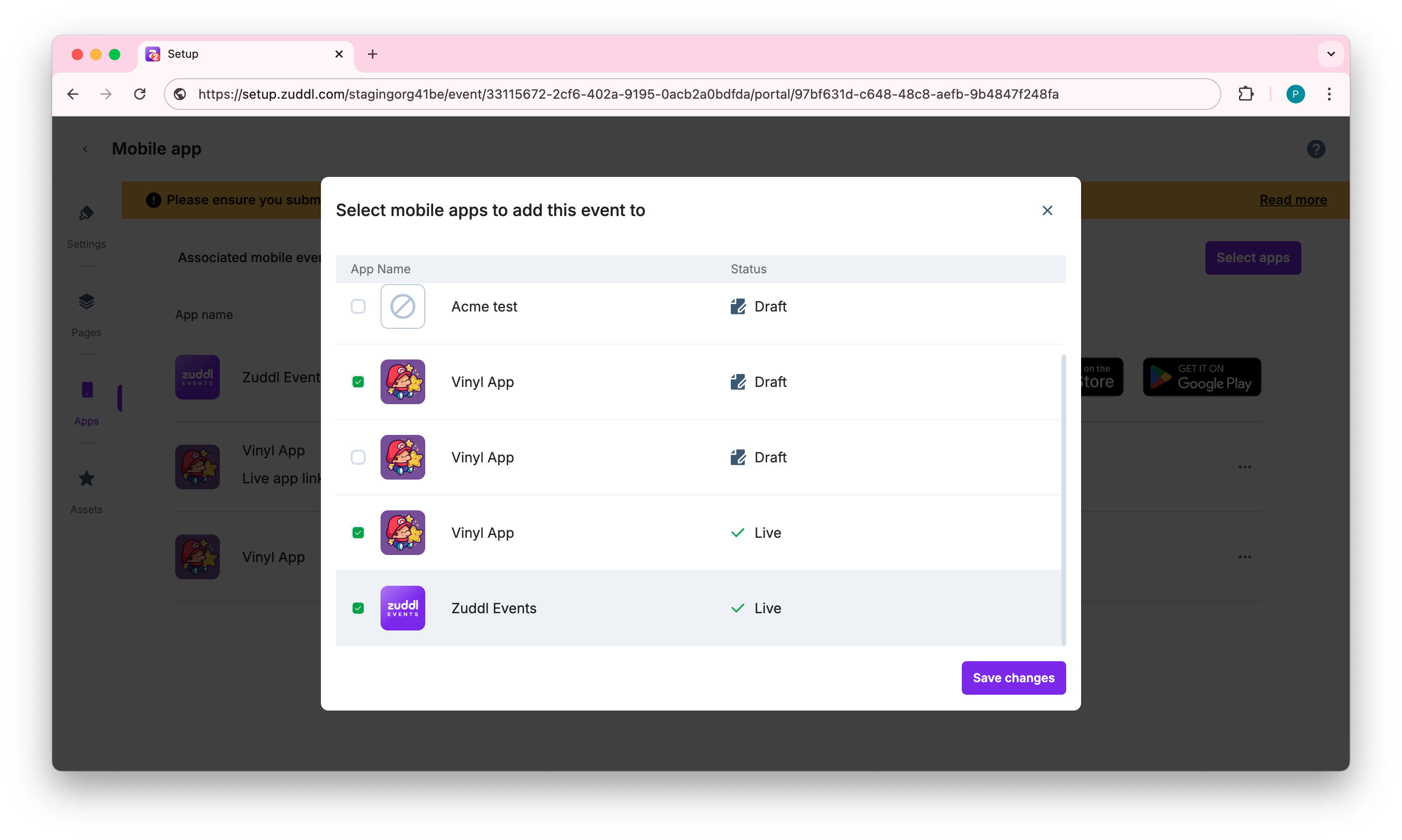
You can also select apps in Draft state.
The recently associated apps are shown in the list.
Other actions
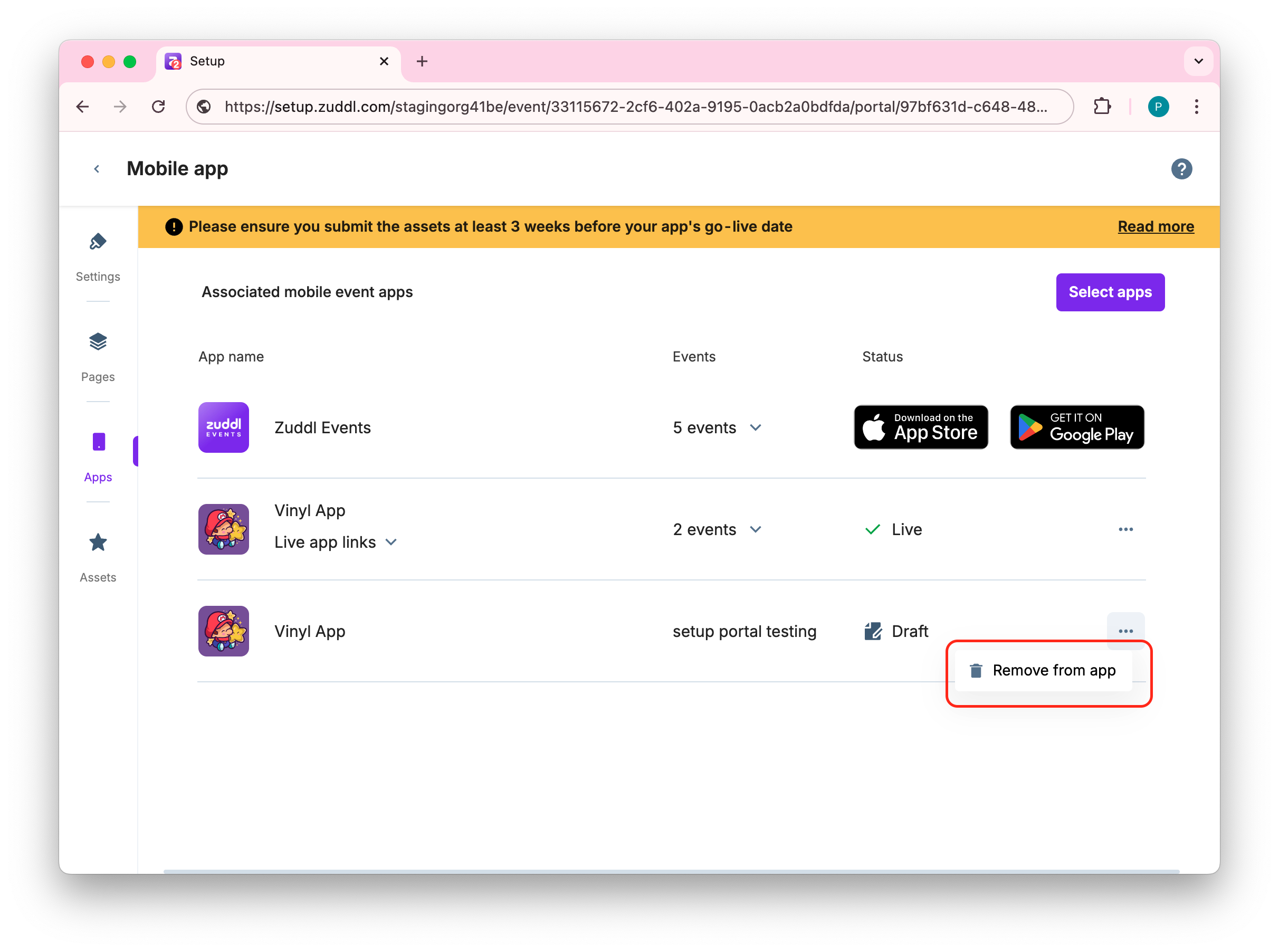
Remove apps: You can also click on the more options menu for each app to remove the association
Live app links: You can also access the Appstore or Playstore link as shown below: