How to Create a New Virtual Event in Zuddl
Last updated: August 28, 2025
To create a new event on Zuddl:
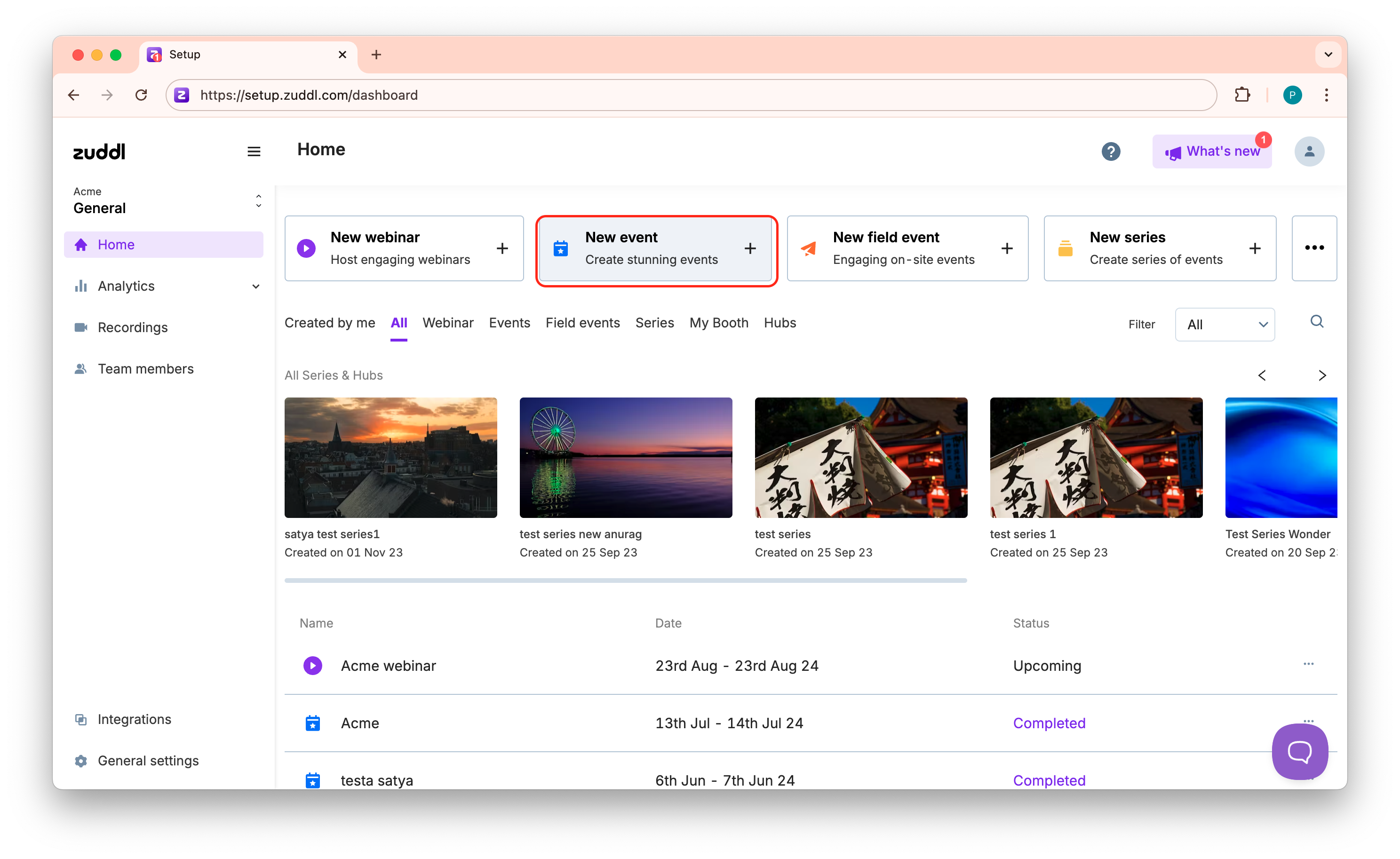
On the Home page (event listing), click New Event. This redirects you to the Create an Event page.
Add event details
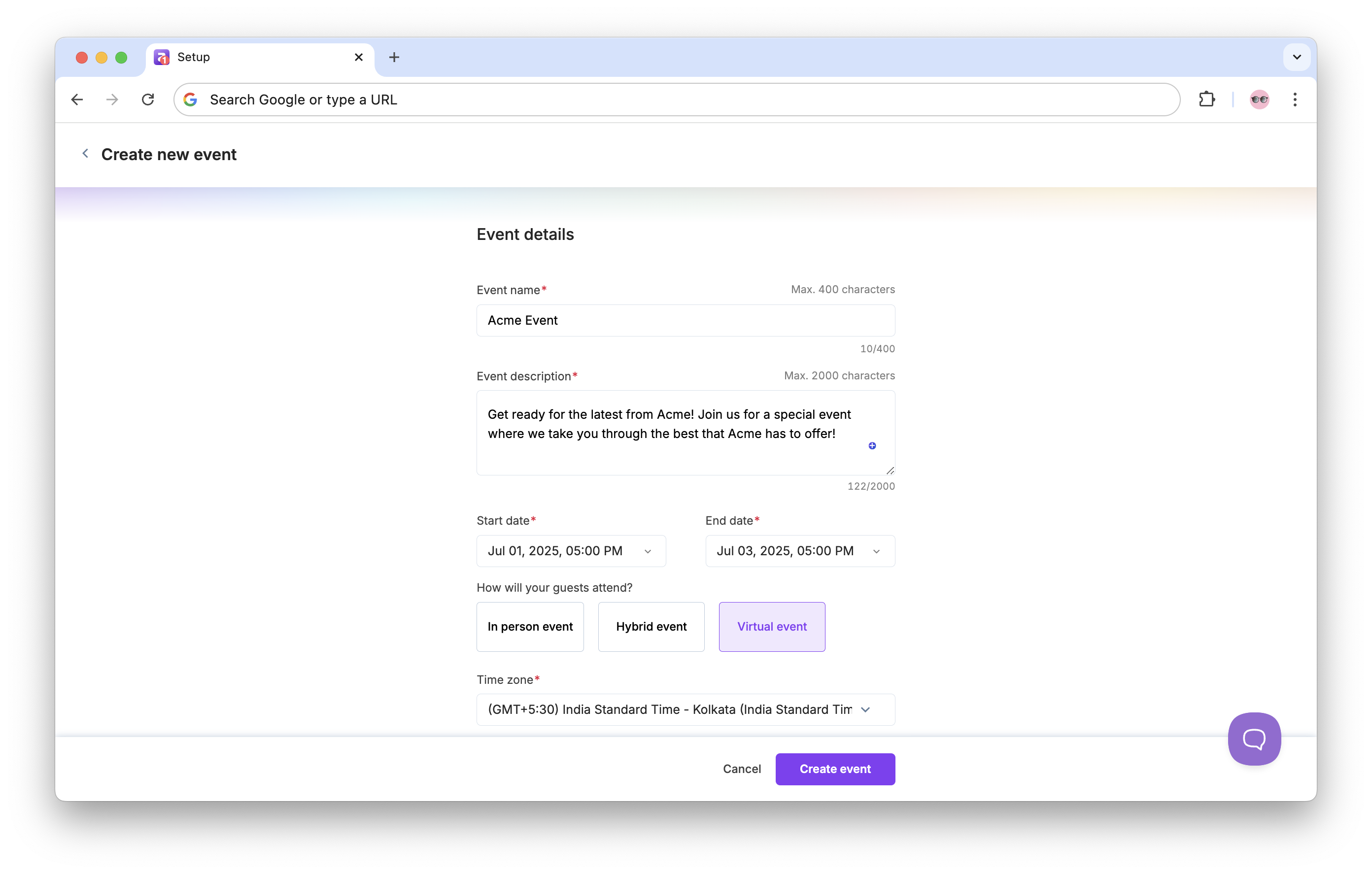
Add an Event Name (of up to 50 characters). This event name is displayed on the event listing and registration page.
Add an Event description (of up to 2000 characters).
Select a starting (Starts on) and ending (Ends on) date and time for your event from the date and time picker.
Optional. For multi-day event, under Configure the start/end time for each day, you can set the end time and start time for each day.
Select Virtual event type from the three event types available:
Virtual event
Hybrid event
In-person event
If you wish to add this event to an Event Hub, select the hub from the Add to event hub dropdown.
Upload a Cover image.
You can click on the breadcrumb links to go to previous step.
Click Create Event.
And that’s it — you’ve created an event!