How to use Reports for a Zuddl Webinar
Last updated: August 1, 2025
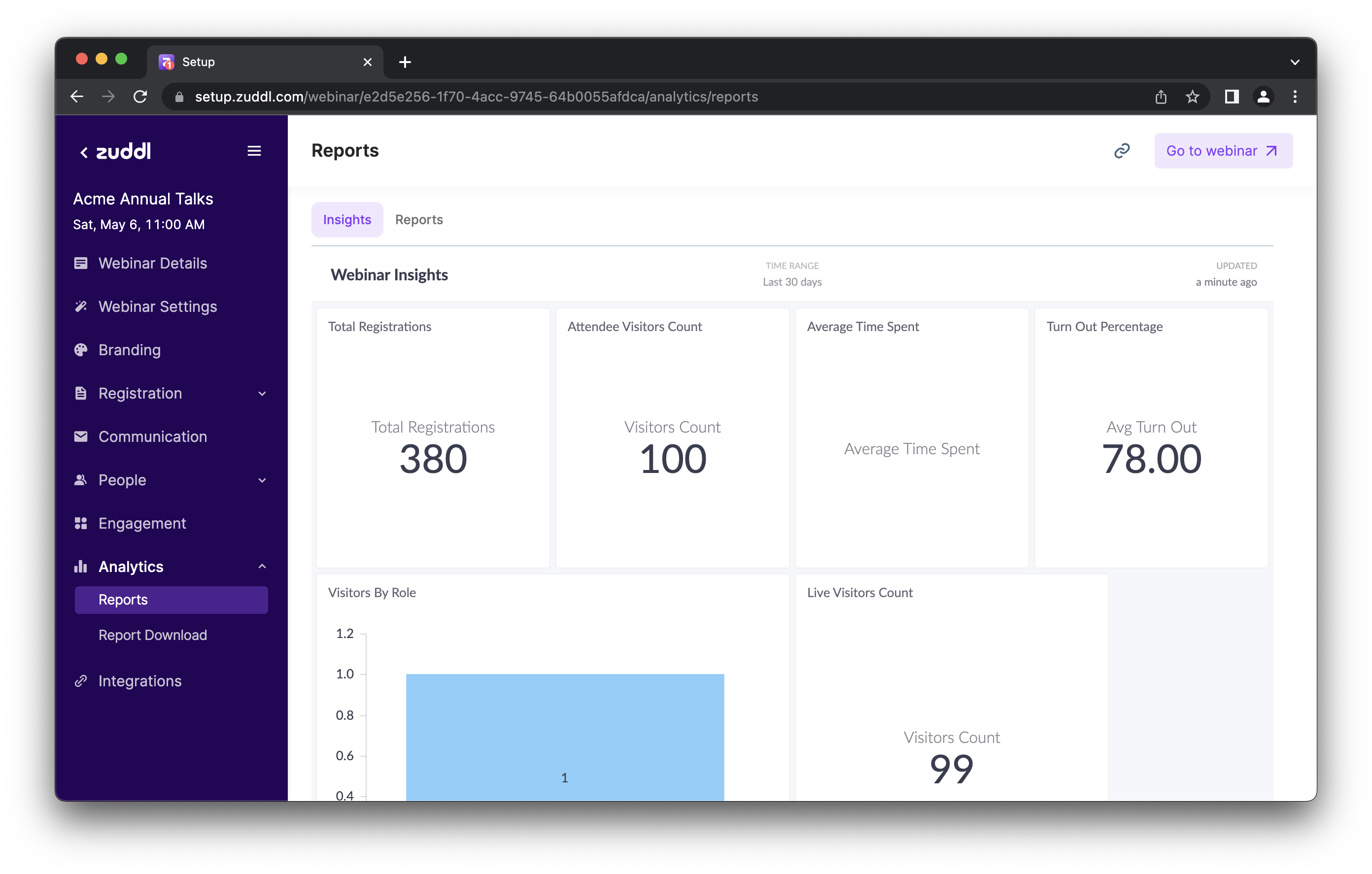
You can review the statistics for your webinar by going to Analytics > Reports page.
Here you can see the values for various metrics for your webinar, like the total registrations, the turn out percentage, and the average time spent by attendees in your webinar.
Downloading reports
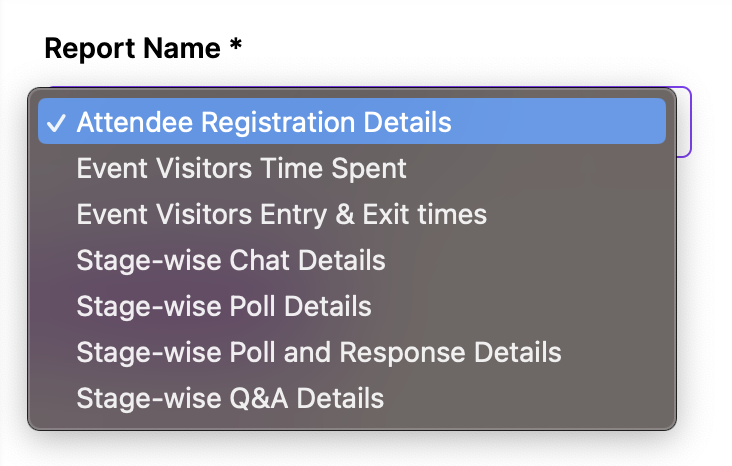
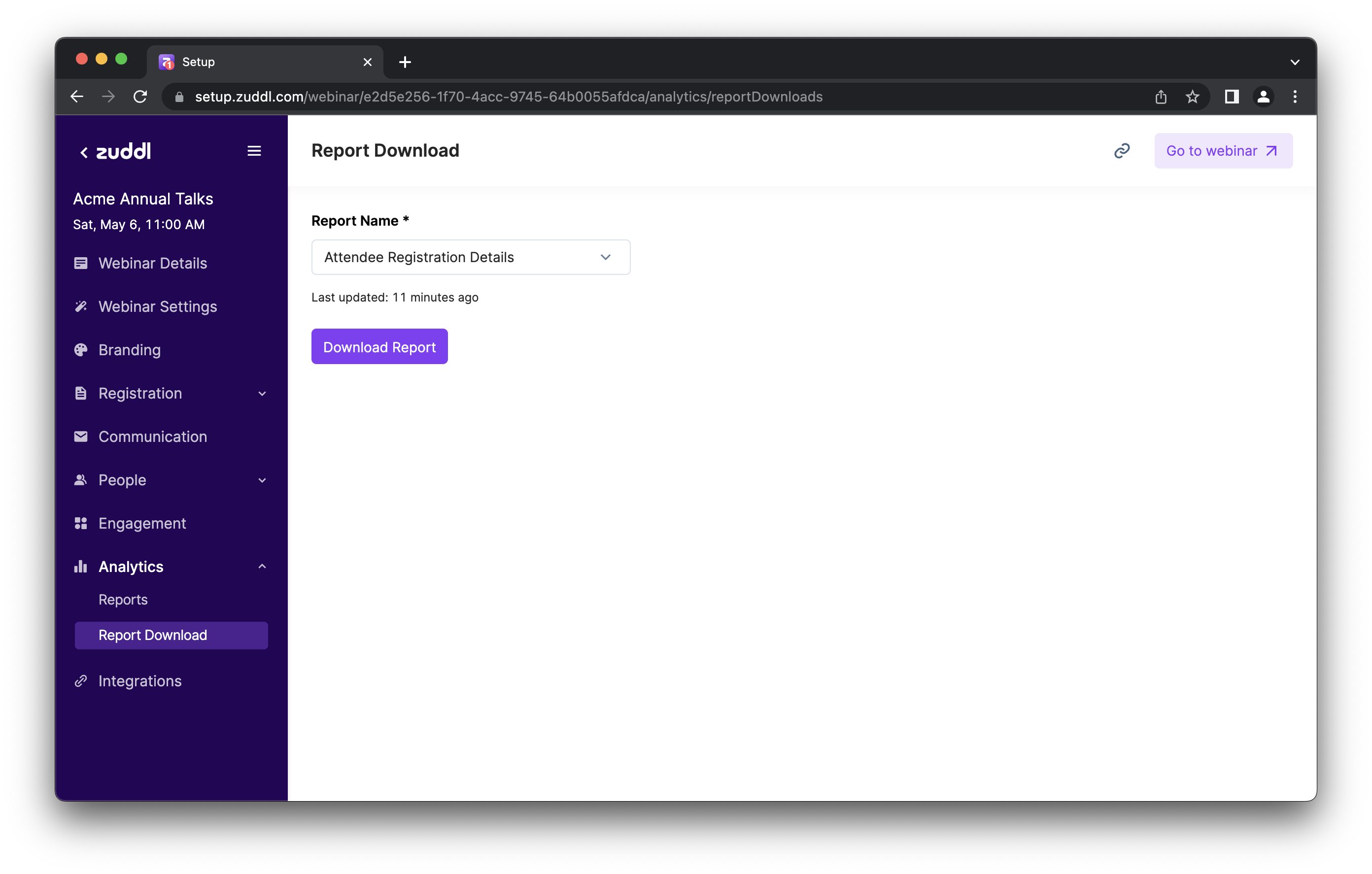
You can download CSV reports for commonly used webinar metrics from the Report Download page.
Here are the reports available to download: