How to View a Day-wise Registrations for a Zuddl Webinar
Last updated: August 1, 2025
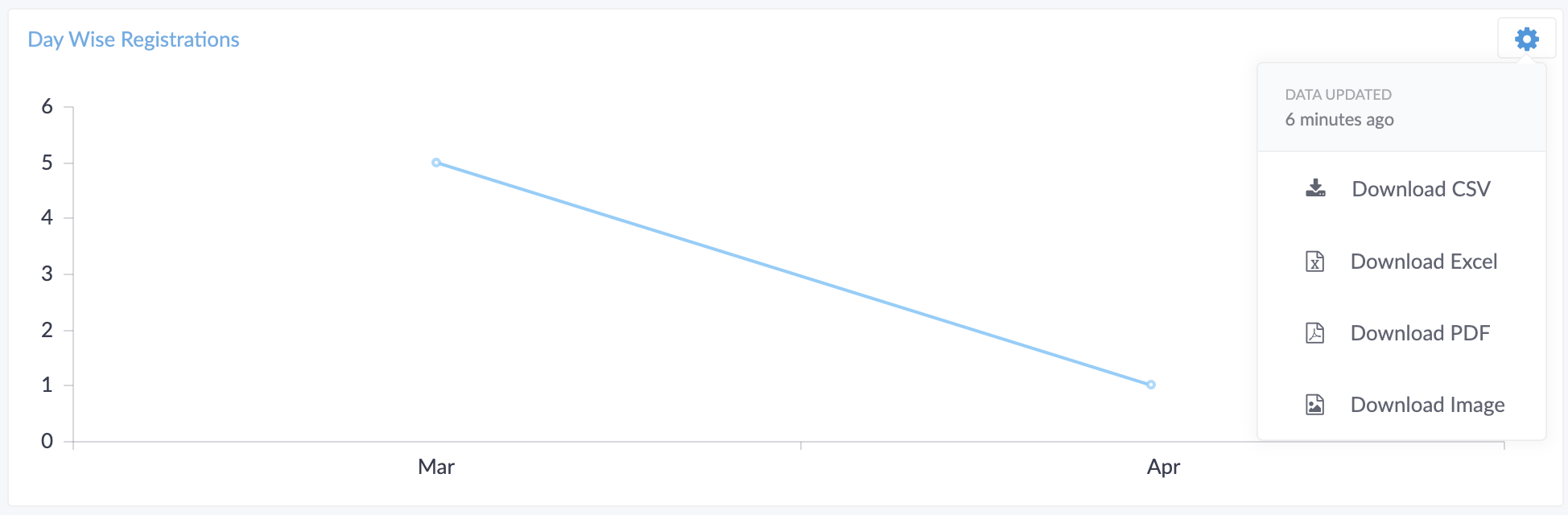
The day wise registrations statistic shows you the number of registrations done on each day from the time registrations start till the webinar ends.
View day wise registrations for your webinar
The day wise registrations for your webinar are shown in Analytics > Reports> Reports tab.
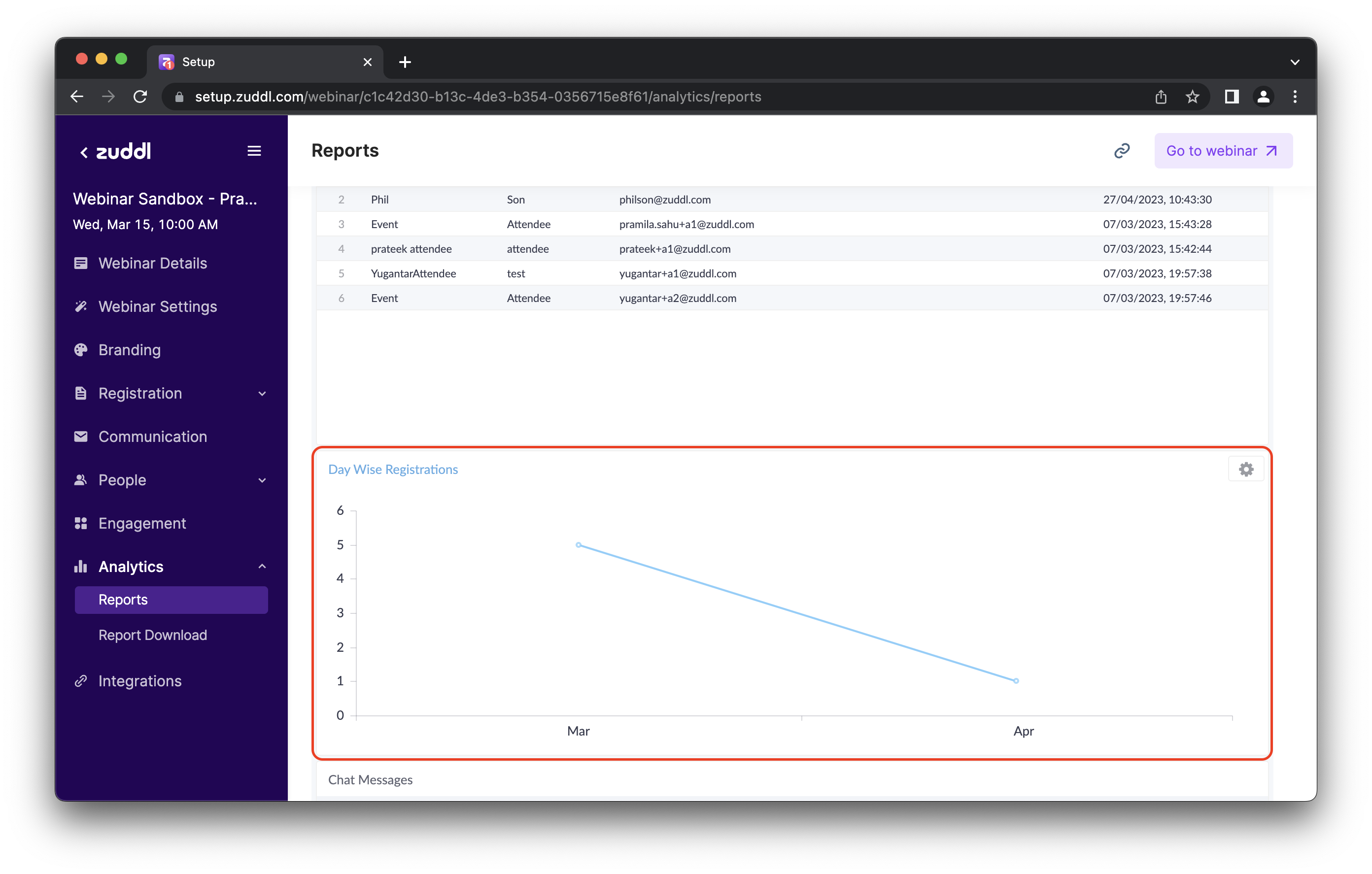
To download the data, click the Options button on the card and choose an option from the list.