How to View Turnout for a Zuddl Webinar
Last updated: August 1, 2025
The turnout for your webinar shows how many people attended it.
This is calculated as the percentage of people who registered and also attended your webinar, compared to total registrations.
View turnout for your webinar
The turnout percentage for your webinar is shown in Analytics > Reports> Insights tab.

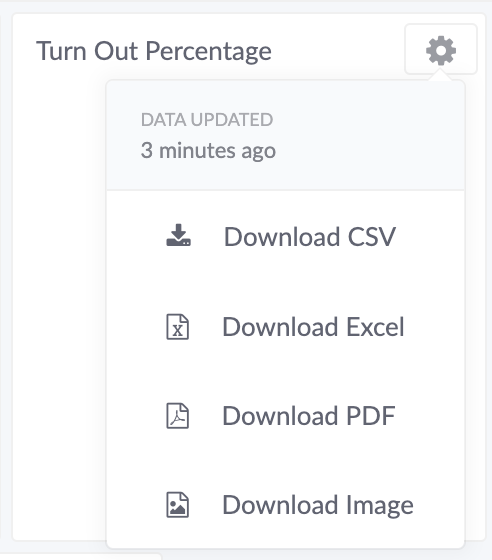
To download the data, click the Options button on the card and choose an option from the list.