How to Create an Account in Zuddl
Last updated: August 1, 2025
After you've clicked on the get started button for the desired Zuddl product, the next step is to create an account with Zuddl. To create an account on Zuddl:
- Go to https://setup.zuddl.io/webinar-signup
- Enter the following details in the sign up form:
- First name
- Last name
- Email: You need to enter your business email
- Organization
Click the Request verification code button. Zuddl sends a 6-digit verification code to the entered email address.
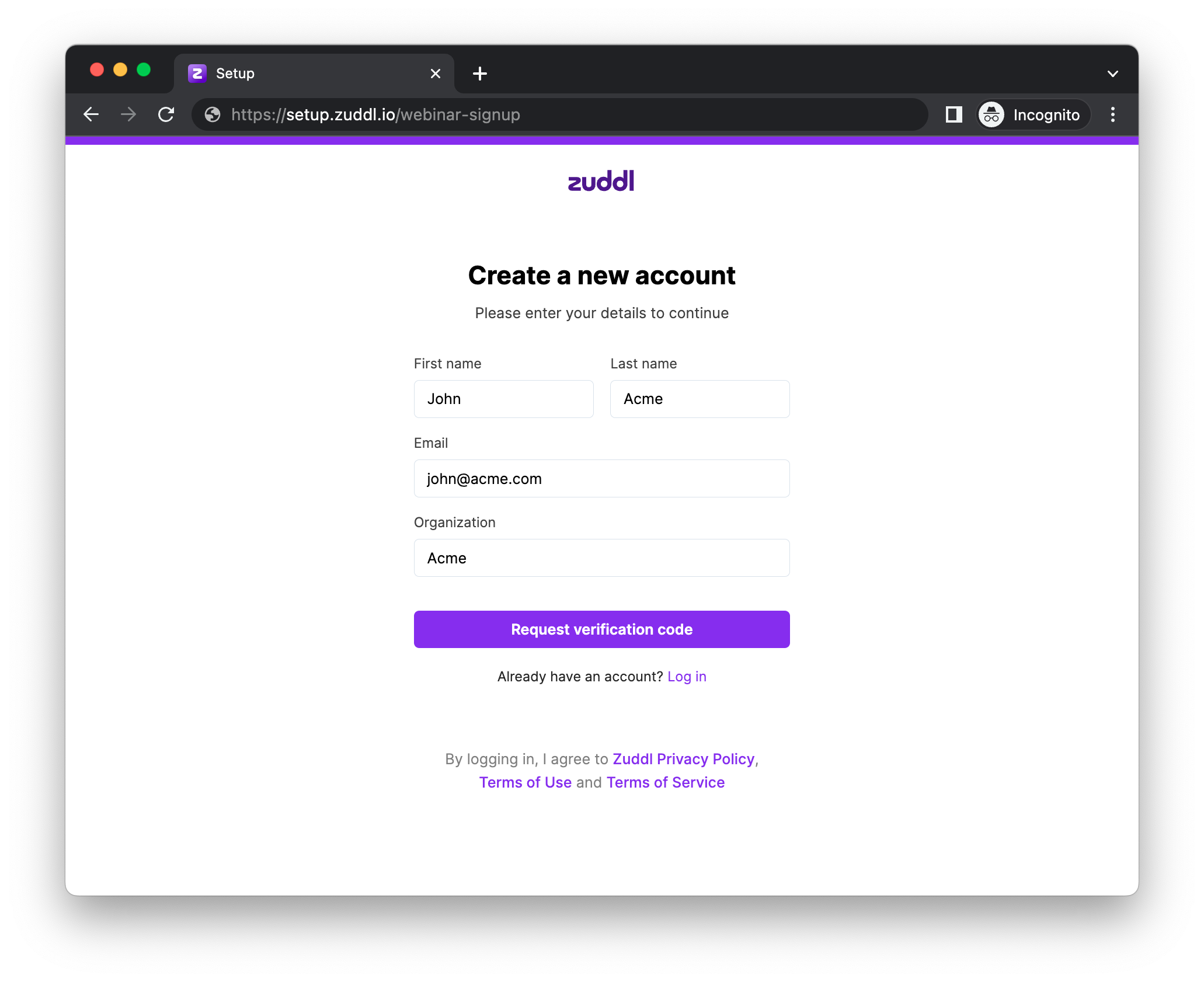
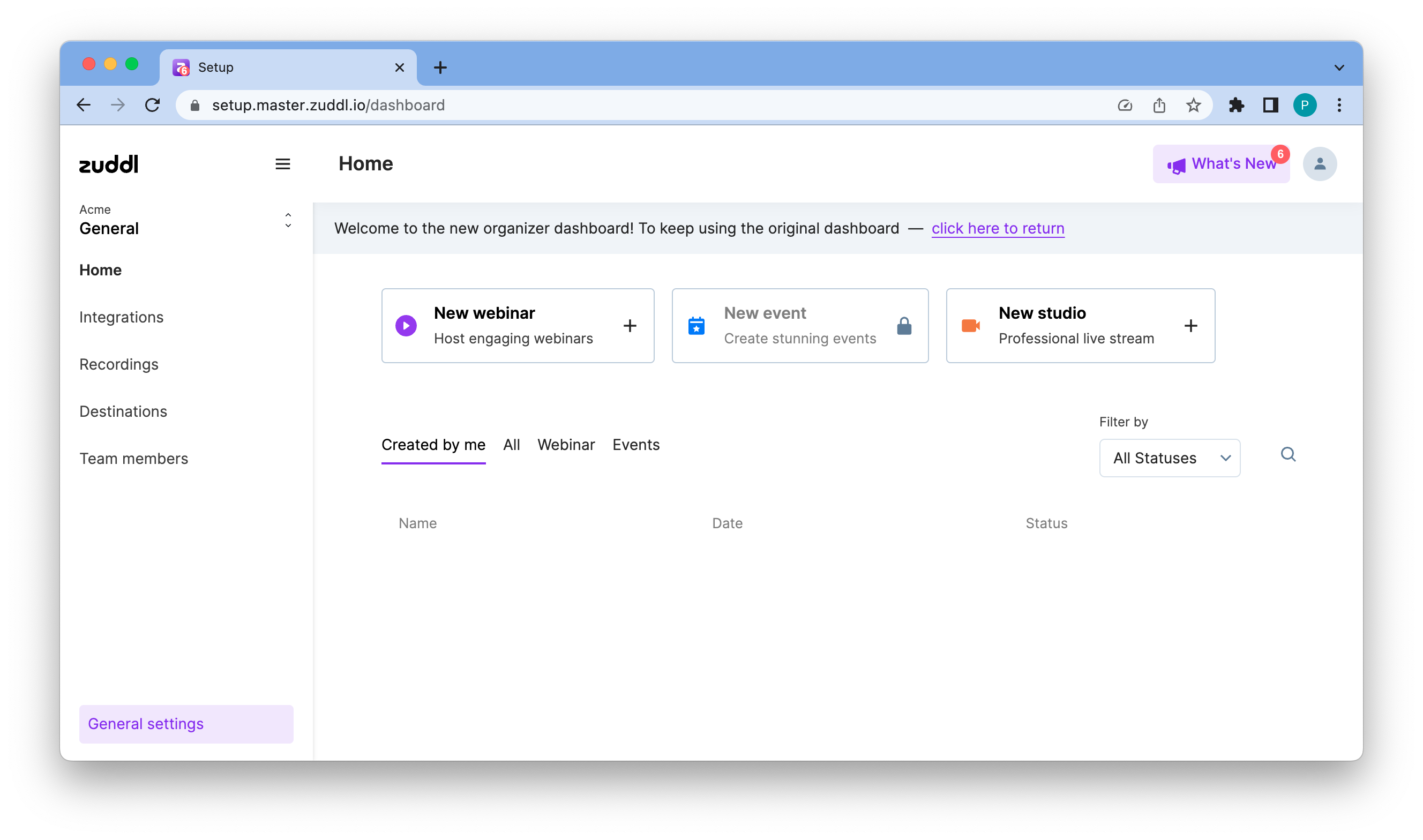
New Account Form.png Enter the verification code in the required field. This authenticates your account and you are directed to the webinar creation dashboard.
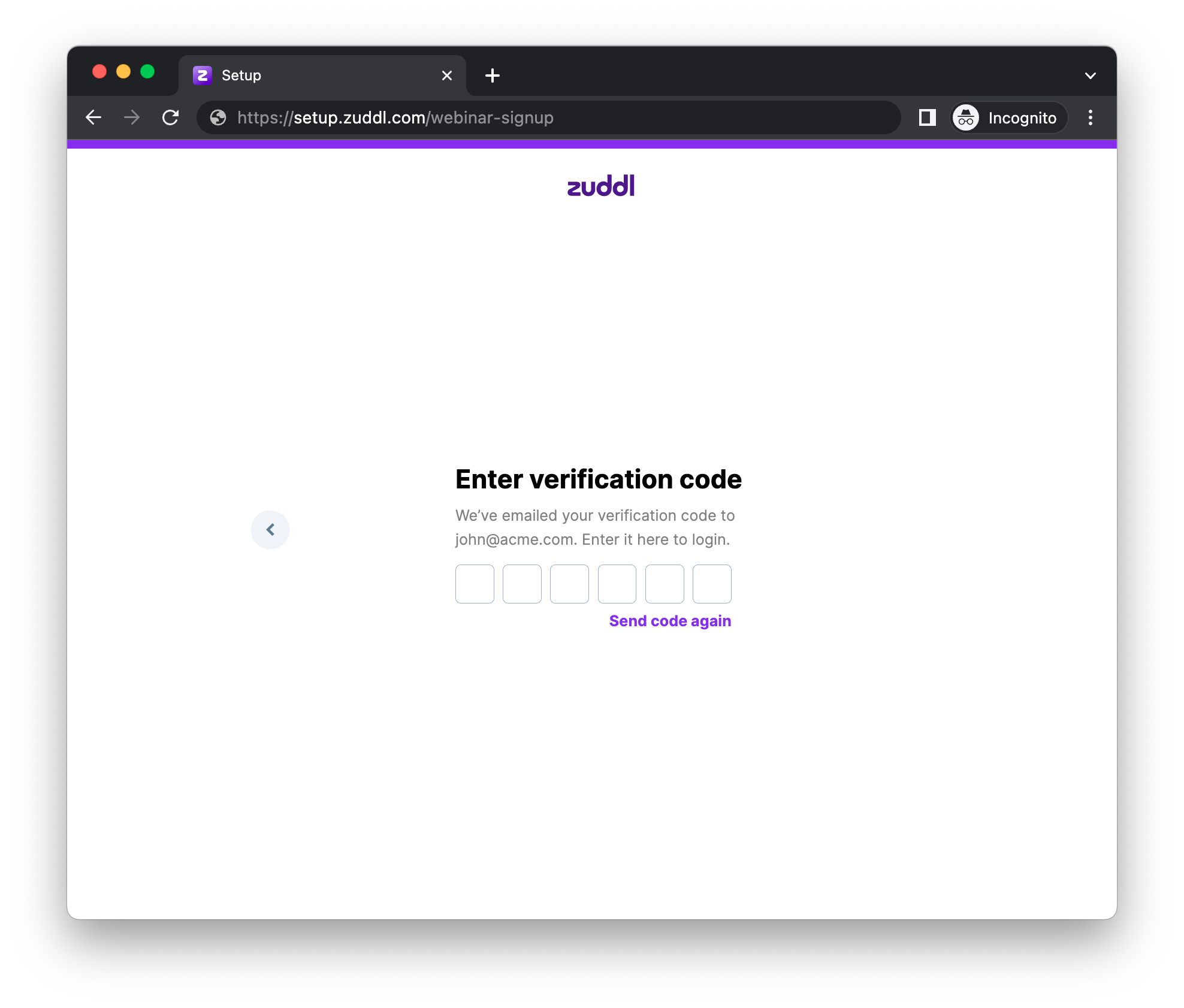
Verification Code.png The verification code is only valid for 15 minutes. If you didn't receive the code or if the code got expired, you can click on the Send code again link.
After you have successfully logged in, you would be taken through the checkout flow for the opted plan for Webinar or Events. Learn about the checkout flow for Webinars | Learn about the checkout flow for Events.
Note
The access to create an event or webinar will be based on your account subscriptions.