How to Create a Team in Zuddl
Last updated: March 10, 2026
An event is generally organized or managed by a group of individual and thus, allowing organizations to create a team to manage and setup an event eases out the task of event setup on organizer side. Only an owner or admin can create a team.
Teams must be created before adding members to account.
Adding members to account
To add members to your organization in Zuddl,
Login to your Zuddl dashboard.
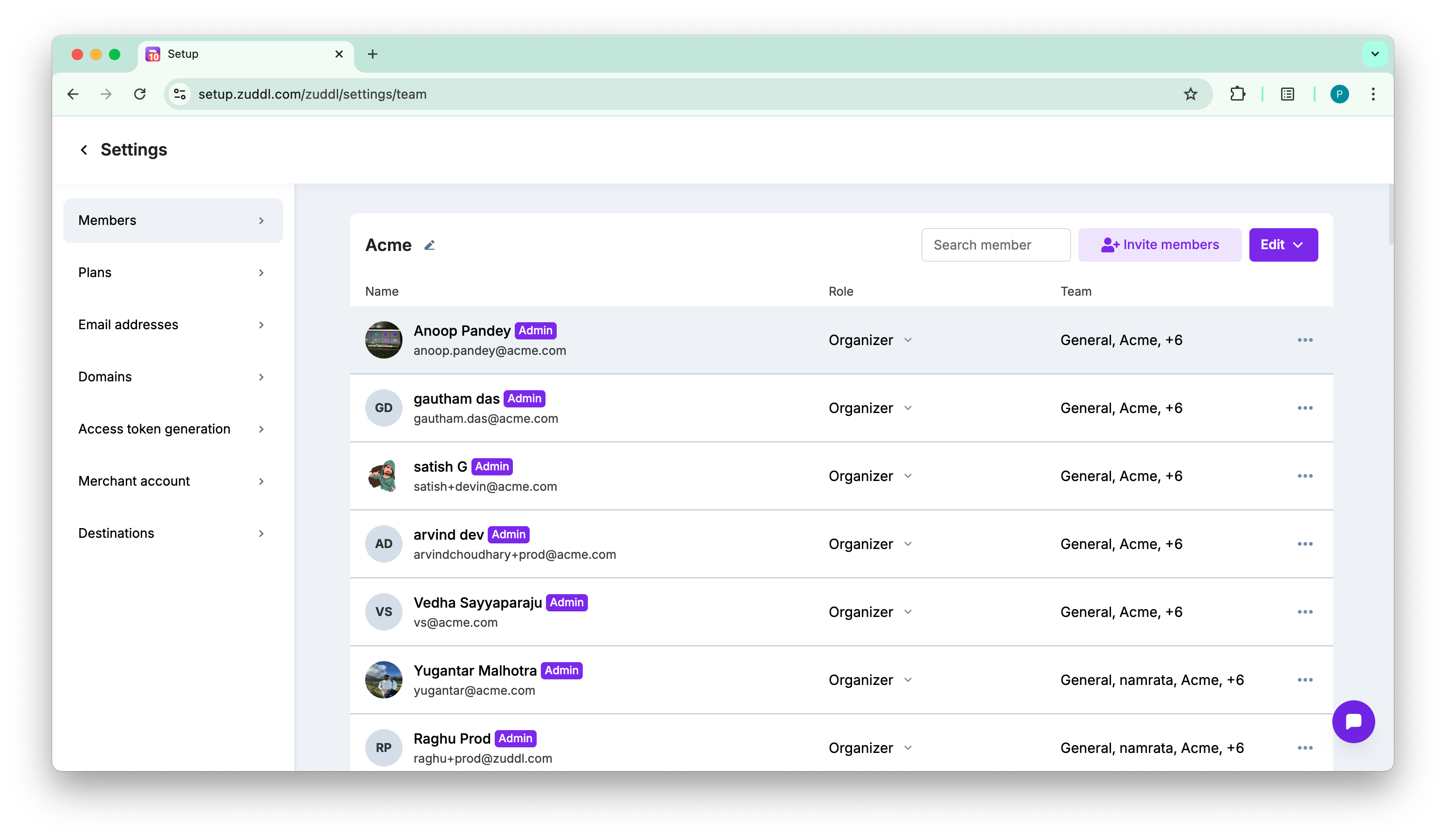
Go to General settings > Members.
On the member page, click Invite members button.
On the invite member form, enter
First name
Last name
Email address
Optional. Select the Teams from the dropdown list. - The teams within your in which the member would belong. Defaults is set to General.
You can select multiple teams for a role.
Optional. Choose a Role - Select a role for the member. Two roles are available: 'Organizer' and 'Moderator'.
You can change the roles from the later from the list also.
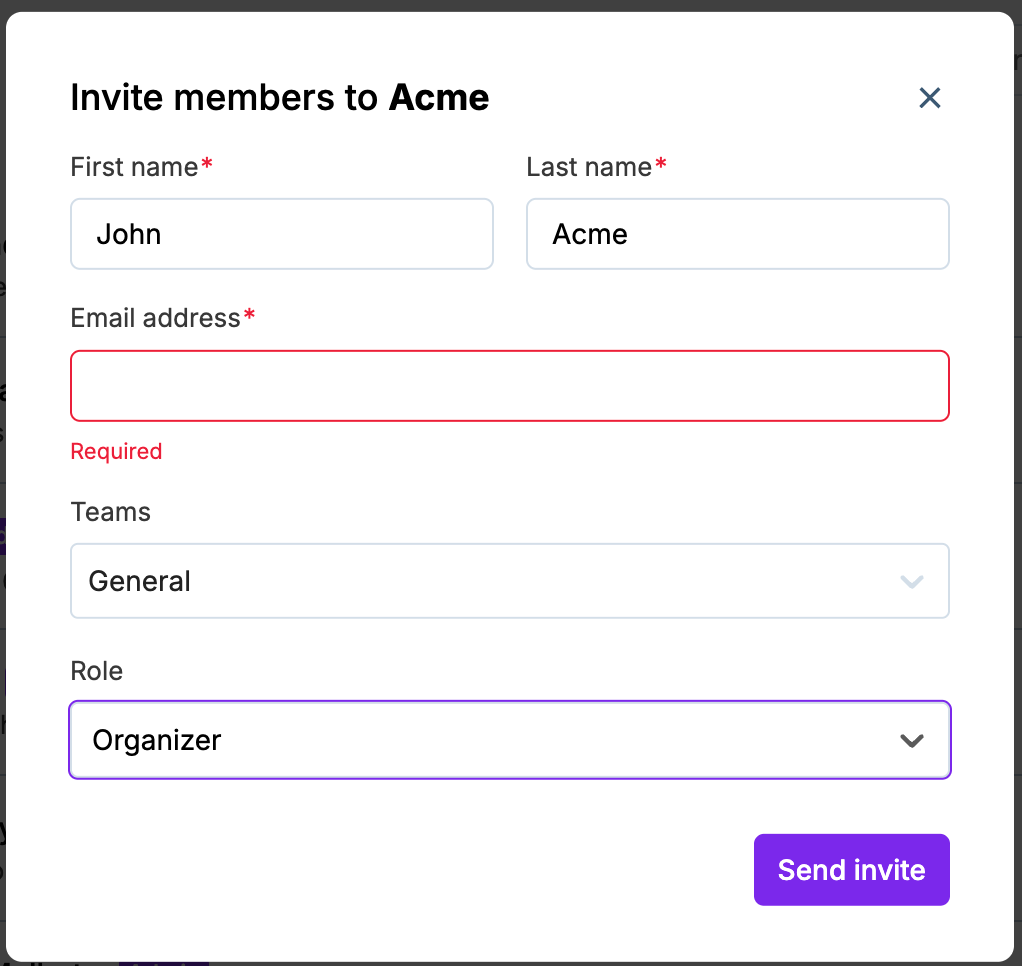
Click Send invite.
Other actions
Make admin/Remove as admin: Make any member as admin and remove them as admin.
Remove member: Remove a member from your Zuddl account.
Send a reminder: Send a reminder to accept team invite if the recipient has not responded to the invite.
Manage team access: Choose the teams which the member has access to
An owner can't be removed from any team
Role | Description |
Owner | The owner of the Zuddl account |
Admin | Super user of the Zuddl account. By default, admins have access to all events and teams. |
Organizer | Can access the event dashboard and make setting changes |
Moderator | Has limited access to the dashboard |
Create a team
You can create teams from the common dashboard. To create a new team:
Go to the common dashboard.
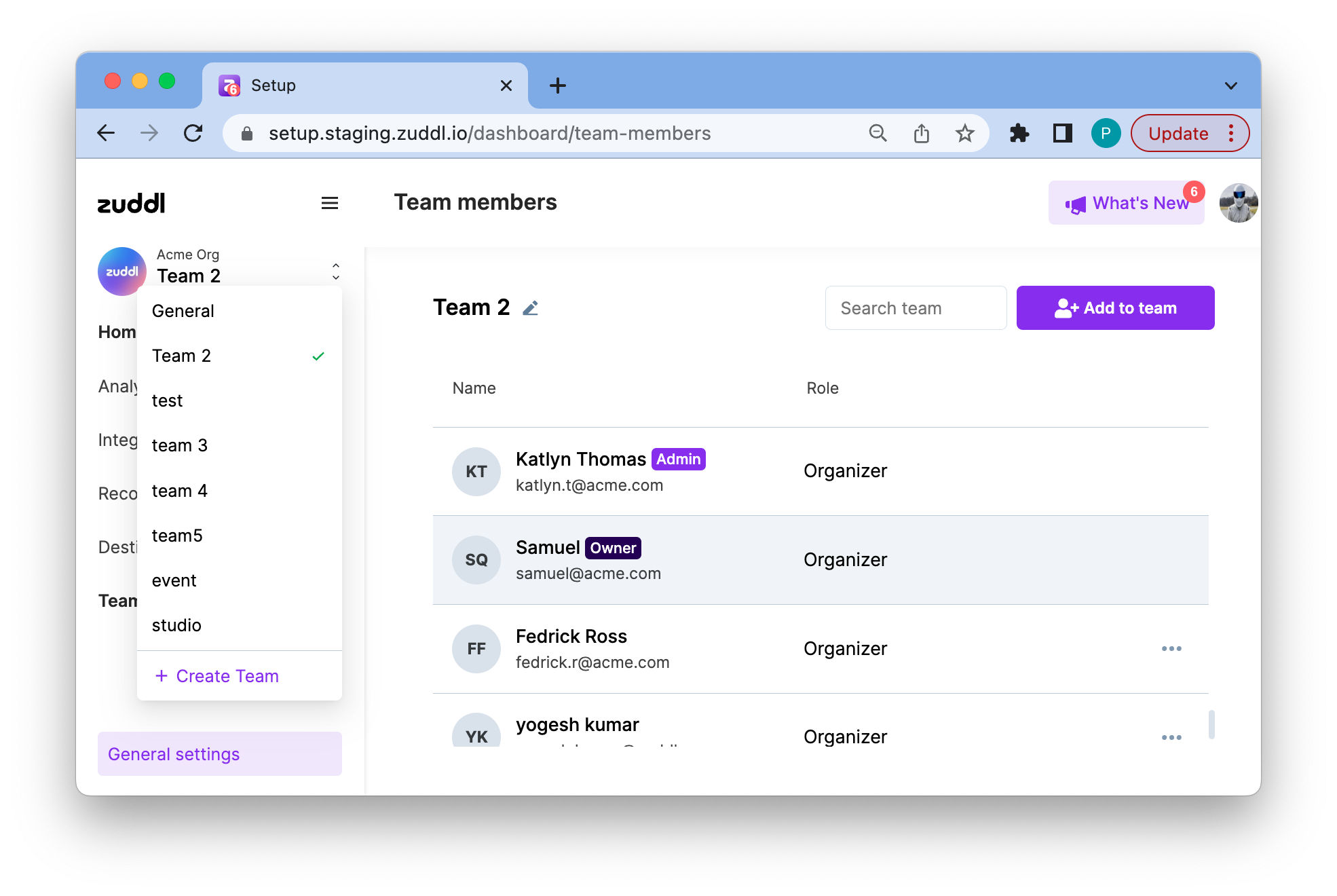
Click on the dropdown near your organization name.
Click on the Create Team button.
On the Create a Team form.
Enter a Team name, example "Marketing".
Select checkboxes on email addresses to add members to the team.
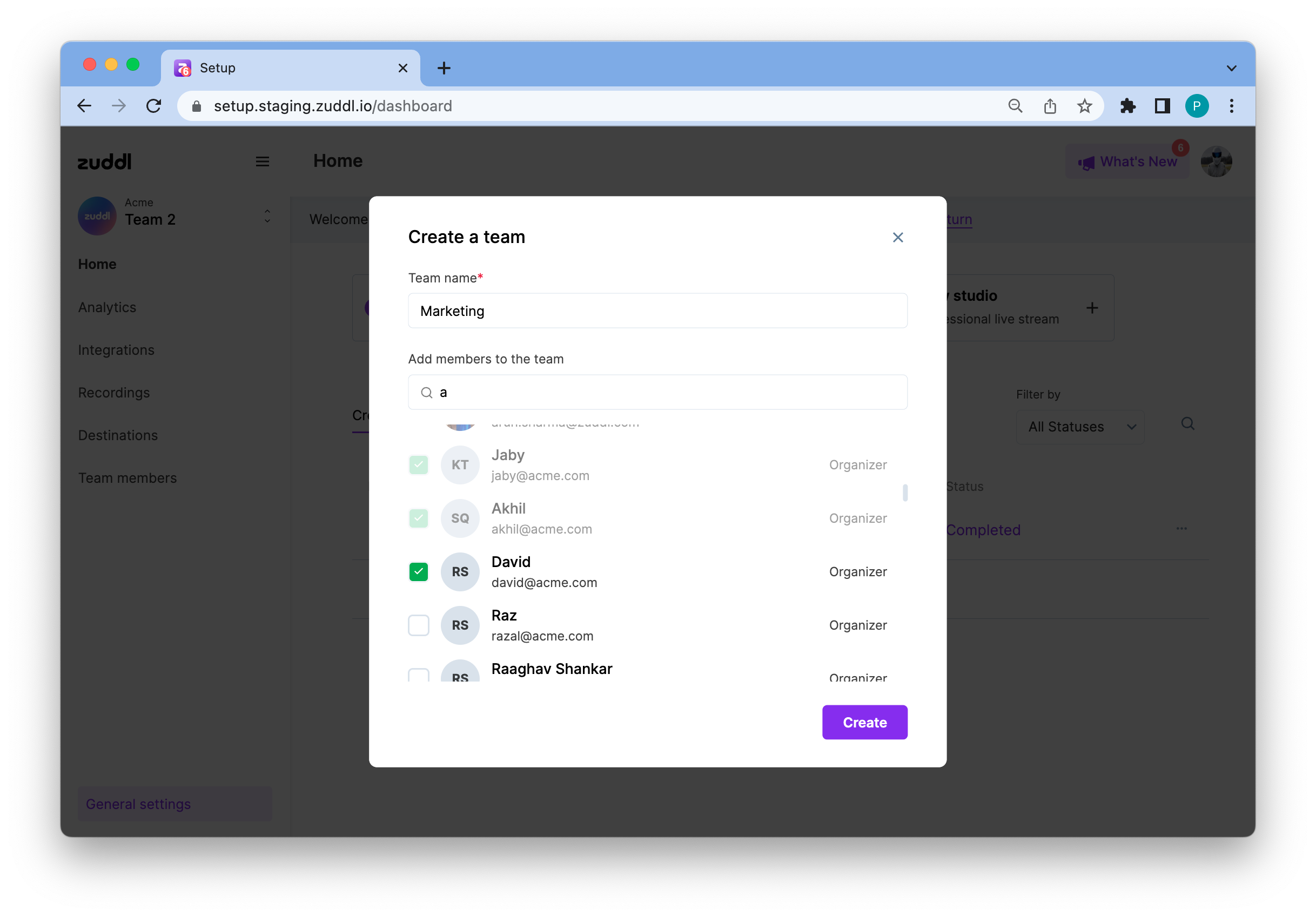
Click Create.
This successfully adds a user to your new team.
Note:
Only an owner/admin can create a team.
All admins and owners will be part of all the teams by default.